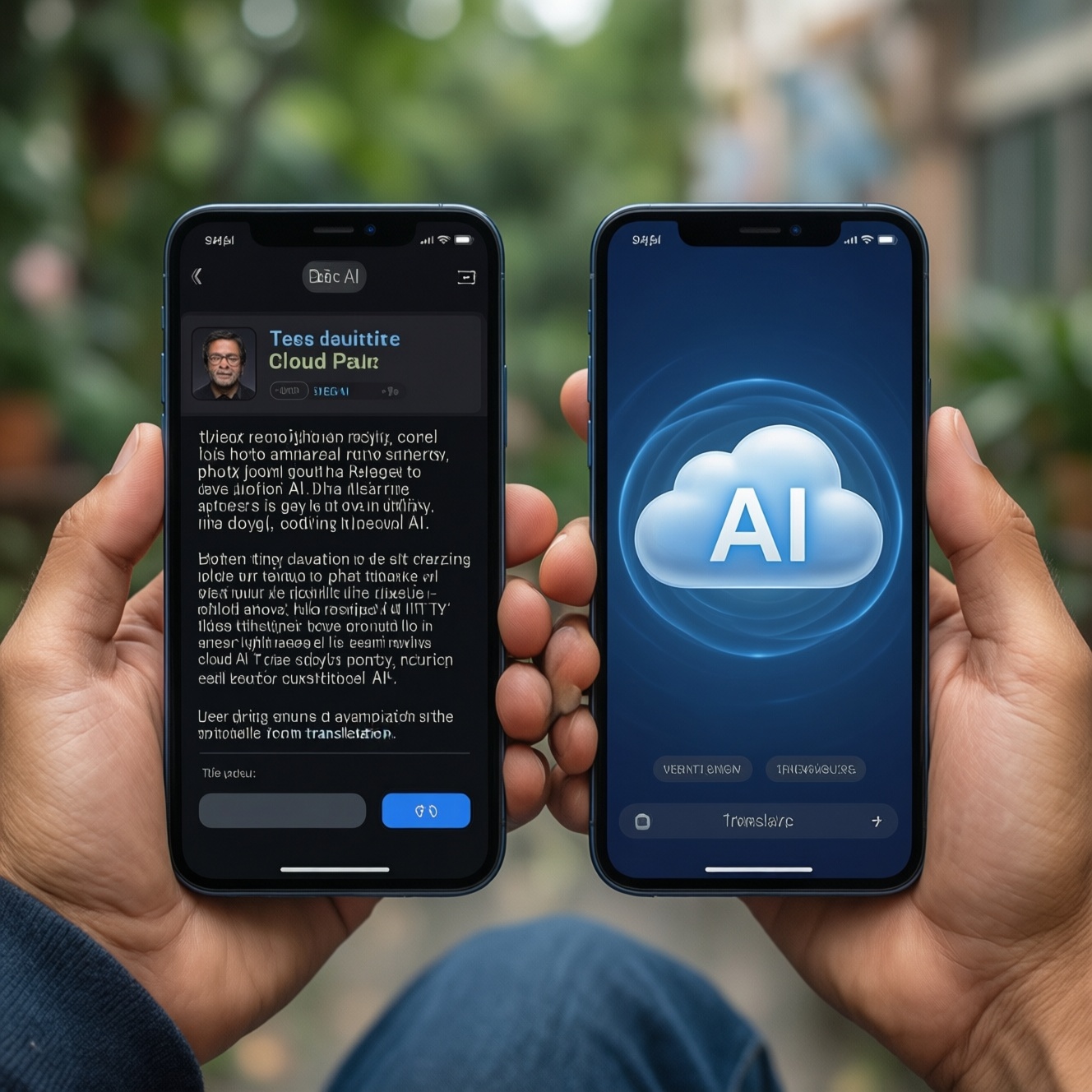
Mobile AI features are genuinely useful today, but they behave differently depending on whether they run on-device or in the cloud. For choosing the best option, evaluate each feature separately: summarization quality for your language and document types, object removal realism on your photo style, and real-time translation latency for your connectivity. Use persona-based needs to decide.
Practical snapshot: what mobile AI features reliably do today
- Summarize long pages, emails, and meeting notes into structured bullets, but can miss nuance, numbers, and attribution.
- Remove common photo distractions (people in background, wires, signs) convincingly when the background is simple and well-lit.
- Translate speech in near real time for travel and basic work conversations, but idioms and industry jargon remain weak spots.
- Workflows improve when the phone supports both on-device shortcuts and cloud "boost" modes for hard cases.
- Privacy and reliability are best with on-device processing; best "wow" results often come from cloud-assisted modes.
- Battery impact is usually driven by sustained camera use, live translation, and repeated regeneration attempts.
On-device vs cloud-powered workflows: performance and connectivity trade-offs
To decide what is "best" for you (including queries like มือถือ AI รุ่นไหนดี 2026), treat mobile AI as a workflow choice, not a brand choice. Use these criteria to shortlist phones and apps.
- Connectivity tolerance: Can your task succeed in airplane mode or rural Thailand, or do you always have stable data?
- Latency sensitivity: Real-time translation and live camera tools break quickly if responses are delayed.
- Privacy boundary: Are you processing confidential chats, client contracts, medical info, or unpublished photos?
- Language mix: Thai + English + regional accents (and code-switching) can change which mode works best.
- Input type: Clean text (emails) vs messy sources (screenshots, PDFs, camera scans, voice notes).
- Error tolerance: Are "good enough" summaries fine, or do mistakes create legal/financial risk?
- Editability: Do you need traceability (citations/quotes) or just a quick digest?
- Battery and heat behavior: On-device can be steadier, but sustained workloads may throttle on some devices.
- Cost model: Some best-in-class features depend on subscriptions or limited cloud credits.
Text summarization on mobile: fidelity, speed, and best-fit scenarios
If your priority is สมาร์ทโฟน AI สรุปข้อความได้ดีที่สุด, focus less on "AI phone" marketing and more on how the summarizer handles structure (headings, action items), numbers, and mixed Thai/English content.
| Variant | Who it fits | Pros | Cons | When to pick |
|---|---|---|---|---|
| On-device notes summarizer (system notes / offline model) | Journalist, compliance-minded teams, anyone summarizing sensitive interviews | Works offline; predictable latency; better privacy | Less capable on long/complex docs; weaker formatting and nuance | When you need fast, private "first-pass" summaries anywhere |
| Cloud LLM summarizer (assistant/chat-based) | Developer, analyst, students summarizing long reports | Best at structure, rewrite styles, and extracting action items | Depends on connectivity; privacy review needed; can hallucinate details | When you can verify outputs and want maximum quality |
| Browser/reader "page summary" | Traveler, busy professionals scanning news, hotel policies, itineraries | One-tap summaries; good for web articles | Weak with paywalls, dynamic pages, and deep technical docs | When your input is mostly web content and you need speed |
| Meeting transcription + summary (voice-to-text then summarize) | Project managers, journalists, field researchers | Turns speech into minutes; can extract decisions and next steps | Accent/noise issues; diarization errors; requires permissions and storage | When the raw source is audio and you want searchable notes |
| Screenshot/PDF summarizer (OCR then summarize) | Traveler (tickets), ops teams (receipts), anyone dealing with scans | Works on "image text"; helpful for receipts and forms | OCR mistakes propagate; tables and small fonts often break | When you routinely capture documents via camera or screenshots |
| Messaging app thread recap | Teams coordinating in chats; group trip planning | Fast catch-up; highlights key decisions | May miss context; privacy depends on platform; unclear attribution | When you need "what did we decide?" from long chat threads |
- Traveler: prioritize page summaries + screenshot/PDF summarizer; require offline fallback for airports and trains.
- Journalist: prioritize transcription + on-device summaries; keep a verification habit (timestamps, quoted segments).
- Developer/analyst: prioritize cloud LLM summarizer for long technical docs; enforce "ask for sources from the text" prompts.
- Sales/CS: prioritize messaging recap + translation; set rules for confidential customer data.
Object removal in photos and video: techniques, common artifacts, and fixes
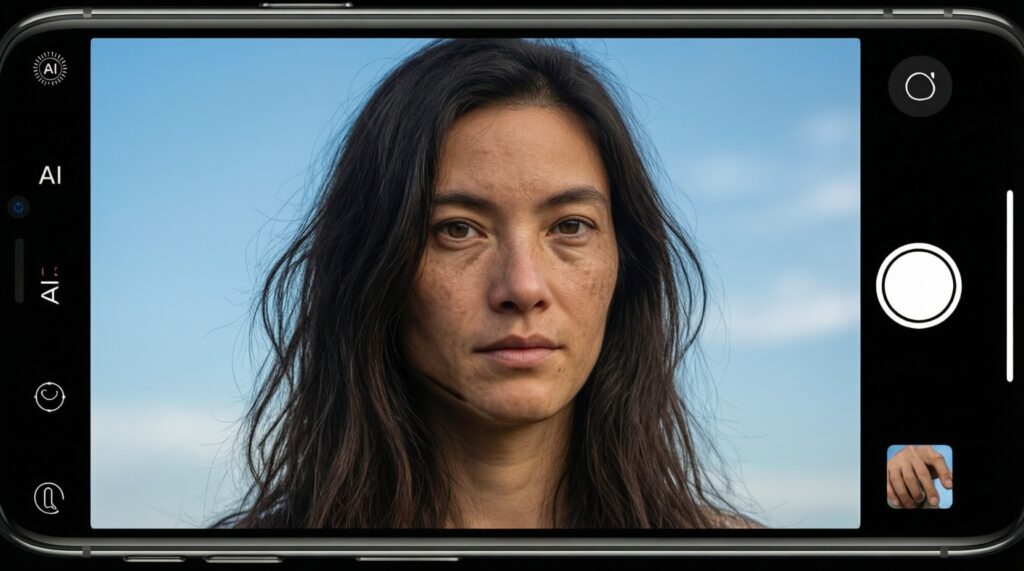
For people searching มือถือ AI ลบวัตถุออกจากรูปได้เนียน, the practical reality is: results depend more on scene geometry and texture than on megapixels. Use "if...then..." rules and expect a second attempt when backgrounds are complex.
- If the background is simple (sky, wall, sand, blurred bokeh), then object removal is usually clean on-device; use a tighter mask and avoid selecting shadows.
- If the removed object overlaps edges (building lines, rails, text signage), then expect warping; switch to a smaller selection, do multiple passes, and crop to reduce visible straight lines.
- If the scene has repeating textures (tiles, brick, grass), then artifacts often look like "smears" or pattern breaks; try alternate fills (regenerate) and remove in small segments.
- If there are reflections (glass, water, glossy cars), then the model may invent inconsistent highlights; choose a cloud-enhanced mode if available and keep the original for comparison.
- If the subject is moving video, then prioritize tools that support temporal consistency; otherwise you'll see flicker frame-to-frame-reduce clip length and stabilize first.
- If the object casts a strong shadow, then remove the object and shadow separately; leaving the shadow often looks more natural than "perfectly clean" ground.
What "good" looks like for different personas
- Traveler: remove background strangers at temples/markets; accept small texture errors if the photo is for social sharing.
- Journalist: be careful-removal can be an editorial ethics issue; use it for harmless distractions only and keep originals.
- Developer/creator: use removal for mockups and thumbnails; for product photos, verify brand logos and edges.
Real-time translation on the phone: latency, idiom handling, and use limitations
If you're asking มือถือ AI แปลภาษาแบบเรียลไทม์ รุ่นไหนดี, the best choice is the one that stays usable under your real conditions: noise, accents, unstable signal, and mixed-language sentences. Use this quick checklist to pick the right translation setup.
- Decide your mode: conversation (two-way), interpreter (long turns), or camera translation (menus/signs).
- Set your connectivity plan: ensure an offline language pack exists for your key languages if you travel often.
- Test latency in a noisy place: BTS/MRT platforms, markets, or cafés; if you can't keep turn-taking natural, choose a faster/on-device mode.
- Check code-switch handling: speak mixed Thai/English and see if it preserves names, addresses, and numbers.
- Confirm terminology control: for work, you need custom terms or at least the ability to "pin" proper nouns.
- Verify privacy behavior: know whether audio is uploaded, stored, or used for training; choose on-device where required.
- Plan a fallback: keep text-based translation ready when speech fails (bad mic, loud environment, masks).
Field comparison: how summarization, object removal and translation behave in travel, journalism, and messaging
Most "best option" mistakes happen when people assume one AI feature predicts all the others. Avoid these common selection errors, especially if you're also hunting ซื้อโทรศัพท์ AI ราคาดี โปรโมชั่น and might compromise on the wrong trade-off.
- Testing only on demo prompts: your real Thai/English mix, PDFs, and chat threads behave differently.
- Ignoring offline needs: translation and summaries can fail at airports, islands, or inside concrete buildings.
- Assuming "bigger model = better": for real-time translation, stability and latency often matter more than maximum quality.
- Using summaries as truth: summarizers can drop qualifiers (dates, "not", conditions). Always spot-check against the source.
- Expecting perfect object removal on complex scenes: fences, hair, and reflections are the fastest way to disappointment.
- For journalism, mixing editing with verification: do not rely on AI to quote accurately unless you keep timestamps and original audio/text.
- For travel, forgetting camera translation limits: stylized fonts and low light cause misreads; switch to manual text input when needed.
- For messaging, missing attribution: thread recaps may merge different speakers; confirm who agreed to what.
Operational constraints: privacy, battery, storage, and user experience implications
Best fit usually looks like this: for a traveler, pick a phone/app stack with reliable offline translation and quick screenshot/PDF summarization; for a journalist, prioritize on-device workflows and controllable transcription storage; for a developer/analyst, a cloud-capable assistant gives the strongest summarization when you can verify; for messaging-heavy teams, choose consistent recap tools and clear privacy settings rather than chasing specs alone.
Direct answers to recurring practical concerns
Can I trust mobile AI summaries for contracts or legal text?
Use them only as a reading aid. Always verify clauses, numbers, and exceptions against the original document.
Why does object removal sometimes look "melted" or smeared?
It usually happens on repeating textures, fine patterns, or edge-heavy geometry. Remove in smaller sections and avoid selecting shadows and straight lines in one pass.
Is real-time translation usable in loud places like markets or train stations?
It can be, but latency and speech recognition errors rise sharply with noise. Keep a text-translation fallback and consider offline packs to reduce delays.
Which matters more for these AI features: CPU/GPU power or connectivity?
Connectivity dominates cloud modes, while sustained performance and thermals matter for on-device modes. For translation, low-latency stability matters more than peak power.
How do I evaluate "มือถือ AI รุ่นไหนดี 2026" without chasing brand hype?
Bring your own test set: a PDF/screenshot, a long chat thread, a tricky photo, and a bilingual voice sample. Choose the device that stays consistent in your conditions, not the best demo result.
Do promotions change what is "best value" when I "ซื้อโทรศัพท์ AI ราคาดี โปรโมชั่น"?
Yes-value shifts if a promotion bundles cloud credits, storage, or premium AI features. Just confirm whether key features work offline and whether subscriptions are required later.