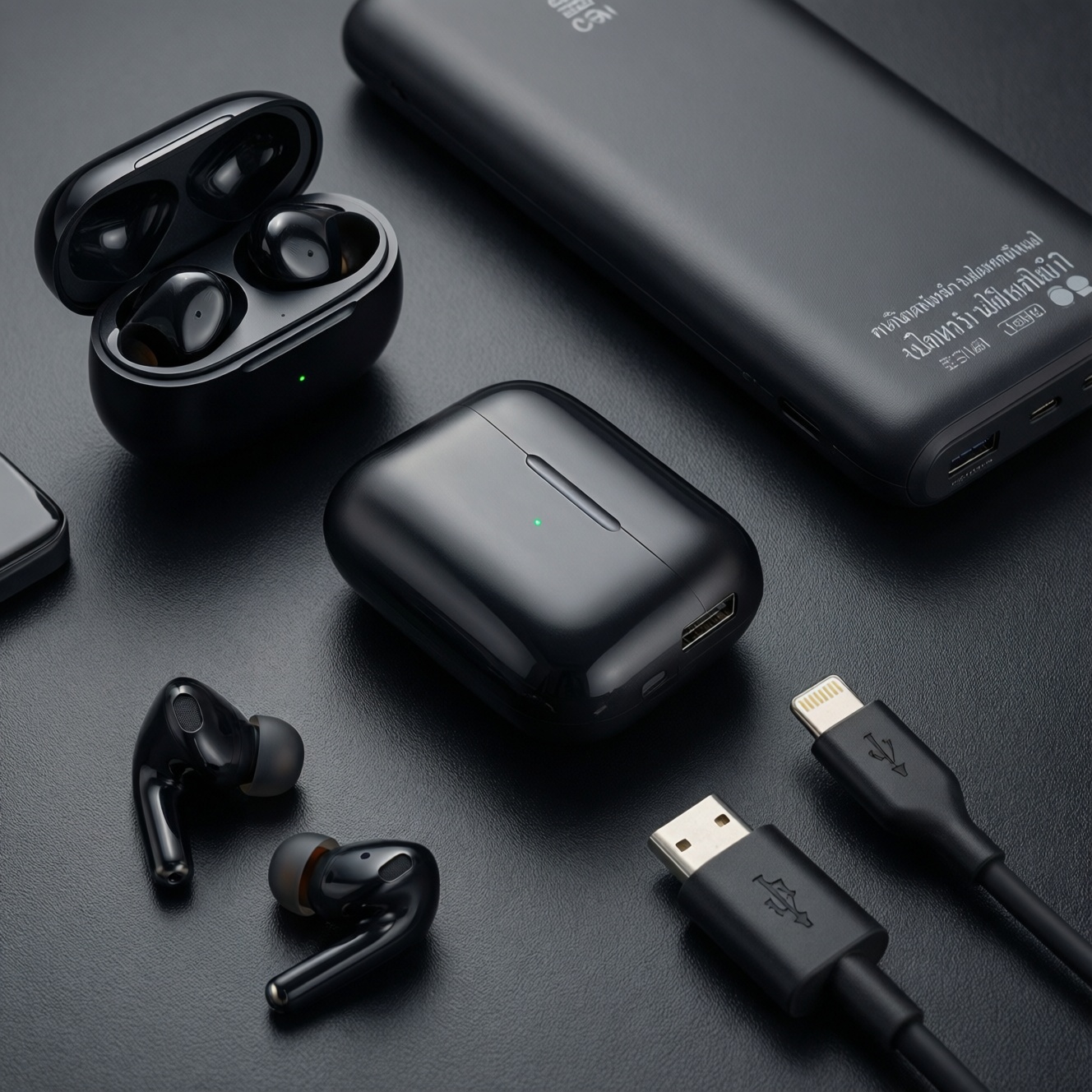
If you want the best value accessory stack in Thailand, pick based on use-case: (1) TWS earbuds that fit your ears and support the codecs/features your phone actually uses, (2) a multi-port GaN wall charger with real safety protections, (3) a power bank with the right output profiles, and (4) USB‑C cables matched to PD requirements-not just "fast charge" labels.
Executive summary for purchase decisions
- Start with compatibility: your phone's charging protocol and your earbuds' codec/multipoint needs drive everything else.
- For TWS, fit and call quality usually matter more than specs; prioritize stable seal, mic performance, and low-latency mode for games.
- Choose a GaN charger when you want compact multi-port charging; choose a classic larger charger when heat management is your priority.
- For power banks, outputs (PD/PPS profiles) and protections matter more than the label on the capacity.
- For USB‑C cables, "data/charging" and "power rating" are different; buy the cable that matches your highest-wattage device.
- Build by persona: commuters optimize portability; remote workers optimize desk stability; travelers optimize universal charging; gamers optimize latency and stable power.
Must-have accessories: scope and priorities
Before comparing models, lock your criteria. These are the most useful filters for intermediate buyers who already know basic specs.
- Protocol match: USB Power Delivery (PD), PPS support (for some phones), and vendor fast-charge (where applicable).
- Port layout: single USB‑C vs multi-port; whether you need simultaneous laptop + phone + earbuds charging.
- Thermal behavior: smaller chargers run warmer; look for conservative design and reputable protection claims.
- Protection set: over-current/over-voltage/over-temperature, short-circuit, and good cable strain relief.
- Real-world ergonomics: plug orientation, blockiness on crowded power strips, pocketability, case size of TWS.
- Battery strategy: TWS case habits + your day length; power bank as "top-up" vs "all-day power."
- Audio priorities: tuning (bass vs balanced), passive isolation, ANC/transparency usefulness in Bangkok transit.
- Latency sensitivity: gaming/video calls; stable low-latency mode matters more than theoretical codec lists.
- Service/warranty in TH: local warranty process and easy returns reduce risk on wear items (earbuds, cables).
Choosing TWS earbuds: sound profile, latency, battery, and fit
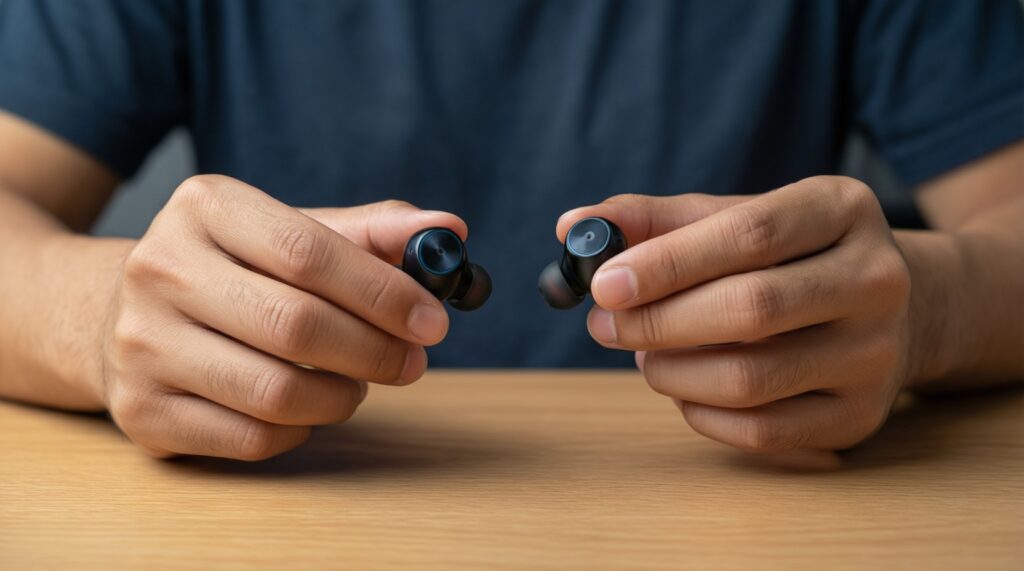
When people ask หูฟัง TWS รุ่นไหนดี, the practical answer is: pick the category that matches your ears and your daily environment. "Best" changes with fit, mic needs, and whether you commute, work remotely, travel, or game.
| Option | Who it fits | Pros | Cons | When to choose |
|---|---|---|---|---|
| Budget "daily driver" TWS (no ANC) | Students, casual listening, backup pair | Lightweight; simpler controls; usually fewer connectivity quirks | Less isolation on BTS/MRT; mic can be inconsistent outdoors | If your priority is low cost and stable basics; typical target for หูฟัง TWS ราคาไม่เกิน 1000 |
| ANC-focused commuter TWS | Bangkok commuters, café workers | Better low-frequency noise reduction; improved transparency for street awareness | ANC changes tuning; wind noise handling varies a lot | If you ride trains daily and want less fatigue at moderate volume |
| Call-quality first TWS (beamforming mic focus) | Remote workers, frequent calls | Clearer voice pickup indoors; better echo handling in meetings | Can sound "less fun" for music; may emphasize midrange | If you take calls in mixed environments and want fewer "can you repeat?" moments |
| Low-latency/gaming TWS | Mobile gamers, short-form video creators | Lower perceived delay in supported modes; responsive touch mapping | Gaming mode can reduce audio quality or battery; not always works with every app | If timing matters (rhythm/FPS games) and you can accept trade-offs |
| Multipoint + ecosystem-friendly TWS | People switching between phone/tablet/laptop | Faster device switching; fewer pairing hassles | Multipoint stability varies; can be pricey relative to sound gains | If you work across devices and hate re-pairing during the day |
| Sport/secure-fit TWS (wings/hooks) | Runners, gym users | More secure during sweat/movement; consistent seal | Bulkier case; comfort depends on ear shape | If fit is your #1 problem and earbuds fall out |
Quick-pick box: how to decide in 3 checks
- Fit test: can you get a stable seal for 10 minutes without pressure points?
- Call test: record a voice note in a noisy street; listen for pumping, clipping, and wind handling.
- Latency test: watch dialogue video + a simple tapping game; if you notice mismatch, prioritize low-latency mode.
Pros/cons by TWS price tier (practical)
- Budget: great for basics and backups; weakest for mic/ANC consistency.
- Mid-tier: best "value ceiling" for most users; improvements feel real in calls, ANC, and comfort.
- Upper-tier: pay for refinement (mics, transparency, switching) more than raw loudness.
Wall chargers and GaN: speed, safety features, and portability trade-offs
When you search ที่ชาร์จเร็ว GaN ยี่ห้อไหนดี, translate it into requirements: what devices, how many ports at once, and whether you need PPS. Use these scenario rules to avoid overbuying or underpowering.
- If you charge a phone + earbuds daily from one outlet, then pick a compact dual-port (USB‑C + USB‑A or dual USB‑C) with conservative thermal design.
- If you charge a laptop and phone together, then pick a multi-port charger that can prioritize USB‑C power without collapsing other ports.
- If your phone benefits from PPS (common for some fast-charge implementations), then choose a PD charger that explicitly supports PPS-otherwise you may only get standard PD behavior.
- If you travel and face varied hotel sockets/power strips, then prefer a narrower body, foldable prongs (where available), and a layout that doesn't block adjacent outlets.
- If you notice chargers getting very hot in Thai weather, then downsize expectations: fewer ports at once, more airflow, and avoid charging under pillows/bags.
Quick-pick box: charger features worth paying for
- Clear PD/PPS labeling (not vague "fast charge" branding)
- Multi-protection claims (OVP/OCP/OTP/SCP) and a reputable warranty channel in Thailand
- Port behavior transparency (which port is priority when multiple devices are connected)
Power banks in practice: true capacity, pass-through, and real-world discharge
For พาวเวอร์แบงก์ ยี่ห้อไหนดี, ignore marketing first and run a quick selection algorithm focused on outputs, protections, and how you charge during the day.
- List your devices (phone/tablet/laptop/handheld console) and identify the highest power you need over USB‑C.
- Confirm output protocols: PD is the baseline; add PPS if your phone benefits from it.
- Decide "top-up" vs "workhorse": pocket power banks favor portability; bag power banks favor more ports and stability.
- Check port mix: at least one USB‑C that can both charge in and charge out; avoid USB‑A-only designs for modern setups.
- Validate protections and heat behavior: avoid using pass-through unless the manufacturer explicitly supports it and you can keep it ventilated.
- Look for practical indicators: a precise battery indicator (not only 4 LEDs) and a button that reliably toggles low-current mode for earbuds.
- Plan your cable strategy: the power bank is only as "fast" as the USB‑C cable you pair with it.
Charging cables compared: materials, protocols (PD, QC), and durability tests
Most "bad fast charging" problems are cable problems. If you're comparing สายชาร์จ USB-C แท้ ราคา, focus on verified power rating, connector build, and strain relief rather than cosmetics.
- Buying the wrong power rating: a basic USB‑C cable may charge fine at low power but bottleneck higher-power charging.
- Assuming all USB‑C cables are the same: USB‑C is a connector type; capabilities differ by internal wiring and e-marker support.
- Confusing data and power: some cables are charge-only; others support high-speed data-buy what you actually need.
- Overpaying for "rugged" without strain relief: thick braid looks durable, but the weak point is usually at the connector neck.
- Using long cables carelessly: longer runs can be less stable for fast charging; keep a short cable for high-power use and a longer one for convenience.
- Mixing unknown adapters: USB‑A to USB‑C + legacy chargers can trigger slower modes or unstable charging.
- Ignoring heat as a signal: warm is normal; hot connectors or intermittent charging suggests poor cable/connector quality.
- Not matching to your charger/power bank: the safest setup is a known PD charger + PD-capable cable + device that negotiates correctly.
Quick-pick box: cable buying rules that prevent 80% of issues
- Buy at least one short, higher-rated USB‑C to USB‑C cable for your fastest charger.
- Keep one longer cable for desk/bed use where speed is less critical.
- Retire cables with loose USB‑C fit, bent shells, or flickering charge behavior.
Persona-based buying matrix: commuters, remote workers, travelers, and gamers
Commuters: best fit is ANC-focused TWS + compact dual-port GaN charger + slim USB‑C cable to reduce pocket bulk. Remote workers: best fit is call-quality-first TWS + multi-port desk charger + a dependable short PD cable. Travelers: best fit is multipoint TWS + narrow multi-port GaN + a power bank that supports your phone's PD/PPS profile. Gamers: best fit is low-latency TWS + stable charger/power bank pairing to avoid performance dips during long sessions.
Common buyer uncertainties clarified
Is GaN always better than a traditional charger?
No. GaN often helps size and multi-port designs, but a well-designed traditional charger can run cooler for single-device charging.
Do I need PPS on my wall charger or power bank?
Only if your phone benefits from PPS for its fastest or most stable charging. If you're unsure, PD alone is usually the safe baseline.
Why do my earbuds charge slowly from some power banks?
Some power banks don't maintain low-current output reliably or shut off early. Use a low-current mode if available and a good-quality short cable.
Can one USB‑C cable handle everything I own?
Sometimes, but not reliably. Keep at least one higher-rated USB‑C to USB‑C cable for fast charging and a second cable for convenience/backup.
What should I prioritize for "หูฟัง TWS ราคาไม่เกิน 1000"?
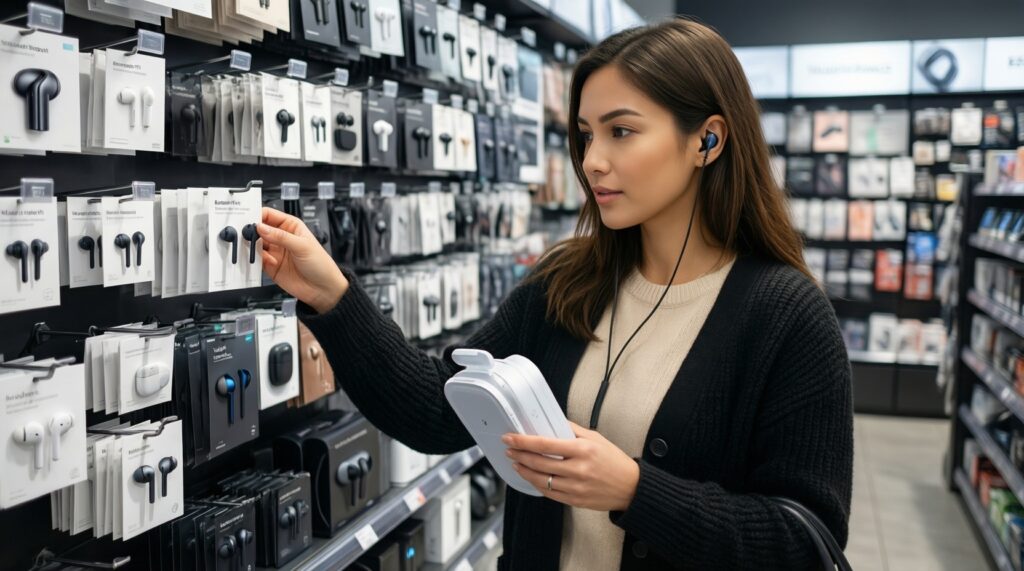
Fit, stable connection, and acceptable mic quality matter most at that budget. Treat ANC claims skeptically and focus on comfort and return policy.
How do I avoid fake or misleading "สายชาร์จ USB-C แท้ ราคา" listings?
Buy from reputable sellers with clear specs (power rating, protocol support) and predictable warranty/returns. Avoid listings that only say "fast charge" with no technical detail.