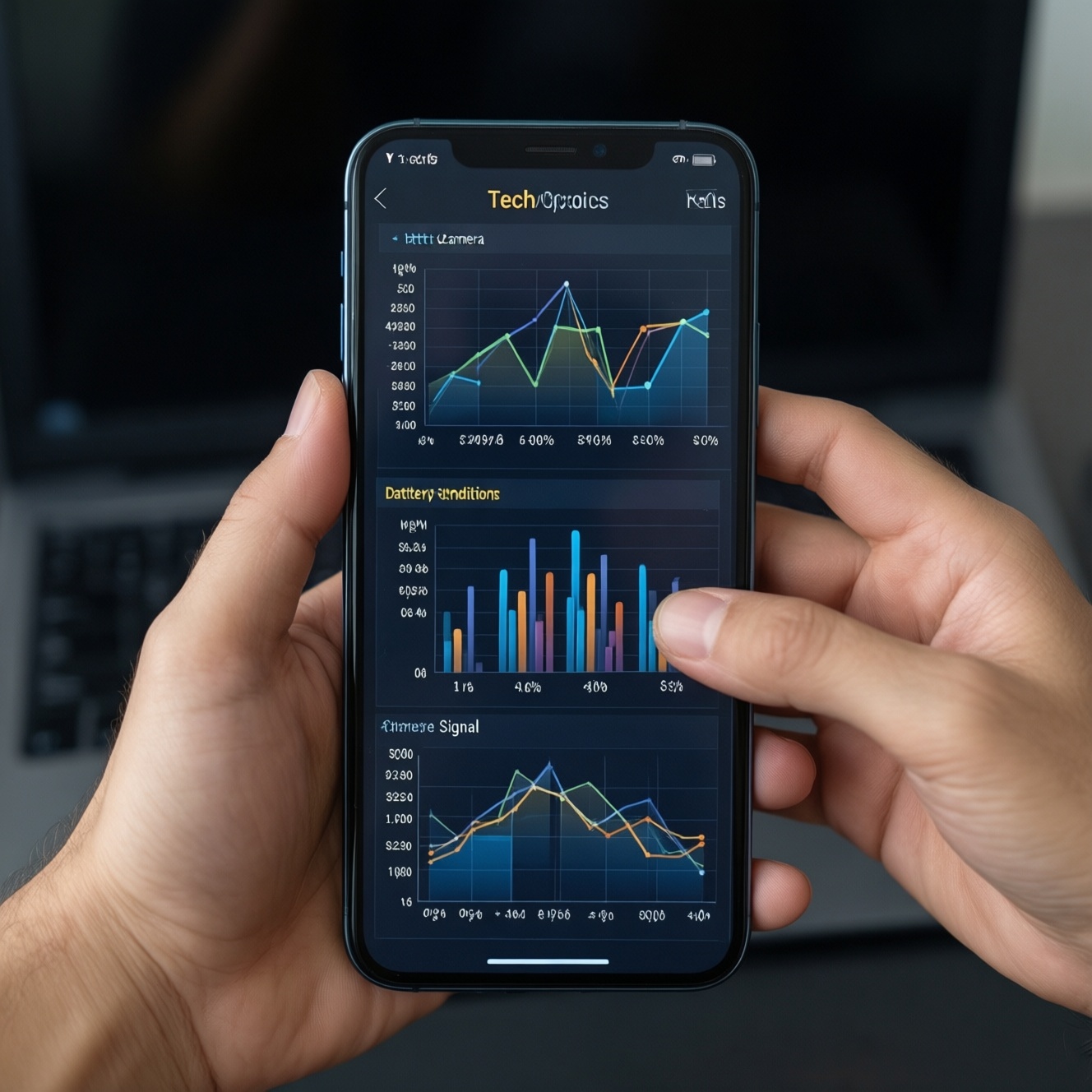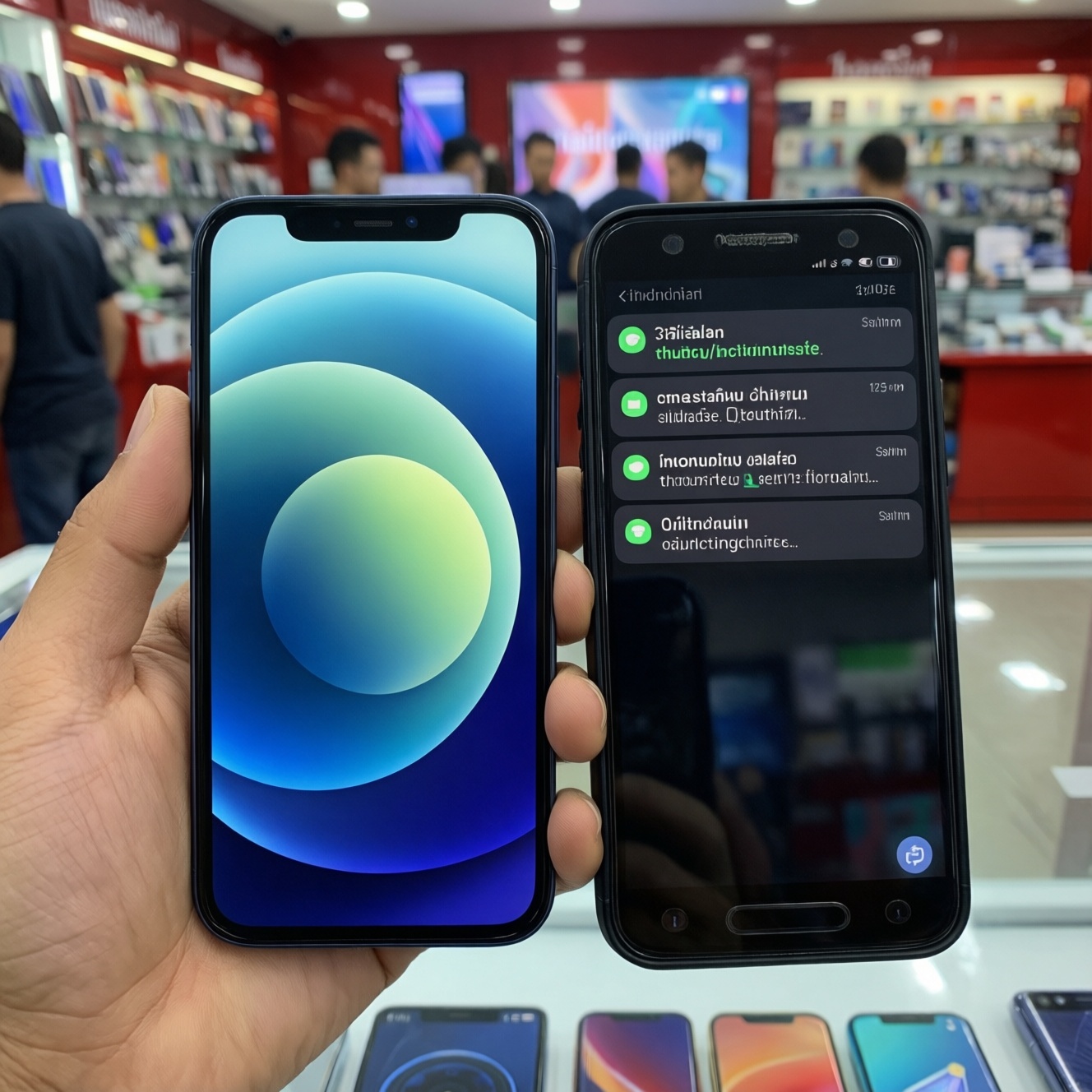
If your priority is long-term smoothness and predictable updates in Thailand, iOS (iPhone) is usually the safer bet because software, chips, and rollout are controlled by one vendor. Android can match or beat iOS for day-one speed, but long-term consistency depends heavily on brand policy, skin heaviness, and how fast updates actually reach your model.
Performance and update snapshot for quick decisions
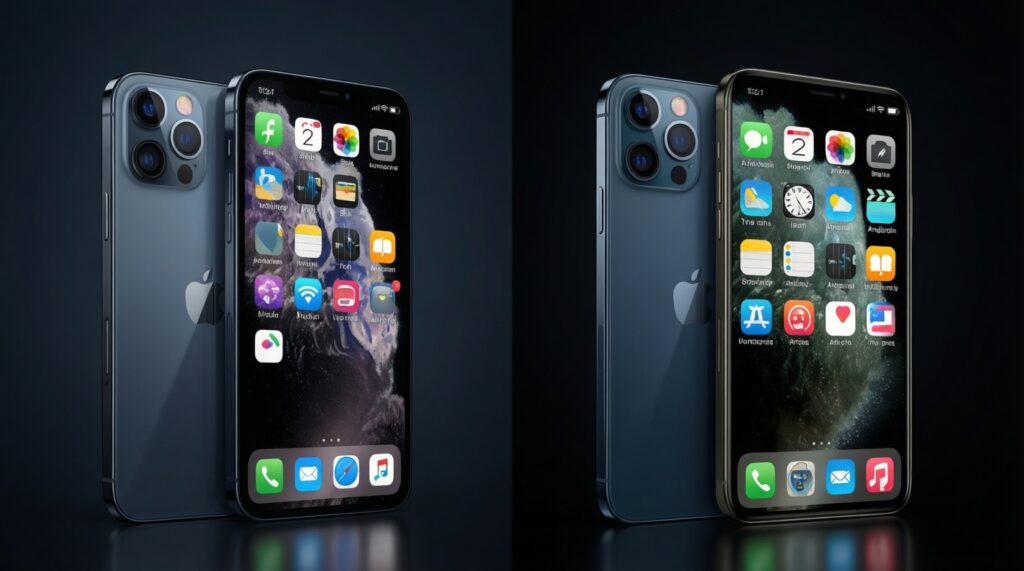
- iPhone (iOS) is the most consistent for "feels smooth" over time because app behavior, animations, and background limits are tightly controlled.
- Android smoothness varies more by skin (One UI, Pixel UI, HyperOS, etc.) than by Android itself.
- Update quality matters as much as update length: fast rollout + few bugs beats "long promise, late delivery."
- For budget buyers, prioritize lighter software, proven midrange chips, and "security patches for years," not peak benchmark numbers.
- For gaming-heavy users, sustained performance (cooling + throttling behavior) decides whether the phone stays smooth after 1-2 years.
- If you're searching "มือถือเล่นลื่น อัปเดตยาว รุ่นไหนดี", shortlist by update cadence + RAM/storage quality before camera specs.
How OS architecture shapes perceived smoothness: iOS vs Android skins
Use these criteria to decide what will feel smoother for your usage (this is what people usually mean when asking "เปรียบเทียบ iPhone กับ Android รุ่นไหนดี"):
- Animation and UI scheduling: iOS tends to keep consistent animation timing; some Android skins add effects that can feel heavier on midrange hardware.
- Background app limits: iOS is strict by design; Android varies-some brands kill apps aggressively (saves battery, hurts notifications).
- Skin weight and preloads: Pixel-like builds are typically lighter; feature-heavy skins can add services you can't fully remove.
- Update integration: iOS updates are built for a narrow device set; Android updates must fit each brand's skin and drivers.
- App ecosystem behavior: In Thailand, banking, delivery, and social apps are optimized for both, but long-term smoothness depends on OS memory rules and storage health.
- Storage performance over time: Low-end storage (common in budget Android) can slow installs, loading, and app switching as the phone fills up.
- Thermal management: Hotter devices throttle more, which users interpret as "lag after updates."
- Consistency across units: iPhone is more uniform; Android ranges from near-flagship polish (e.g., Samsung/Pixel tier) to inconsistent budget lines.
Software update policies: manufacturer promises vs delivery record
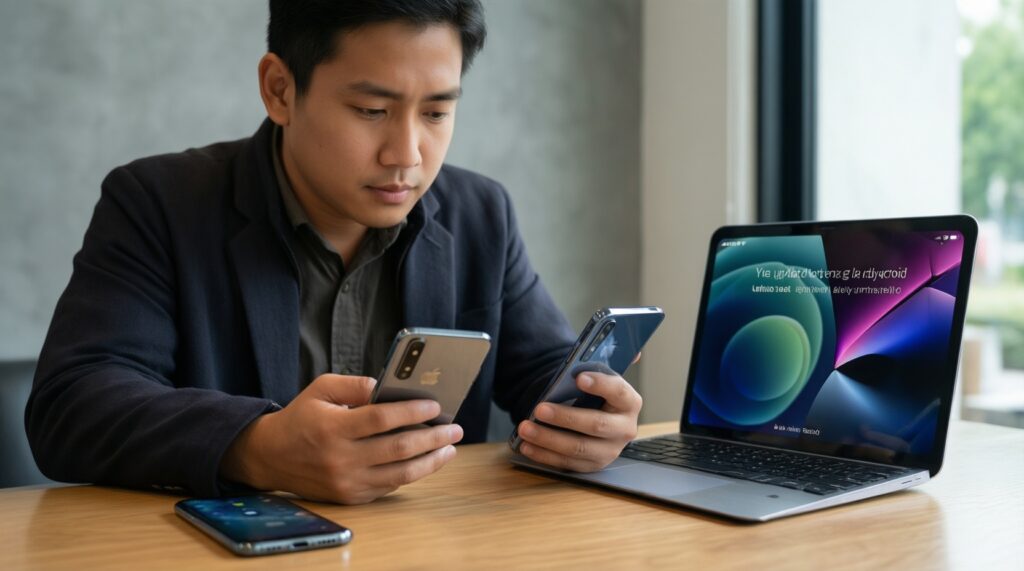
When deciding "ซื้อ iPhone หรือ Android ดี", separate three things: (1) how long updates are promised, (2) how fast they arrive to your exact model/region, and (3) whether the update improves stability or adds bugs. Below are practical options buyers in Thailand usually compare.
| Option | Who it fits | Pros | Cons | When to choose |
|---|---|---|---|---|
| iPhone (iOS) | People who want the most predictable updates and stable performance for many years | Single-vendor rollout; consistent UI performance; strong app support across generations | Higher upfront cost; less flexibility for customization | If you want the lowest update anxiety and you keep phones long-term (typical "iPhone รุ่นไหนดี 2026" shopper) |
| Google Pixel (clean Android) | Android users who prioritize fast, direct updates and a lighter UI | Usually faster Android version access; fewer duplicate services; smooth animations on supported hardware | Availability and after-sales experience can be less convenient depending on where you buy in Thailand | If you want iOS-like update cadence while staying on Android |
| Samsung Galaxy (One UI) | Users who want long support plus rich features (DeX, ecosystem, settings) | Broad lineup; strong security tooling; good long-term optimization on mid/high tiers | Heavier skin; budget models may feel slower if storage/RAM is limited | If you want a feature-complete Android with a credible support lifecycle |
| Nothing Phone / lighter third-party skins | People who want a cleaner UI without going full Pixel | Less bloat; "feels fast" on similar hardware; simpler background behavior | Smaller brand means updates can be less predictable model-to-model | If you value smoothness and minimalism over maximum features |
| Xiaomi / Redmi (HyperOS/MIUI family) | Budget-first buyers who want strong specs-per-baht | Great hardware value; wide choice of price tiers; many performance modes | Heavier software and preloads; update experience varies a lot by series and region | If you'll upgrade sooner, or you will debloat/optimize and choose higher storage tiers |
| OPPO / realme / vivo (ColorOS/realme UI/Funtouch) | Mainstream users who want good battery and camera for the money | Good day-to-day smoothness on midrange; strong retail availability/service presence in Thailand | Update speed and duration vary strongly by sub-brand and model tier; background limits can be aggressive | If you buy midrange and replace on a regular cycle, not ultra long-term |
Brand-level comparison you can use while shopping
This is a practical way to interpret "มือถือ Android รุ่นไหนดี 2026" listings without relying on marketing. Use qualitative ratings, then verify on the exact model page before buying.
| Brand / software line | Update length (practical expectation) | Typical lag after ~2 years (if storage is near full) | Common price tiers in Thailand |
|---|---|---|---|
| Apple iPhone (iOS) | Long, consistent OS + security support across many models | Low (usually tied more to battery health than OS) | Mid to premium |
| Google Pixel | Long and direct, with fast platform updates on supported devices | Low to medium | Mid to premium |
| Samsung Galaxy (A/S series) | Generally strong on higher tiers; midrange varies by exact model | Medium (lower if you pick higher RAM/storage tiers) | Budget to premium |
| Nothing Phone | Moderate to long (brand and model dependent) | Low to medium | Mid |
| Xiaomi / Redmi | Moderate; varies a lot by series and region SKU | Medium to high (especially on low storage tiers with heavier preloads) | Budget to mid |
| OPPO / realme / vivo | Moderate; strongest on higher tiers, less predictable on entry tiers | Medium | Budget to mid |
Memory and process management: why some phones stay snappier
Long-term "smoothness" is often memory policy + storage quality, not raw CPU. Use these scenario rules (budget and premium included):
- If you live in social + camera + chat apps all day, then prioritize stable background notifications and consistent app switching: iPhone tends to be reliable; on Android, prefer lighter builds (Pixel-like) or higher-tier Samsung over heavily customized budget lines.
- If you multitask (split-screen, many tabs, work apps), then buy higher RAM tiers and avoid entry storage; on Android, flagship/mid-premium models usually keep more apps resident, while budget models may reload apps often.
- If you are budget-first and keep the phone 3+ years, then choose a midrange model with a cleaner UI and enough storage headroom; the cheapest specs-per-baht phone can feel slower sooner once storage is crowded.
- If you're premium-first and want the "always fast" feel, then prioritize sustained performance and update stability: iPhone or Android flagships with strong thermal design will stay smoother under heavy workloads.
- If you game frequently, then treat throttling as the enemy: look for stable frame pacing and cooling design; software "performance modes" help short bursts but don't fix sustained heat.
Hardware-software tuning: chips, throttling, and long‑term degradation
- Pick your usage class: light (chat/banking), mixed (camera + social), heavy (gaming/editing), then shop within that class first.
- Choose a software line with a track record of timely patches on your exact tier (flagship vs budget behavior can differ inside one brand).
- Avoid the lowest storage tier when possible; leave meaningful free space long-term to prevent slow installs and app launching.
- Check heat behavior: prioritize phones known for stable sustained performance over peak scores (throttling is what you feel after months of use).
- Plan for battery aging: if the brand offers easy battery service in Thailand, long-term smoothness is easier to maintain.
- Before buying, confirm update eligibility for the exact model code sold locally (not just the global name).
Security, feature backports and the lifecycle of support
- Buying by "Android version number" only, ignoring security patch cadence and regional rollout.
- Assuming a brand's flagship update policy applies to its budget sub-series.
- Choosing the cheapest RAM/storage configuration, then expecting iPhone-like app switching after the phone is 80-90% full.
- Confusing new features with long-term stability; some skins add features that increase background services and battery optimization conflicts.
- Ignoring carrier/region firmware differences that delay updates on certain SKUs.
- Debloating incorrectly (removing core services), then blaming the OS for broken notifications or worse battery.
- Overlooking battery health: many "my phone became slow" complaints are actually thermal + degraded battery behavior under load.
- Not accounting for accessory/ecosystem needs (watch, tablet, AirDrop-like sharing), then switching platforms and losing workflow efficiency.
Budget-first guide: best value brands for sustained performance
For the most predictable long-term smoothness and low update stress, iPhone is often the straightforward choice. For Android value, a clean/light software approach (Pixel-like or minimalist skins) tends to stay snappy longer, while Samsung midrange can be a balanced pick if you buy enough RAM/storage. If you're shopping "มือถือเล่นลื่น อัปเดตยาว รุ่นไหนดี" on a tight budget, prioritize a midrange tier with better storage and clearer support over the cheapest high-spec sheet.
Practical buyer doubts - concise answers
Is iOS always smoother than Android?
Not always on day one, but iOS is more consistent over years because hardware and software are tightly integrated. Android smoothness depends heavily on the brand's skin, storage tier, and update execution.
For people searching ซื้อ iPhone หรือ Android ดี, what single factor should decide?
Decide by how long you keep phones. If you keep them for many years and want predictable updates, iPhone is safer; if you upgrade more often and want more hardware value, Android can be better.
Which matters more: long update promise or fast rollout?
Fast, reliable rollout matters more in practice because late updates often arrive after bugs are already costly to you. A shorter-but-consistent update experience can feel better than a longer promise delivered slowly.
When people search iPhone รุ่นไหนดี 2026, should they buy newest or an older flagship?
If budget allows, newer models usually age better due to a longer remaining support window and stronger sustained performance. An older flagship can still be good value if battery health and remaining support fit your timeline.
For shoppers asking มือถือ Android รุ่นไหนดี 2026, which Android type stays smooth longest?
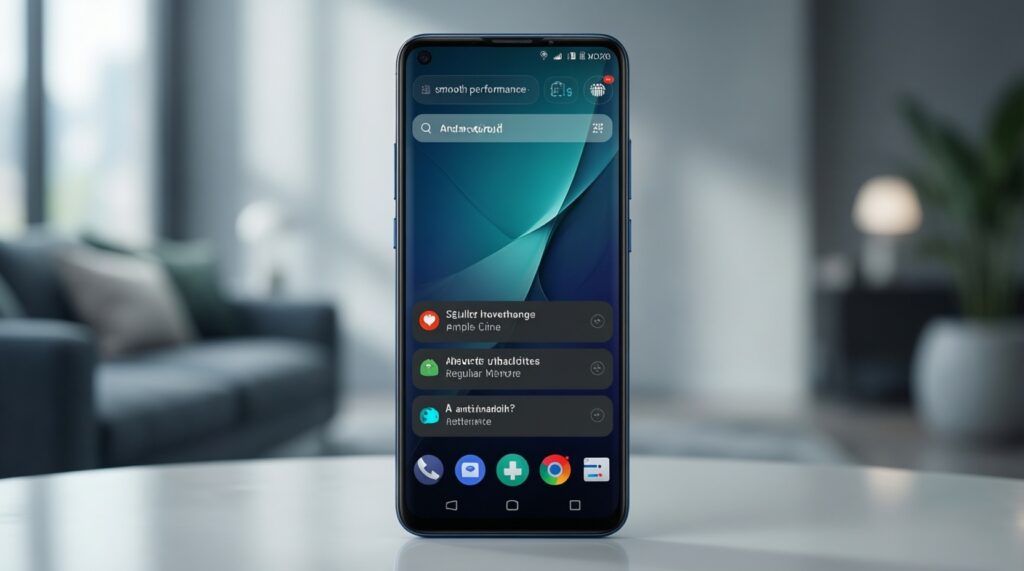
Android phones with lighter software and clear patch cadence tend to stay smoother, especially when paired with higher storage tiers. Avoid the lowest configurations if you plan to keep the device long-term.
What causes lag after 2 years more often: CPU or storage?
Often storage pressure and background services, not CPU. Low storage headroom and slower storage tiers can make app launches, installs, and updates feel much worse over time.
What's the safest way to chase มือถือเล่นลื่น อัปเดตยาว รุ่นไหนดี on a budget?
Buy a midrange model with enough RAM/storage, a less heavy skin, and a brand that reliably ships security patches for your region. Don't spend on peak specs if the software support is unclear.