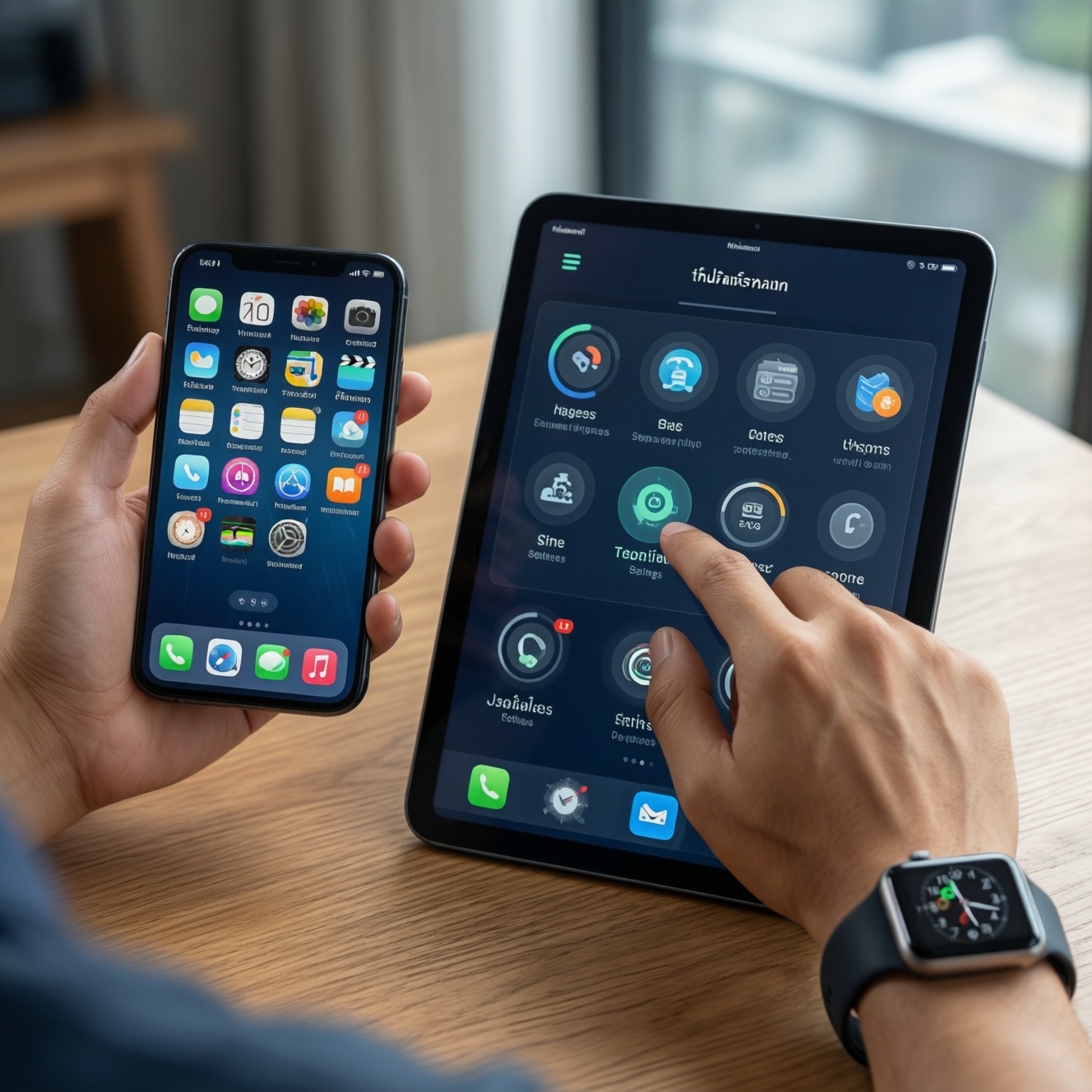
If your goal is seamless cross-device use across phone, tablet, and smartwatch in Thailand, iOS (iPhone + iPad + Apple Watch) usually delivers the most consistent handoff and settings consistency, while Android can match or exceed it when you deliberately standardize on one vendor (e.g., Samsung/Google) and configure sync, permissions, and backups carefully.
Cross-device summary: what matters for seamless use
- Pick an ecosystem by watch dependency: Apple Watch works best with iPhone; Galaxy Watch works best with Android (especially Samsung).
- For tablet continuity, iPadOS is the most predictable; Android tablets vary widely by brand and software update cadence.
- True "one experience" on Android usually requires staying within one brand family (Samsung↔Samsung, Pixel↔Pixel-friendly services).
- The biggest real-world difference is restore and re-login time: how quickly a new device becomes "your device" after setup.
- Mixed ecosystems can still work well if you commit to cross-platform apps (Google/Microsoft/WhatsApp/Telegram) and avoid vendor-only features.
- Your best choice depends on persona: everyday users benefit from fewer knobs; power users want automation and customization; IT needs enforceable policies.
Device coverage: how phones, tablets, and watches fit in each ecosystem
The question behind "มือถือ แท็บเล็ต สมาร์ทวอทช์ ใช้ร่วมกันได้ดีที่สุด" is less about raw specs and more about how consistently the ecosystem behaves across devices and brands.
Selection criteria that actually change the day-to-day experience
- Single-vendor completeness: one company controls phone + tablet + watch + core services (more consistent behaviors, fewer edge cases).
- Watch feature dependency: ECG-like features, notifications, call handling, and fitness sync stability depend on tight phone integration.
- Tablet app quality and UI scaling: whether apps feel "made for tablet" or stretched phone apps.
- Cross-device identity: how well one account ties together passwords, keys, payments, and device trust.
- Backup/restore fidelity: what settings, app states, and authenticator keys come back automatically.
- Update consistency: OS/security updates arriving predictably across your devices.
- Accessory ecosystem: earbuds switching, stylus behavior, keyboards/trackpads, and car integration.
- Enterprise readiness: MDM, work profiles, and separation of personal/work data.
Persona recommendations for ecosystem fit
- Everyday user: choose iPhone + iPad + Apple Watch if you want the fewest setup decisions and the most uniform behavior.
- Power user: choose Android if you'll standardize on a single brand and want deeper customization/automation across devices.
- Enterprise IT / managed fleet: choose the platform your MDM and compliance model already supports best, then standardize hardware models to reduce variability.
- Mixed-device household: pick cross-platform apps first; don't rely on vendor-only continuity features.
Continuity and sync: messages, files, notifications, and app state
If you're searching "เปรียบเทียบ iOS กับ Android อันไหนดีกว่า", the practical answer is: iOS is more uniform across Apple hardware; Android ranges from excellent (when aligned to one vendor and services) to fragmented (when mixing brands, launchers, and battery restrictions).
Continuity approaches you can choose (not just "iOS vs Android")
| Variant | Who it fits | Pros | Cons | When to choose |
|---|---|---|---|---|
| All-Apple continuity (iPhone + iPad + Apple Watch) | Everyday users, creators who want minimal friction | Consistent notifications; tight device trust; strong handoffs between Apple devices | Less flexible defaults; Apple Watch effectively requires iPhone | If you want the simplest path to "it just stays in sync" across three device types |
| Samsung-first Android (Galaxy phone + Galaxy Tab + Galaxy Watch) | Power users, Android fans who will standardize on one brand | Strong within-brand features; good multi-device features when you keep Samsung services aligned | Experience can degrade if you mix in non-Samsung tablets/phones | If you want Android flexibility but still want a near-ecosystem feel across phone/tablet/watch |
| Google-first Android (Pixel + Google services + Wear OS watch) | Users who want "clean Android" and tight Google account integration | Unified Google identity; good baseline continuity via Google apps | Tablet experience depends on the specific Android tablet you pick | If Google apps are your center and you can accept device-to-device variance by hardware brand |
| Cross-platform app stack (Google/Microsoft/WhatsApp/Telegram) | Mixed households, people switching platforms | Works across iOS/Android/tablets; reduces lock-in | Less deep OS-level continuity; some features vary by app and platform | If you want freedom to change devices and still keep files/chats/passwords accessible |
| Enterprise-managed model (MDM + work profile/work apps) | Enterprise IT, regulated industries | Policy enforcement; controlled app distribution; predictable security posture when standardized | User experience may be constrained; personal/work separation adds complexity | If compliance and remote management matter more than consumer convenience features |
What to test in-store or within a 7-day return window
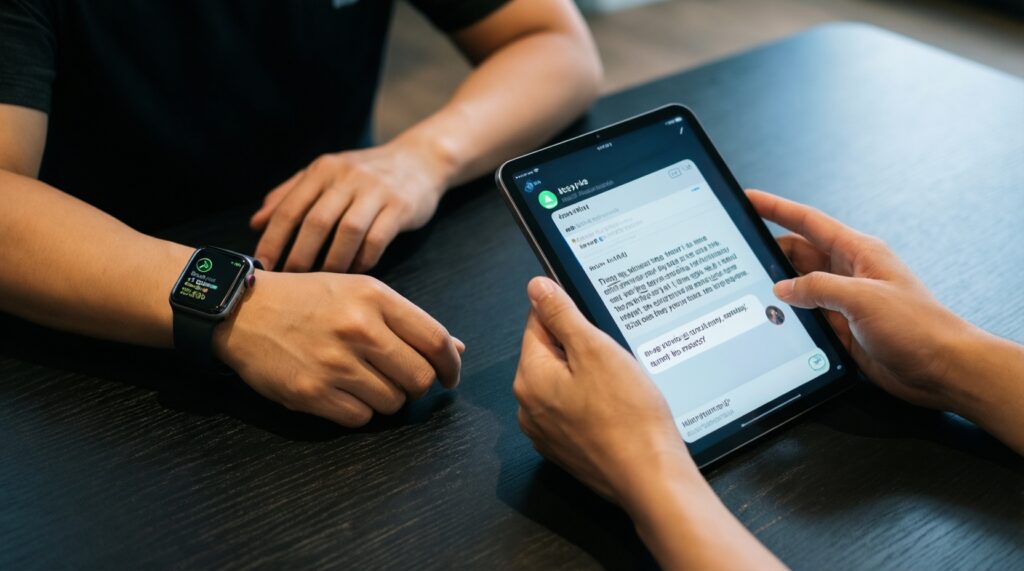
- Sign in, then verify notifications parity on watch and tablet (same apps, same priority behavior).
- Send yourself a file and check where it lands (default folders, offline access, share-sheet targets).
- Start reading/typing on one device and confirm whether you can continue on the other without re-finding the content.
- Enable battery optimization and confirm critical apps still sync reliably (a common Android pitfall when vendors aggressively sleep apps).
Accounts, privacy, and backup: identity, permissions, and restore flow
"Seamless" often fails at the restore stage: logins, permissions, and app verification. Decide based on how often you change devices and how much you can tolerate re-authentication.
Scenario-based recommendations (if... then...)
- If you change phones often, then prioritize the ecosystem with the most complete restore for your daily apps and settings (test a full backup/restore once).
- If you use multiple 2FA methods, then keep your authenticator strategy platform-neutral (backup-capable authenticator + recovery codes) so switching iOS/Android doesn't break access.
- If you share devices in a family, then choose the platform where separate profiles/parental controls match your needs (and verify app purchase sharing rules you rely on).
- If you handle sensitive work data, then pick the approach that supports strong separation (managed work profile/MDM controls) and avoid mixing personal cloud storage with work accounts.
- If privacy controls matter more than customization, then choose the ecosystem whose permission prompts and defaults you understand and will consistently maintain across devices.
Persona recommendations for identity and restore
- Everyday user: minimize account sprawl-one primary account, one password manager, and one cloud drive across all devices.
- Power user: keep identities modular (separate email aliases, dedicated 2FA device/keys) so restores don't become brittle.
- Enterprise IT: enforce the restore flow with policy (managed apps, conditional access) rather than relying on user setup discipline.
Hardware & accessories: pairing, ecosystem-exclusive features, and cars
If your decision is driven by "Apple Watch กับ Samsung Galaxy Watch อันไหนดีกว่า", start from the phone: Apple Watch is a best-fit extension of iPhone; Galaxy Watch is a best-fit extension of Android-especially Samsung-where pairing, health features, and notifications tend to be most stable.
Fast selection algorithm (5-7 steps)
- Choose your primary phone first; it dictates the best smartwatch experience.
- If you need a tablet, decide whether you need desktop-grade tablet apps (often favors iPad) or a media/secondary device (Android can be great).
- List must-have accessories: earbuds multi-device switching, stylus, keyboard/trackpad, and how much you value one-brand pairing.
- Check car integration you will actually use (calls, maps, messaging) and verify it with your language/region settings in Thailand.
- Verify health/fitness features you care about work end-to-end: sensor support, phone companion app quality, data export, and watch-to-phone sync reliability.
- Standardize chargers/cables and confirm fast charging compatibility across your devices to reduce daily friction.
Quick device-pick prompts
- Searching "ซื้อ iPhone หรือ Android รุ่นไหนดี": pick iPhone if you want uniform ecosystem behavior; pick Android if you want more hardware choice and will commit to one Android brand for best continuity.
- Searching "iPad กับแท็บเล็ต Android รุ่นไหนดี": pick iPad for consistent tablet-first app experiences; pick an Android tablet if you're aligning with an Android phone brand and your tablet use is mostly media, notes, and web.
Developer landscape: APIs, app distribution, and platform fragmentation
App quality and feature parity across phone/tablet/watch are shaped by platform rules and fragmentation. The biggest "ecosystem disappointment" usually happens when an app behaves differently on your tablet or watch than on your phone.
Common selection mistakes that cause cross-device friction
- Assuming any Android phone + any Android tablet + any Wear OS watch will behave like one cohesive set without vendor alignment.
- Relying on a single vendor's exclusive features (device-to-device handoff, sharing, watch features) while planning to mix brands later.
- Ignoring aggressive background limits on some Android devices, then blaming the app when notifications or sync are delayed.
- Not checking whether your critical apps have tablet-optimized UI and whether they keep state consistently across devices.
- Choosing a watch for looks/specs without verifying the companion app quality and permission model on your chosen phone.
- Underestimating migration pain: chats, 2FA, and encrypted app data may not transfer cleanly across platforms.
- Forgetting that "same app name" can still mean different features on iOS vs Android (especially for watch companions).
- For enterprise: selecting devices first, then discovering your MDM can't enforce the policies you assumed.
Real-world performance: battery, latency, and multi-device handoffs
Best for low-maintenance handoffs across phone/tablet/watch: a full Apple stack. Best for customization and hardware choice without losing too much continuity: an Android stack standardized by one vendor (often Samsung-first) and configured carefully. Best for mixed environments: a cross-platform app stack so switching devices doesn't break your workflow.
Common practical concerns addressed
Can I use Apple Watch with Android?
Not as a full experience. Apple Watch setup and key features are designed around pairing with an iPhone.
Will a Galaxy Watch work with an iPhone?
Compatibility is limited and feature coverage can be reduced. Galaxy Watch generally performs best when paired with an Android phone, especially Samsung.
Is it realistic to get "Apple-like continuity" on Android?
Yes, but usually only if you standardize on one Android vendor plus the same account/services across devices. Mixing brands often introduces uneven behavior.
What's the safest way to avoid lock-in but keep sync?
Use cross-platform services for mail, calendar, files, and messaging, and keep 2FA portable with recovery codes. Avoid vendor-only handoff features as hard requirements.
Which ecosystem is easier when upgrading devices?
Choose the one that restores your settings and app access with the least manual re-authentication for your specific apps. Test a restore once before committing long-term.
How do I decide if I should buy iPhone or Android this year?
If your priority is consistent multi-device behavior, pick iPhone. If your priority is hardware variety and customization, pick Android and keep phone/tablet/watch within the same brand family.