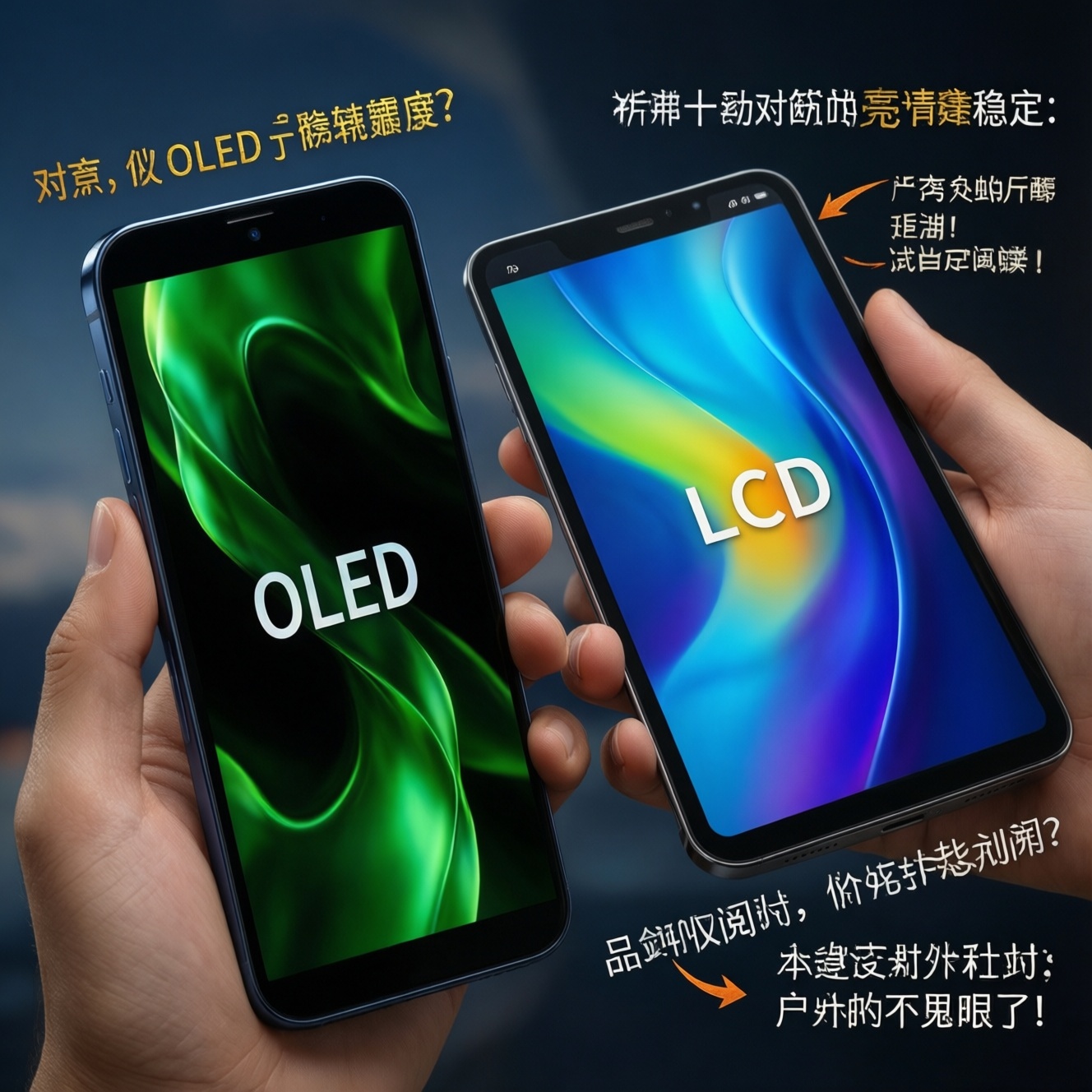
If you're choosing between OLED and LCD on a phone or tablet, prioritize OLED for deep blacks, punchy HDR, and per-pixel control, and favor LCD for steadier brightness behavior, typically lower flicker risk, and often better value at the same size. The "best" option depends on your use: outdoors, reading comfort, color-critical work, or battery patterns.
Snapshot: OLED vs LCD - Brightness, Color, Comfort
- OLED delivers near-infinite perceived contrast (true blacks) and stronger HDR highlights, but brightness can vary with content and heat management.
- LCD often sustains high full-screen brightness more consistently, which can help in bright daylight and long static screens.
- OLED color can look more vibrant; accuracy depends heavily on display mode (Natural/sRGB vs Vivid).
- Battery: OLED can be more efficient with dark UI; LCD power is more constant regardless of content.
- Eye comfort depends more on PWM/flicker and brightness habits than panel type alone.
- For budget searches like มือถือหน้าจอ LCD ราคา vs มือถือหน้าจอ OLED ราคา, specs must be read alongside PWM and brightness behavior.
How OLED and LCD Generate Brightness and Perceived Luminance
Use these criteria to decide what "bright enough" and "comfortable enough" means for you in real use (phone or tablet):
- Full-screen sustained brightness: LCD often holds higher full-white brightness longer; OLED may reduce brightness on large bright areas to control heat/power.
- Peak brightness (small highlights): OLED typically excels at small HDR highlights; LCD can also be strong but depends on backlight and local dimming (rare on mobile).
- Content dependency: OLED brightness and power change with what's on screen; LCD is comparatively content-agnostic.
- Perceived contrast in typical UI: OLED's true blacks make text and UI edges look "cleaner," especially in dark mode.
- Uniformity on gray backgrounds: OLED can show near-black banding or tint shifts; LCD can show backlight bleed or IPS glow (panel-dependent).
- Motion clarity: OLED has fast pixel response (less smearing); LCD depends on response time and overdrive tuning.
- Flicker strategy: many OLEDs use PWM at low brightness; some LCDs also flicker, but it's often less aggressive.
- Longevity concerns: OLED has higher risk of image retention/burn-in under repeated static UI; LCD typically has lower risk.
Color Reproduction: Gamut, Accuracy, and Calibration Needs
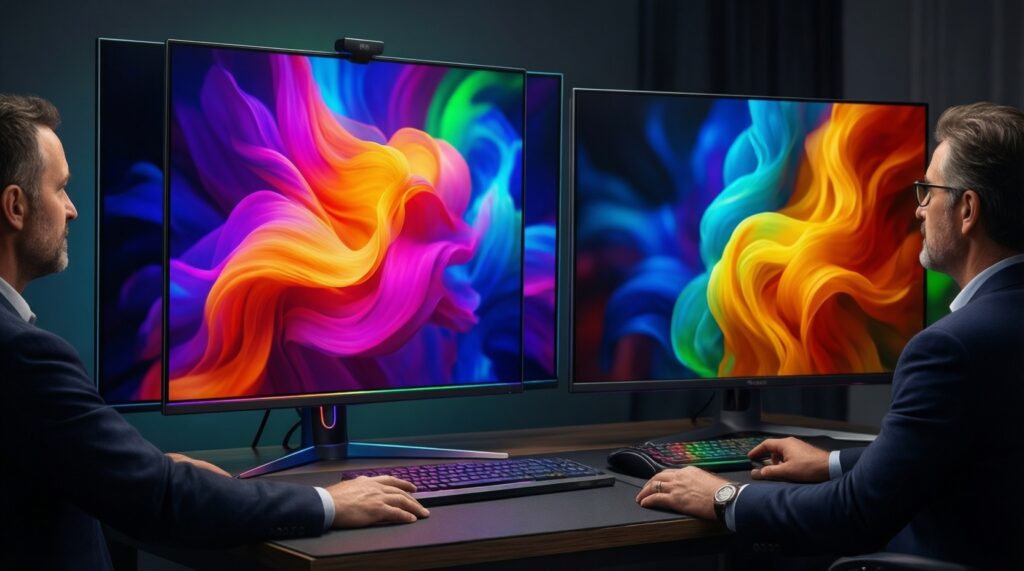
Color performance is less about "OLED vs LCD" and more about panel quality, factory tuning, and whether you can select the right color mode for your workflow (sRGB/Natural vs wide-gamut/Vivid).
| Variant | Who it fits | Pros | Cons | When to choose |
|---|---|---|---|---|
| OLED (Vivid / wide-gamut mode) | Media-first users, social content, casual gaming | Looks punchy; strong perceived contrast; HDR content appears striking | Skin tones can look oversaturated; not ideal for color-critical edits | If you want "wow" colors and mainly watch video or browse |
| OLED (Natural / sRGB-like mode) | Photo editing, creators, consistent color needs | Better accuracy potential; still benefits from OLED contrast | Accuracy depends on manufacturer tuning; near-black tint can affect grading | If you edit photos/videos and can lock to a neutral profile |
| LCD IPS (good factory calibration) | Work, documents, mixed use, long sessions | Stable whites; often predictable brightness; usually fewer near-black artifacts | Lower perceived contrast; blacks look gray in dark rooms | If you want consistent "paper-like" whites for reading and office apps |
| LCD IPS (budget tuning) | Value buyers comparing มือถือหน้าจอ LCD ราคา | Often cheaper; decent in bright environments; wide availability | Color may skew cool/warm; lower gamut; backlight bleed risk | If price dominates and you can accept less accurate color |
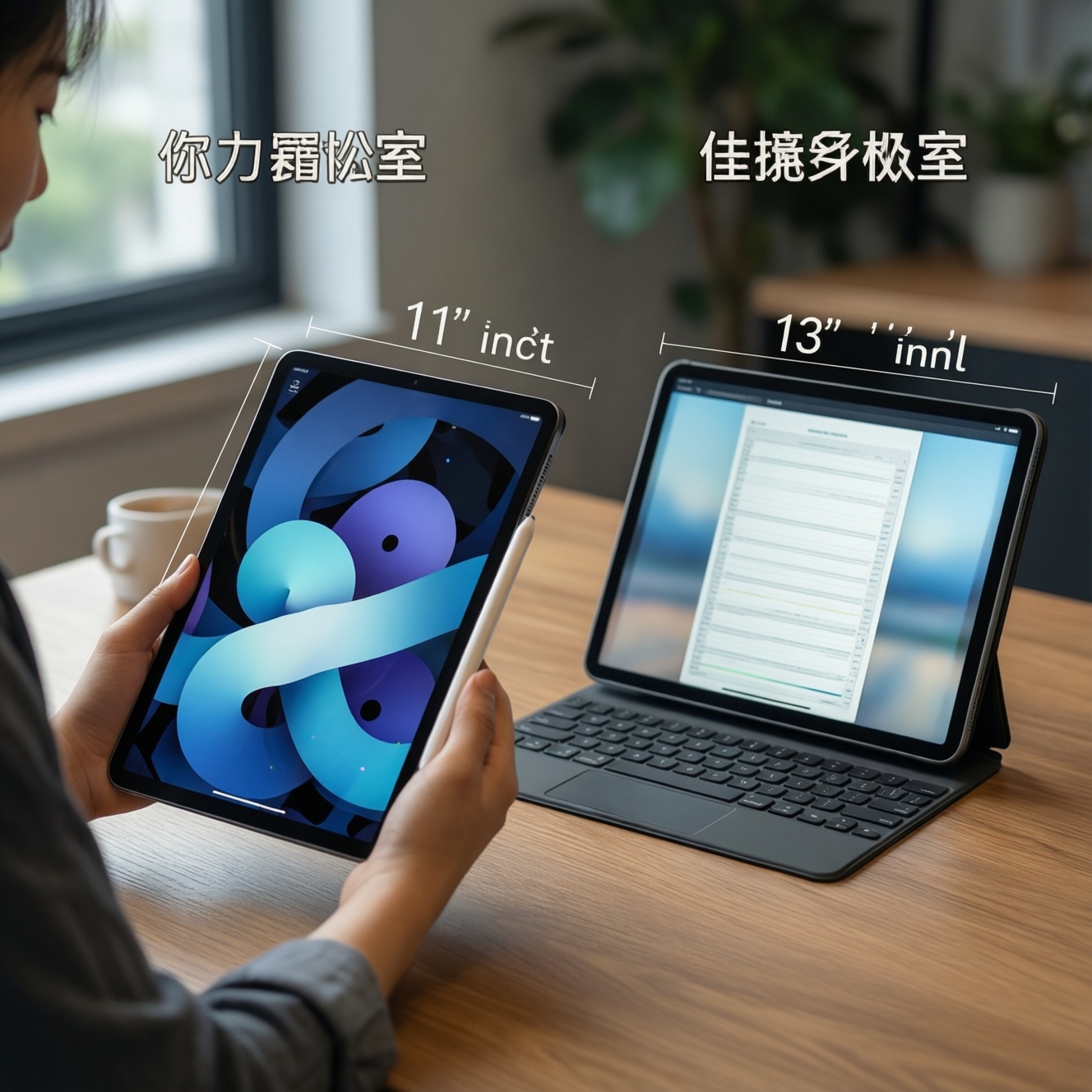
| OLED tablet panel (large-screen emphasis) | Tablet movie watchers; artists who love contrast | Great blacks on a large canvas; strong HDR feel | Brightness throttling on large bright canvases can matter for drawing apps | If you're checking แท็บเล็ตหน้าจอ OLED ราคา and prioritize cinematic look |
Practical calibration tip: on both panel types, set a neutral profile (often called Natural/sRGB), disable "enhancement" toggles, and tune white point by eye under your typical room lighting. If your device offers per-app color management, enable it for editing apps.
Measured Contrast, HDR Behavior, and Practical Visibility Outdoors
Use scenario rules to translate specs into daily outcomes:
- If you watch HDR movies at night, then OLED usually feels more cinematic because blacks are truly black and highlights pop without lifting the whole image.
- If you read or work on mostly white screens for hours (docs, web), then a strong LCD can feel steadier because it often sustains high full-screen brightness without aggressive content-based limiting.
- If you're often outdoors in Thailand's bright sun, then prioritize whichever device has higher sustained brightness and effective anti-reflective coatings; many LCDs do well here, but some high-end OLEDs also compete.
- If you frequently use dark mode, then OLED typically improves perceived clarity and can reduce power draw, especially on chat and UI-heavy apps.
- If you game with lots of static HUD elements, then consider LCD to reduce long-term retention risk, or choose OLED but use HUD minimization and varied content.
Power Draw and Battery Trade-offs Across Usage Patterns
- List your dominant use: mostly dark UI (chat, maps at night), mixed, or mostly white (docs, web, spreadsheets).
- If your use is mostly dark UI, prefer OLED and keep dark mode consistent across apps.
- If your use is mostly white screens at medium-high brightness, lean LCD (or choose an OLED known for strong sustained full-screen brightness).
- Check refresh rate behavior: if you'll run 120 Hz constantly, battery can drop on both; prioritize adaptive refresh (LTPO/adaptive) regardless of panel type.
- Decide your brightness habit: if you always push high brightness outdoors, pick the device that sustains it without heavy throttling.
- For tablets, assume larger area magnifies differences: OLED can look better in dark rooms; LCD can be more predictable for long bright-canvas work.
Eye Comfort: Blue Light, PWM Flicker, and Real-World Symptoms
Common selection mistakes-especially when searching มือถือถนอมสายตา หน้าจอ OLED หรือ LCD-come from focusing on the panel name instead of the specific implementation:
- Assuming "OLED is always worse for eyes" or "OLED is always better." Comfort is often dominated by PWM/flicker strategy and brightness level.
- Ignoring low-brightness behavior: many users feel discomfort mainly at night when brightness is low and PWM (if present) becomes more noticeable.
- Equating "blue light filter" with flicker reduction: blue light filters change color temperature; they don't automatically fix flicker.
- Buying on peak brightness alone: sustained full-screen brightness and reflections matter more outdoors than a single peak number.
- Overusing max brightness in dark rooms: this increases glare and perceived eye strain on both OLED and LCD.
- Forgetting font/contrast settings: thin fonts on OLED in dark mode can look sharp but may fatigue some users; adjust font weight and reduce extreme contrast.
- Not testing your trigger cases: scrolling text at night, gray backgrounds, and dim settings are where problems show up fastest.
- Ignoring that "eye comfort" is personal: headaches, dryness, and nausea can correlate with flicker sensitivity-test before committing if possible.
Side-by-Side Comparison Table: Metrics, Pros/Cons, and Recommended Picks
| Metric (typical real-device range) | OLED (phone/tablet) | LCD IPS (phone/tablet) | What it means when choosing |
|---|---|---|---|
| Sustained full-screen brightness | Often ~400-800 nits; may reduce on large bright areas | Often ~500-800 nits; can be steadier on full-white | For outdoor work and reading on white pages, sustained matters more than peaks |
| Peak brightness (small area HDR) | Commonly ~900-2000+ nits on flagships (content/temperature dependent) | Varies widely; can be high but less "pixel-precise" contrast | Helps HDR highlights and direct-sun legibility in bursts |
| Contrast ratio | Effectively "infinite" (pixels turn off) | Typically ~1000:1 to ~2000:1 (panel dependent) | OLED wins for movies, dark UI, and perceived depth |
| Power vs content | Variable (dark UI can save power; bright UI costs more) | More constant (backlight dominates) | Match panel to your UI habits (dark vs white) |
| Flicker risk (PWM) | More common; depends on device and brightness level | Less common, but still possible depending on backlight control | If you're sensitive, you must check device-specific PWM behavior |
| Static UI retention risk | Higher (varies by usage and protection algorithms) | Lower | Important for gamers with fixed HUDs and heavy always-on UI |
Persona-based picks: for a photographer/creator, choose OLED with a reliable Natural/sRGB mode (or a well-calibrated IPS LCD) and verify gray/skin-tone behavior; for a competitive gamer, prioritize high sustained brightness and stable motion-OLED is great for response, LCD can be safer for static HUDs; for a heavy reader/student, a quality IPS LCD often feels steadier on white pages, while OLED can be excellent if you read in dark mode and your eyes tolerate its flicker behavior. When you เปรียบเทียบ OLED กับ LCD มือถือ, treat price queries like มือถือหน้าจอ OLED ราคา as a starting point, not the decision itself.
Short Answers to Common Practical Concerns
Which is brighter outdoors: OLED or LCD?
It depends on sustained full-screen brightness and reflections. Many LCDs sustain bright white screens well; some high-end OLEDs reach very high peaks but may dim on large bright areas.
Is OLED always better for HDR video?
OLED usually looks better for HDR because blacks are truly black and contrast is stronger. A strong LCD can still be very enjoyable, especially if it sustains high brightness with good reflection control.
Will OLED save battery?
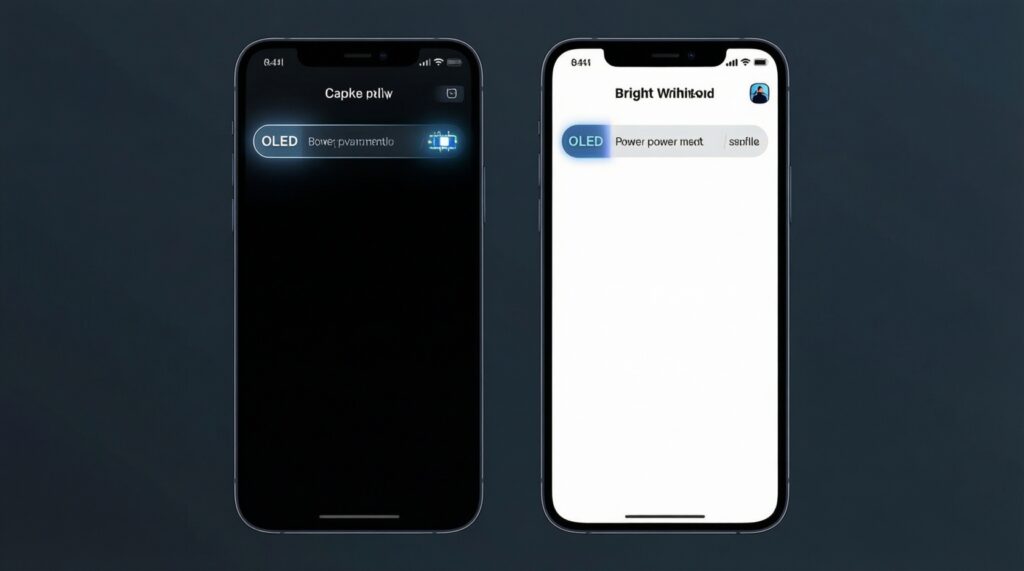
Often yes in dark mode and UI-heavy apps. On bright, mostly white content at high brightness, OLED can use more power than LCD.
Which is safer for long reading sessions?
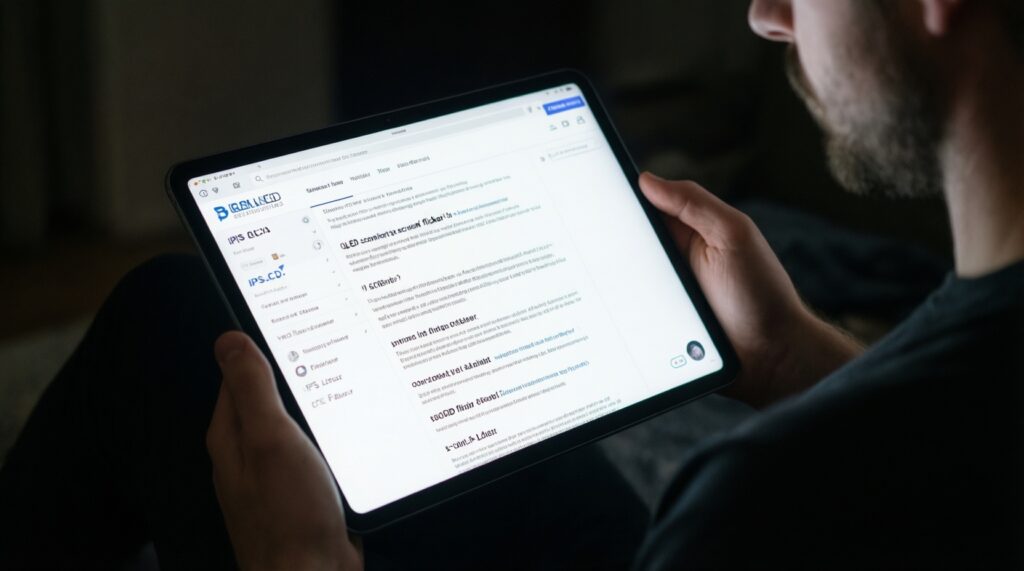
Many people find IPS LCD comfortable for long white-page reading. OLED can also be comfortable, but you should check low-brightness flicker behavior and use appropriate brightness and font settings.
How can I reduce eye strain regardless of panel type?
Lower brightness in dark rooms, reduce reflections, and avoid extreme contrast settings. Use warmer color temperature at night if it helps, but don't assume it fixes flicker sensitivity.
Should I worry about burn-in on OLED?
It's a real risk with repeated static elements over long periods. If your use includes constant fixed UI (navigation, game HUDs), take precautions or consider LCD.
What should I check before buying based on แท็บเล็ตหน้าจอ OLED ราคา or มือถือหน้าจอ LCD ราคา?
Check sustained brightness, reflection handling, color modes (Natural/sRGB), and any reported flicker/PWM characteristics. Price alone won't tell you comfort or outdoor performance.