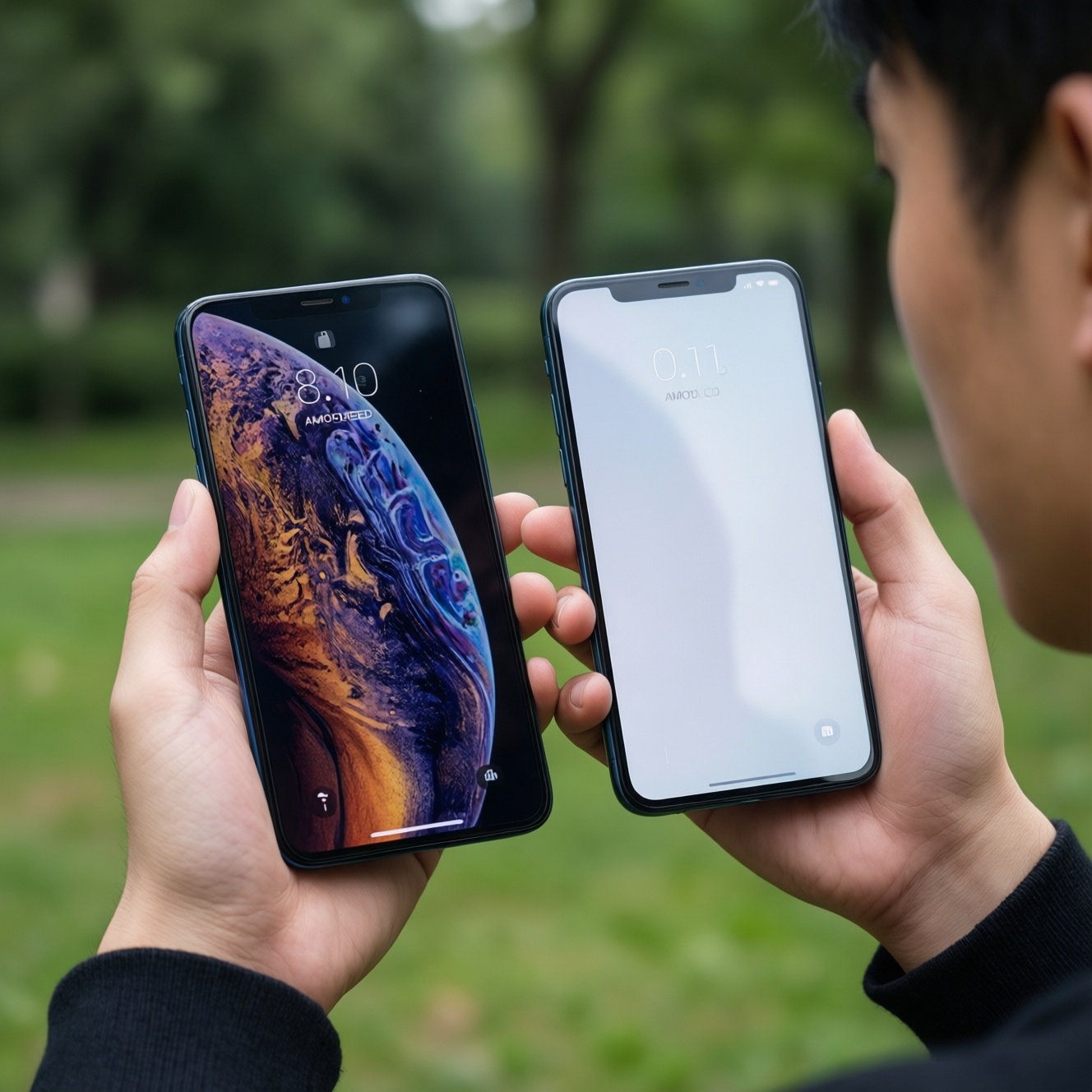
If you're choosing between AMOLED and LCD on a phone, prioritize your main constraint: AMOLED usually wins for contrast, dark-mode efficiency, and perceived "pop" in photos, while LCD often feels more consistent at high brightness, can be easier to calibrate neutrally, and may be cheaper to repair. For outdoor-heavy use, implementation matters more than panel type.
Quick practical summary for budget buyers
- Pick AMOLED if you use dark mode a lot, watch video at night, or want deep blacks and stronger perceived contrast.
- Pick LCD if you want steadier whites at high brightness, you're sensitive to OLED flicker, or you care about repair cost predictability.
- For "มือถือจอสู้แดด หน้าจอสว่างมาก", compare real outdoor readability (anti-reflection + sustained brightness) rather than the panel name.
- Battery life depends on your UI theme and content: "มือถือจอ AMOLED แบตอึด" is realistic mainly when you keep dark UI and avoid high brightness.
- Budget phones vary wildly: two "AMOLED" models can look and behave more differently than a good LCD vs a good AMOLED.
- Before buying, check three things in reviews: outdoor legibility, minimum brightness at night, and color consistency at mid brightness.
How AMOLED and LCD produce color: perceptual and technical contrasts
Use these criteria to decide when doing a real-world เปรียบเทียบจอ AMOLED กับ LCD (not just spec-sheet shopping):
- Black level and contrast: AMOLED can turn pixels off for near-black; LCD always leaks some backlight, so blacks look more "gray" in a dark room.
- Perceived color "pop" vs accuracy: Many AMOLED phones ship with vivid tuning; LCD budget models can also be oversaturated, so look for display modes (Natural/Vivid) rather than assuming.
- White balance stability: LCD often holds a more uniform white across brightness steps; AMOLED tuning can shift slightly depending on brightness and panel batch.
- Uniformity (tint, banding): Both can show issues; AMOLED may show tint at low brightness, while LCD may show backlight bleed or cloudy patches.
- Motion handling: Response time is typically faster on AMOLED; LCD can look slightly blurrier in motion, but high refresh rate helps both.
- Flicker sensitivity: Some AMOLED phones use PWM dimming that can bother sensitive users; LCD can also flicker, but it's less commonly problematic at typical settings.
- Outdoor legibility stack: Anti-reflection layers, polarizer quality, and sustained brightness control readability more than "AMOLED vs LCD".
- Longevity risks: AMOLED has burn-in risk under static UI; LCD has less burn-in risk but can age with backlight changes over time.
Outdoor visibility and peak brightness under direct sunlight
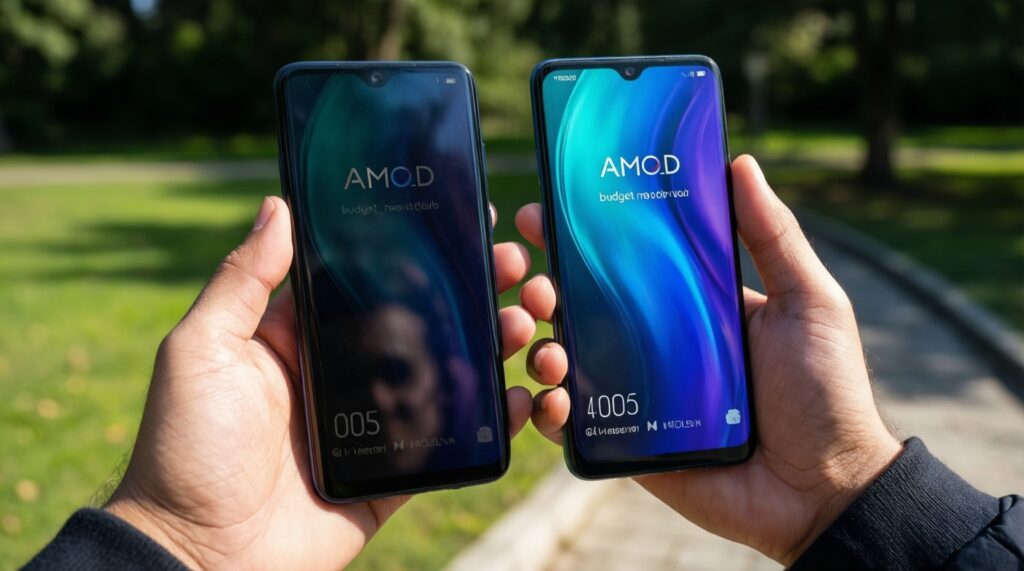
Under Thailand's harsh midday light, the best "sunlight phone" is usually the one with strong anti-reflection, stable high-brightness behavior, and a readable auto-brightness curve. Panel type matters, but implementation matters more.
| Variant | Who it fits | Pros | Cons | When to choose |
|---|---|---|---|---|
| Budget AMOLED with basic auto-brightness | Indoor-first users who want deep blacks and punchy visuals | Great contrast in shade; strong "pop" for photos; dark UI looks premium | Outdoor readability can swing a lot; may dim sooner under heat; possible flicker sensitivity | If you mostly commute indoors/covered areas and want AMOLED feel on a tight budget |
| Mid-range AMOLED with strong anti-reflection coating | Mixed indoor/outdoor users | Better glare control; improved sustained brightness behavior; generally clearer in direct sun | Usually costs more; still depends on tuning and thermal limits | If you want "มือถือจอสู้แดด หน้าจอสว่างมาก" but still prefer AMOLED contrast |
| Good-quality LCD (IPS) with high-quality polarizer | Users who prioritize neutral whites and predictable brightness | Often readable with less color shift at high brightness; fewer OLED-specific artifacts | Blacks look washed in shade/night; backlight bleed risk on some units | If you do lots of maps, documents, and daytime messaging and prefer consistent whites |
| High-brightness LCD tuned for outdoors | Outdoor workers (delivery, construction, field sales) | Strong legibility for text/UI; can be easier to read in sustained sun sessions | Usually thicker bezels or older designs in budget lines; less cinematic contrast | If outdoor readability is the top requirement and you can accept weaker blacks |
| AMOLED with LTPO/advanced brightness control (premium) | Power users who want both outdoor performance and efficiency | Better adaptation across brightness; potential efficiency gains with adaptive refresh | Premium pricing; repairs can be costly | If you want a "no-compromise" experience and can pay more upfront |
| Either panel with matte screen protector (anti-glare) | People who struggle with reflections on any phone | Reduces mirror-like glare; improves perceived readability in sun | Softens sharpness; can reduce perceived contrast and color "clarity" | If reflections are the real problem and you accept a slightly grainier look |
Practical test in a shop: open a white page and a map, set auto-brightness on, then step near a window or outside shade. If text "floats" above reflections and colors don't wash out badly, that's a better sign than the panel label.
Measured battery drain in everyday use: calling, browsing, media
Battery impact is content-driven. AMOLED can save power on dark UI and dark content; LCD power draw is more tied to brightness level because the backlight stays on. Use these scenario rules (with a budget vs premium note):
- If you use dark mode all day (chat, settings, email) at low-to-mid brightness, then AMOLED is more likely to feel like "มือถือจอ AMOLED แบตอึด"; on budget AMOLED, savings can be offset if you constantly push brightness high outdoors.
- If you browse white-heavy pages (news, docs, spreadsheets) for hours, then LCD can be competitive or better at the same comfortable brightness; premium AMOLED can narrow the gap with better power management.
- If you watch lots of video at night, then AMOLED typically looks better at lower brightness and can be efficient with dark scenes; budget LCD may need higher brightness to look punchy in a dim room.
- If you use maps/navigation outside, then whichever phone sustains higher brightness without throttling will drain more; in practice, a brighter "sunlight mode" (AMOLED or LCD) often costs more battery than the panel type itself.
- If you game at high refresh rates, then the refresh rate and chipset dominate; premium panels with adaptive refresh can help, while budget panels often run high refresh less efficiently.
Model-level caveat: when asking "มือถือจอ AMOLED รุ่นไหนดี" or "มือถือจอ LCD รุ่นไหนดี", don't generalize from one device-OEM tuning (auto-brightness curve, refresh strategy, thermal limits) frequently decides real battery behavior.
Cost versus performance: what to expect from budget models
- Decide your top priority: (a) outdoor readability, (b) battery life, (c) color accuracy, or (d) lowest total cost including repairs.
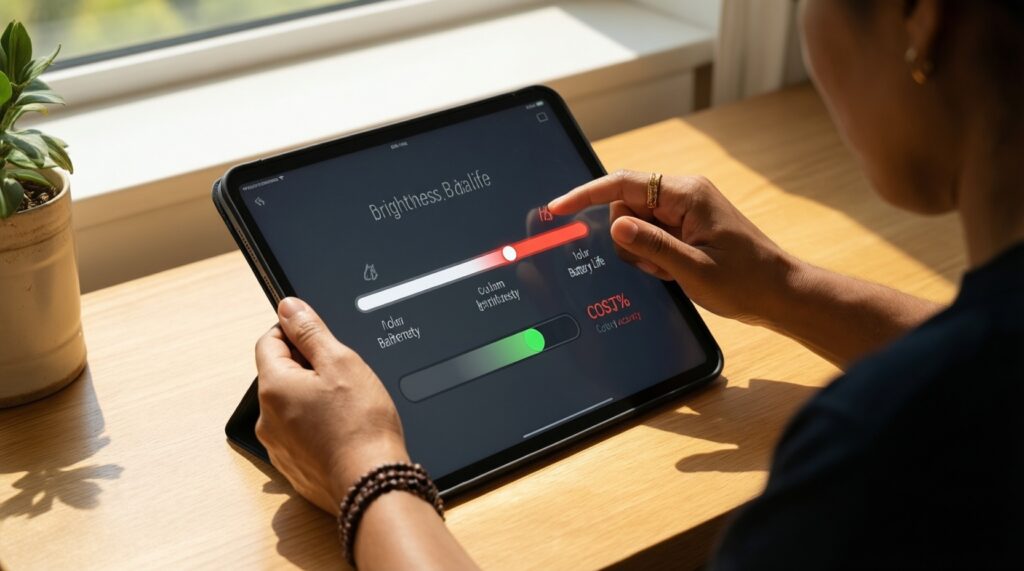
- Shortlist by usability, not labels: require an always-available brightness slider range you like (comfortable at night, strong enough in daytime).
- Check for display modes (Natural/Vivid) and a blue-light/night mode you can tolerate; skip models locked to overly saturated tuning.
- Prefer reviews that test outdoors and mention sustained behavior (dimming after heat) rather than only initial "peak brightness" claims.
- For budget-first buying, ask local repair shops the typical availability/cost of the screen assembly before you commit-especially for AMOLED.
- If your use is mostly white-background apps, don't pay extra for AMOLED expecting guaranteed battery gains.
- Buy the best implementation you can afford: a well-tuned LCD can beat a poorly tuned AMOLED in daylight and comfort.
Build, longevity and repair costs that change total value
- Assuming AMOLED always means better outdoors; many budget AMOLED units look great in shade but struggle in direct sun due to reflections and sustain limits.
- Ignoring PWM/flicker sensitivity; if you get eye strain or headaches, test AMOLED at low brightness in a dim area before buying.
- Not considering burn-in risk: static nav bars, always-on UI elements, and fixed brightness can age AMOLED unevenly.
- Overvaluing "vivid" in a quick demo; saturated colors can hide poor near-black handling or crush shadow detail.
- Skipping uniformity checks: open a gray image at low brightness to spot tint/banding; check a white screen for blotches/bleed.
- Assuming screen protector type doesn't matter; glossy protectors can worsen reflections, matte can reduce clarity-choose based on your environment.
- Forgetting repair economics: screen assemblies (especially AMOLED) can be a large portion of the phone's value, changing the best "budget" choice.
- Chasing high refresh rate without considering power/heat; it can reduce battery more than the panel technology choice.
Practical tweaks to minimize power use on AMOLED and LCD phones
For battery-first users, AMOLED is usually the better fit when you commit to dark mode and avoid max brightness; for outdoor-first users, a well-implemented LCD or a higher-tier AMOLED with strong anti-reflection and stable high brightness tends to feel better day to day. For budget-first buying, prioritize the best-tuned screen you can verify in person over the panel name.
Answers to common practical concerns about displays
Is AMOLED always better than LCD?
No. AMOLED usually wins on contrast and dark-room viewing, but LCD can be more consistent for bright whites and may be more comfortable for some people.
Which is easier to read in strong Thai sunlight?
It depends on anti-reflection, sustained brightness, and auto-brightness tuning more than the panel type. For "มือถือจอสู้แดด หน้าจอสว่างมาก", compare real outdoor tests.
Will AMOLED always give better battery life?
Only in the right usage pattern. AMOLED tends to save power with dark UI/content, while white-heavy apps at similar brightness can reduce or erase that advantage.
How can I choose between "มือถือจอ AMOLED รุ่นไหนดี" and "มือถือจอ LCD รุ่นไหนดี" quickly?
Pick 2-3 models, then compare outdoor readability, low-brightness comfort at night, and color mode options. If possible, test for flicker sensitivity on AMOLED.
Is burn-in a real concern in 2026?
It can be, especially with static UI elements at high brightness for long periods. Using auto-brightness, hiding static bars when possible, and varying content reduces risk.
Do matte (anti-glare) screen protectors help?
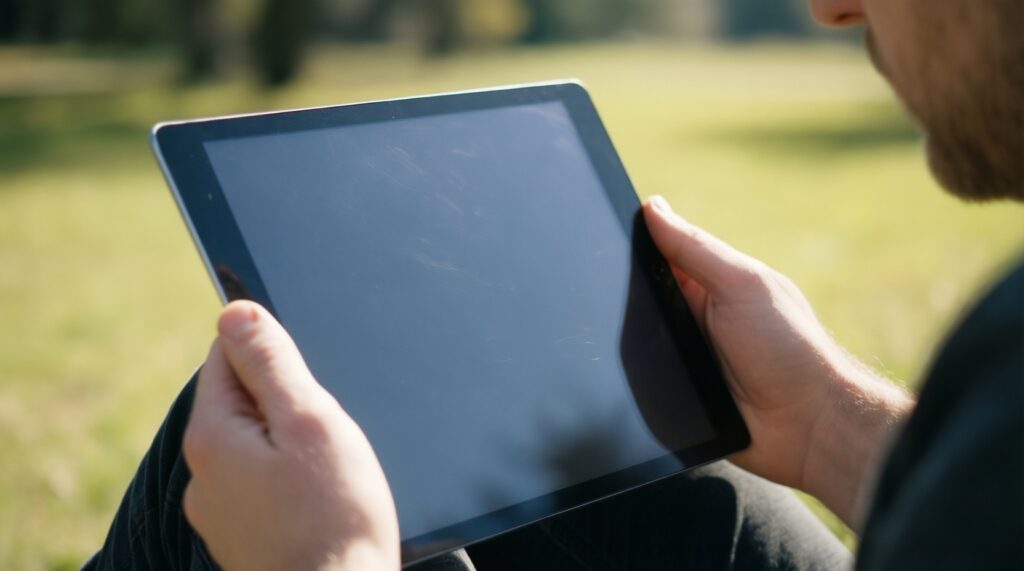
Yes for reflections, often improving perceived readability outdoors. The trade-off is reduced sharpness and slightly muted contrast.