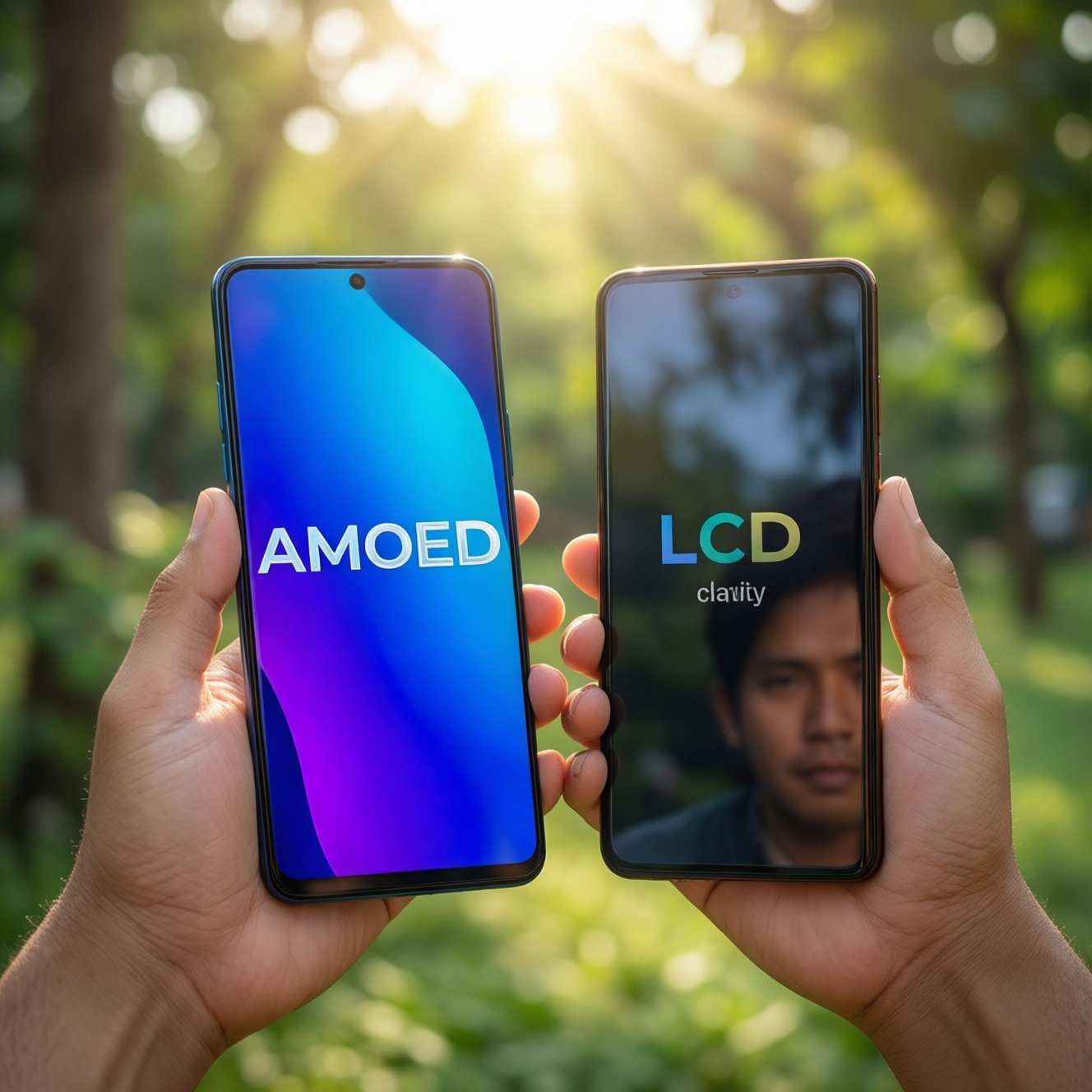
AMOLED usually wins for contrast, HDR pop, and power savings on dark UI, while LCD often feels steadier for sensitive eyes and can be more consistent for long static work. For Thailand's outdoor use, the "best" choice depends less on panel label and more on brightness, reflectance, and flicker control. Use the checks below to choose confidently.
Quick decision snapshot: comfort, color, outdoor visibility
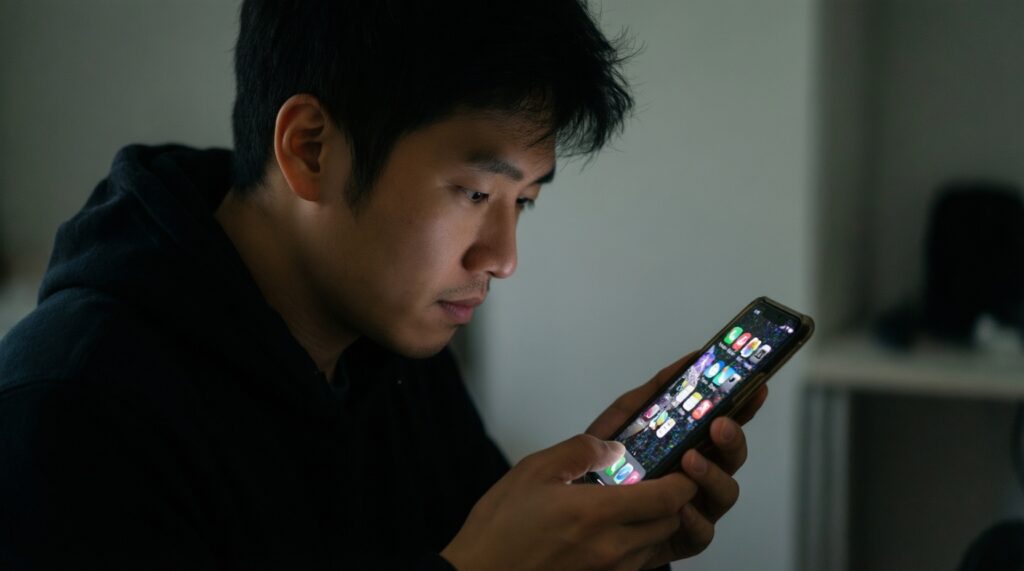
- Eye comfort: If you notice headaches or "pulsing" at low brightness, prioritize DC dimming or high-frequency PWM (common pain point on AMOLED).
- Color accuracy: For editing and true-to-life tones, prefer phones with a well-calibrated Natural/sRGB mode; both AMOLED and LCD can be accurate if tuned.
- Outdoor readability: "AMOLED vs LCD" matters less than high brightness + low reflectance; target models marketed as high-brightness sunlight-readable.
- Artifacts risk: AMOLED has burn-in risk with static UI; LCD can show IPS glow and black crush is less of a concern.
- Battery behavior: Dark mode benefits AMOLED; bright web pages can reduce that advantage. LCD power is more uniform across content.
Underlying mechanics: how AMOLED and LCD create light and color
Use these criteria when you compare models in-store or in spec sheets (this is the practical basis for เปรียบเทียบ AMOLED กับ LCD มือถือ):
- Brightness control method: PWM vs DC-like dimming; look for explicit "DC dimming" or "high-frequency PWM" notes in reviews/specs.
- Usable minimum brightness: A very low, stable minimum is critical for night reading; instability often feels like eye strain.
- Peak brightness behavior: Some phones boost only under sunlight/HDR; check if it sustains brightness or only spikes briefly.
- Reflectance and surface: Glass + coatings determine glare; less reflection often beats raw brightness in Bangkok midday.
- Color management modes: Presence of Natural/sRGB (or similar) matters more than "vivid" marketing.
- Viewing-angle stability: LCD may shift contrast/black level; AMOLED may shift hue slightly at angles depending on panel.
- Uniformity: AMOLED can show tinting/mura; LCD can show backlight bleed-judge on a grey test image.
- Static UI tolerance: If you keep navigation bars, chat headers, or game HUD fixed for hours, burn-in mitigation quality matters (AMOLED-sensitive).
Visual fatigue analysis: flicker, blue light, PWM and perceived strain
"Eye strain" is usually a mix of flicker sensitivity, glare, text sharpness, and how you run brightness. Use the variants below as a practical chooser rather than assuming one panel type always wins. If you are searching มือถือจอ AMOLED รุ่นไหนดี or มือถือจอ LCD รุ่นไหนดี, treat "PWM/DC dimming + coating + brightness range" as the real decision axis.
| Variant | Who it fits | Pros | Cons | When to choose |
|---|---|---|---|---|
| AMOLED with DC dimming (or DC-like at low brightness) | Night readers, sensitive to flicker | High contrast; reduced low-brightness flicker; great for dark UI | May reduce color accuracy at very low brightness; not always available at all levels | If you often use 5-30% brightness and feel "pulsing" on typical AMOLED |
| AMOLED with high-frequency PWM | Most users who want AMOLED look but care about comfort | Less perceptible flicker for many people; keeps typical AMOLED color/contrast | Still PWM; a minority remains sensitive; behavior varies by brightness steps | If you want OLED contrast/HDR but want safer dimming behavior than low-frequency PWM |
| AMOLED with low-frequency PWM | Users not sensitive to flicker | Deep blacks; strong HDR impression; thin bezels common in this segment | Can trigger fatigue/headache for sensitive users; worst at low brightness | If you always run medium-high brightness and never notice flicker symptoms |
| IPS LCD (quality panel, good calibration) | Long reading, office-like tasks, stable brightness preferences | Often feels steadier; no OLED burn-in; consistent whites | Lower contrast; blacks look grey in dark room; can show IPS glow | If you primarily browse, read docs, and want predictable comfort |
| LCD with strong anti-reflective behavior (good coating/lamination) | Outdoor commuters, delivery riders, frequent map use | Glare control helps readability; stable color in bright ambient light | Still needs enough brightness; contrast won't match OLED in shade | If sunlight glare is your main problem more than "black level" |
| Either panel + blue-light reduction (software and/or film) | Late-night users, people who feel "dry eyes" from bright whites | Warmer tone reduces perceived harshness; easy to tune | Shifts colors; not a fix for PWM flicker; can reduce perceived sharpness | If your issue is "too cool/too bright" rather than flicker; see ฟิล์มกันรอยลดแสงสีฟ้า AMOLED LCD notes below |
- Fast self-check in store: Set brightness low, open a grey background, scroll slowly, and observe if the screen feels "shimmery" or tiring after 1-2 minutes.
- Practical setting: If you're sensitive, avoid ultra-low brightness; use slightly higher brightness + warmer night mode to reduce strain without triggering PWM discomfort.
Color fidelity and artifacts: gamut, viewing-angle shifts and burn-in risks
Use scenario rules that map to what you actually do:
- If you edit photos or care about realistic skin tones, then prioritize a phone with a Natural/sRGB mode and consistent white balance; don't rely on "Vivid" defaults (both AMOLED and LCD can be good when calibrated).
- If you watch movies in a dark room, then AMOLED typically gives the better perceived depth (black level and contrast), but verify it doesn't crush near-black details in dark scenes.
- If you keep static UI (chat headers, TikTok UI, game HUD) for hours daily, then consider LCD or an AMOLED phone with strong burn-in mitigation and habits like auto-hide navigation and shorter screen timeout.
- If you frequently share your screen at angles (friends watching together), then test viewing-angle color shift in-store; some AMOLED shifts hue slightly, while some LCD shifts contrast and blacks.
- If you see uneven tint on grey backgrounds, then compare multiple units if possible; uniformity is model- and unit-dependent on both technologies.
Outdoor performance: peak brightness, reflectance and HDR behavior
If you are trying to find มือถือจอสว่างกลางแดดดีที่สุด, follow this quick selection algorithm:
- Check that the phone has sunlight boost / high brightness mode (automatic) and that it works during maps/camera, not only HDR video.
- In bright light, judge readability of dark text on white (web pages) and small map labels-this is tougher than watching a vivid demo clip.
- Prefer panels with lower reflections (good lamination/coating). If two phones look similarly bright, the one with less glare is usually easier outside.
- Verify auto-brightness responsiveness by stepping into shade and back; slow or jumpy adjustment causes fatigue and misreads outdoors.
- For HDR lovers, confirm the phone can maintain bright highlights without rapidly dimming due to heat.
- If you use polarized sunglasses, tilt the phone and check if the screen darkens or shifts; this can matter more than AMOLED vs LCD label.
Operational trade-offs: power consumption, lifespan and maintenance
Common selection mistakes that lead to regret:
- Assuming AMOLED always saves battery: bright content (web, docs, shopping) can reduce the advantage; dark mode is where AMOLED often shines.
- Ignoring minimum brightness: the lowest, most comfortable level matters more than maximum for night use.
- Buying AMOLED for "best colors" but never switching out of over-saturated Vivid, then blaming the panel for color inaccuracy.
- Not testing grey uniformity and then noticing tint bands later (common complaint on both, just different patterns).
- Choosing ultra-thin tempered glass or cheap films that increase reflections; outdoor readability drops even if the panel is capable.
- For AMOLED, leaving static brightness + static UI for long sessions (navigation bars, always-on elements), increasing burn-in risk.
- For LCD, expecting "OLED blacks": in dark rooms, LCD blacks will look lifted; plan to use slightly higher ambient light or accept the look.
- Relying on "blue-light" accessories to fix flicker: ฟิล์มกันรอยลดแสงสีฟ้า AMOLED LCD may reduce perceived harshness, but it doesn't solve PWM sensitivity.
Decision flow: choosing AMOLED or LCD by usage scenario
- Work / reading-heavy (long sessions): If you're flicker-sensitive or want stable whites, lean to LCD or AMOLED with DC dimming/high-frequency PWM.
- Media / HDR at night: If you want maximum contrast and cinematic look, lean to AMOLED (verify near-black detail and dimming comfort).
- Gaming: Choose based on brightness stability + refresh + touch response; panel type is secondary, but watch for low-brightness PWM on AMOLED during late-night play.
- Outdoors in Thailand (maps, delivery, commuting): Pick the phone that is actually readable in sun (high brightness mode + low reflectance), regardless of AMOLED/LCD.
Best for contrast-rich media and dark-mode use is typically AMOLED (preferably with better dimming control), while best for long, steady reading and static work is often a good IPS LCD. For outdoor buyers, the winner is the model with stronger sunlight behavior and lower reflections-not the display label alone.
Practical clarifications and concise remedies
Is AMOLED always worse for eye strain because of PWM?
No. Some AMOLED phones use DC dimming or high-frequency PWM that many people tolerate well; discomfort is individual and most noticeable at low brightness.
Can an LCD phone still feel tiring?
Yes. High reflections, overly cool color temperature, aggressive auto-brightness, or poor text rendering can cause fatigue even without OLED-style PWM concerns.
How can I quickly test for flicker sensitivity in a shop?
Set brightness low, open a mid-grey screen, and scroll slowly. If you feel pulsing/shimmer or instant discomfort, prioritize better dimming control or consider LCD.
Will a blue-light reduction film fix PWM on AMOLED?
No. A blue-light reduction setting or ฟิล์มกันรอยลดแสงสีฟ้า AMOLED LCD can make the screen feel warmer, but it doesn't remove flicker; it mainly changes color and perceived harshness.
Is burn-in guaranteed on AMOLED?
No, but the risk increases with static elements at high brightness over long periods. Use auto-hide UI options, shorter timeouts, and moderate brightness to reduce risk.
For "มือถือจอสว่างกลางแดดดีที่สุด", should I prefer LCD?
Not automatically. Choose the phone that sustains high brightness and has low reflections in real sun; both AMOLED and LCD can be excellent or mediocre outdoors depending on the model.
What should I prioritize if color looks "too vivid" on AMOLED?
Switch to a Natural/sRGB mode and set white balance closer to neutral. If accurate modes are missing or inconsistent, a well-calibrated LCD may be easier for true-to-life color.