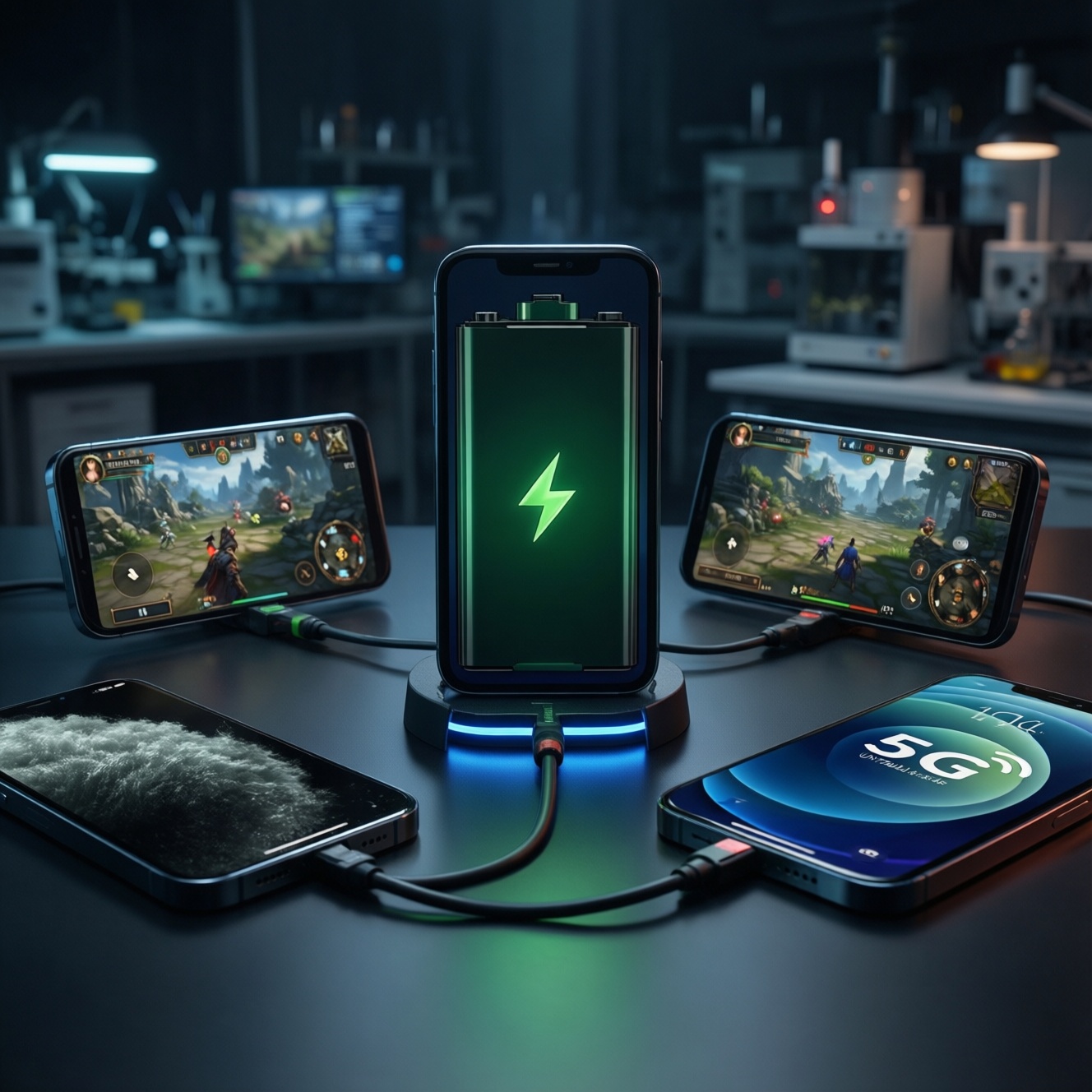
If you want to know who lasts longest on a real day (screen-on time, gaming heat, camera bursts, and unstable 5G), you need a repeatable test and a way to compare results across phones. Below is a practical battery test plan plus a budget-first reading of what usually wins in Thailand in 2026 for each scenario-without relying on marketing claims.
Battery summary: runtime highlights and decisive metrics
- Compare phones by screen-on endurance at fixed brightness, not by battery size alone.
- For gamers, thermal throttling often decides "รีวิวแบตเตอรี่มือถือ เล่นเกม" results more than raw capacity.
- For camera-heavy users, 4K capture + post-processing can drain faster than browsing-measure it separately.
- For "มือถือ 5G แบตอึด", include weak-signal 5G testing; modem behavior changes wildly by area in TH.
- Budget phones can outperform expectations when they use efficient mid-range chips + 1080p panels and conservative refresh rates.
- Your winner is the phone with the lowest % battery drop per hour in your two most common workloads.
Test methodology: real-world scenarios, tools and pass/fail criteria
Use the same settings on every phone, log battery % drop per hour, and repeat each test at least twice (then average). This is the fastest way to identify "มือถือแบตอึดที่สุด 2026" for your usage rather than for someone else's.
- Brightness lock: Set manual brightness to a fixed level (pick one you can sustain indoors). Disable auto-brightness and extra "sunlight" boosts.
- Refresh rate rule: Lock to the same mode across phones where possible (e.g., High/Adaptive). If you can't, note it clearly; it changes results.
- Network control: Test twice: (a) Wi‑Fi stable, (b) 5G enabled with real commuting-style signal changes (BTS/MRT, malls, condos).
- App parity: Same apps, same accounts, same autoplay settings (YouTube/Netflix/TikTok), same browser, same map app.
- Background sync: Keep messaging/social notifications ON (realistic), but disable cloud backups during tests to avoid random spikes.
- Thermal baseline: Start at room temperature; remove case for gaming runs; record if phone becomes hot and dims the screen.
- Battery logging: Note start/end time, start/end %, and (if available) battery temperature; calculate % drop per hour.
- Pass/fail criteria: A phone "wins" a workload if it has (a) lower %/hour drop, and (b) stable performance (no severe FPS collapse, no forced brightness dimming).
Screen-on endurance: mixed browsing, streaming and standby patterns
Instead of chasing a single "best", pick the endurance profile that matches your day. The options below map to common TH usage: commuting, streaming, social scrolling, and mixed standby.
| Variant | Who it suits | Pros | Cons | When to choose |
|---|---|---|---|---|
| Big-battery midrange (value endurance) | Most people who want "มือถือแบตอึด เล่นเกม ราคาไม่เกิน" behavior without paying flagship prices | Usually excellent mixed screen-on time; efficient 1080p panels; simpler thermal design can be stable | Camera processing may be slower; peak brightness can be lower outdoors | If your day is mostly social, browsing, video, and occasional gaming |
| Flagship with LTPO + aggressive power management | Users who want top display + good endurance with tuning | Very strong idle/standby; adaptive refresh can save power in reading and static screens | Some flagships burn more in heavy camera/video; background services can spike | If you mix work apps + lots of standby + premium screen quality |
| Gaming-oriented phone (performance-first) | Players who care about stable FPS more than absolute hours | Often stable sustained performance; sometimes includes bypass/charge separation features | Higher baseline drain; large displays at high refresh can consume more | If your "screen-on" is dominated by long gaming sessions |
| iOS large model (efficiency-first ecosystem) | People deep in Apple services and long standby patterns | Consistent idle drain control; predictable app behavior; strong video playback efficiency | Fewer knobs for power users; fast charging flexibility depends on accessories | If you value stable everyday endurance and minimal tweaking |
| Compact flagship (small battery, high performance) | Users who prioritize pocketability | Great one-hand use; premium performance | Mixed screen-on time is usually the first compromise; heats faster under load | If size/weight matters more than "all-day" certainty |
Template: 10-model comparison sheet (fill with your measured results)
Use this as a WordPress-friendly table to track your own tests. Because there are no provided sources here, the cells are intentionally designed for your measurements (not guessed numbers).
| Model (TH popular set) | Battery capacity (mAh) | Mixed screen-on drop (%/hour) | Gaming drop (%/hour) | Camera session drop (% per 30 min) | 5G commuting drop (%/hour) | Cost-per-hour (your THB ÷ your hours) |
|---|---|---|---|---|---|---|
| iPhone 15 Pro Max | - | - | - | - | - | - |
| iPhone 15 Plus | - | - | - | - | - | - |
| Samsung Galaxy S24 Ultra | - | - | - | - | - | - |
| Samsung Galaxy A55 5G | - | - | - | - | - | - |
| Xiaomi 14 | - | - | - | - | - | - |
| Redmi Note 13 Pro 5G | - | - | - | - | - | - |
| OPPO Reno11 F 5G | - | - | - | - | - | - |
| vivo V30 | - | - | - | - | - | - |
| realme 12 Pro+ 5G | - | - | - | - | - | - |
| OnePlus 12 | - | - | - | - | - | - |
Note for "เปรียบเทียบแบตเตอรี่ iPhone vs Samsung": keep brightness and network identical, and run the same app sequence; otherwise you end up comparing iOS app behavior vs One UI defaults rather than battery efficiency.
Gaming marathon: sustained load, thermal throttling and FPS stability
Use one repeatable loop (same game, same map/scene, same graphics preset, same FPS cap) and log % drop per hour plus any forced dimming. This is where a phone can look "แบตอึด" at first, then collapse after heat builds.
- If you play long sessions and hate stutter, then prioritize sustained stability: cap FPS (e.g., 60) before lowering resolution; you often gain more battery per hour with smoother thermals.
- If you want the best "รีวิวแบตเตอรี่มือถือ เล่นเกม" outcome for the money, then test a value midrange at 60 FPS; many deliver surprisingly low drain when not pushing 120 FPS.
- If you insist on 120 FPS competitive play, then accept higher drain and shop for cooling behavior: pick models that keep brightness stable and avoid aggressive throttling after 15-20 minutes.
- If your budget is tight and you're explicitly looking for "มือถือแบตอึด เล่นเกม ราคาไม่เกิน", then choose efficiency over peak power: 1080p display + stable mid-tier chip often beats a hotter flagship running uncapped.
- If you are choosing between budget and premium, then decide what you're paying for: premium usually buys higher peak FPS and better cameras, while budget often wins cost-per-hour for casual gaming.
Camera and capture drain: photo bursts, 4K video and post-processing impact
- Define your capture profile: mostly photos, mostly 4K video, or "shoot + edit + share" on-device.
- Test in a realistic brightness environment: outdoor shooting at high brightness can change the result more than the camera itself.
- Run a 10-minute 4K clip test (same resolution/FPS on all phones) and record % drop and device warmth.
- Run a burst + HDR test: shoot a consistent number of photos, then immediately open the gallery and scroll (processing drain is part of reality).
- Check background uploads: cloud photo sync can dominate drain; decide whether to keep it on (realistic) or off (isolated testing), but keep it consistent.
- Pick the winner for your workflow: if you edit on-phone, favor phones that stay cool; if you only capture and upload later, standby behavior matters more.
5G power profile: throughput, signal variability and modem behaviour
- Assuming 5G always drains more than Wi‑Fi; in strong 5G areas it can be efficient, but in weak coverage it can drain fast due to constant reacquisition.
- Testing only in one location; for "มือถือ 5G แบตอึด" you need at least one moving route (train, car, walking between buildings).
- Leaving "5G Auto" on and calling the result a modem comparison; some phones switch bands differently-log your conditions and repeat.
- Ignoring hotspot use; tethering is a separate high-drain scenario that can reverse rankings.
- Mixing dual SIM behavior; dual SIM can change standby drain-test single SIM first, then dual SIM as a separate run.
- Using VPN/ad-block DNS on one phone but not others; it changes network activity patterns and can skew drain.
- Not controlling background video autoplay while on 5G; short-form feeds can create spiky power draw that hides modem efficiency.
- Comparing results across different carriers/areas without notes; in TH, signal and cell congestion are often the "hidden variable."
Value-oriented verdicts: cost-per-hour, chargers and practical buying tips
For the best chance at "มือถือแบตอึดที่สุด 2026" for your money, a big-battery midrange is often the safest all-day pick for mixed use and casual gaming, while premium flagships are the better choice if you need sustained high FPS and heavy camera/video without compromises. For "เปรียบเทียบแบตเตอรี่ iPhone vs Samsung", choose iPhone if you want consistent idle/standby patterns, and choose Samsung if you want more control (refresh rate, power modes) to tune endurance per app.
Practical questions about battery behavior and measurement
What's the single most reliable metric to compare phones?
Battery percentage drop per hour in a fixed scenario (same brightness, same network, same app loop). It is more comparable than "hours" reported by different reviewers.
Should I test at 120 Hz or 60 Hz?
Test at the mode you will actually use. If unsure, run both: 120 Hz for worst-case screen drain, 60 Hz for value-focused "battery per baht" reality.
Why does my gaming drain look good for 10 minutes, then gets worse?
Heat buildup triggers higher power draw and/or throttling, and some phones also dim the screen to manage temperature. That second phase is the real "marathon" behavior.
How do I make "รีวิวแบตเตอรี่มือถือ เล่นเกม" comparisons fair?
Lock the same FPS cap and graphics preset, use the same game scene/loop, and keep brightness fixed. Record whether the phone heats and forces dimming.
Is 5G always worse for battery than 4G in Thailand?
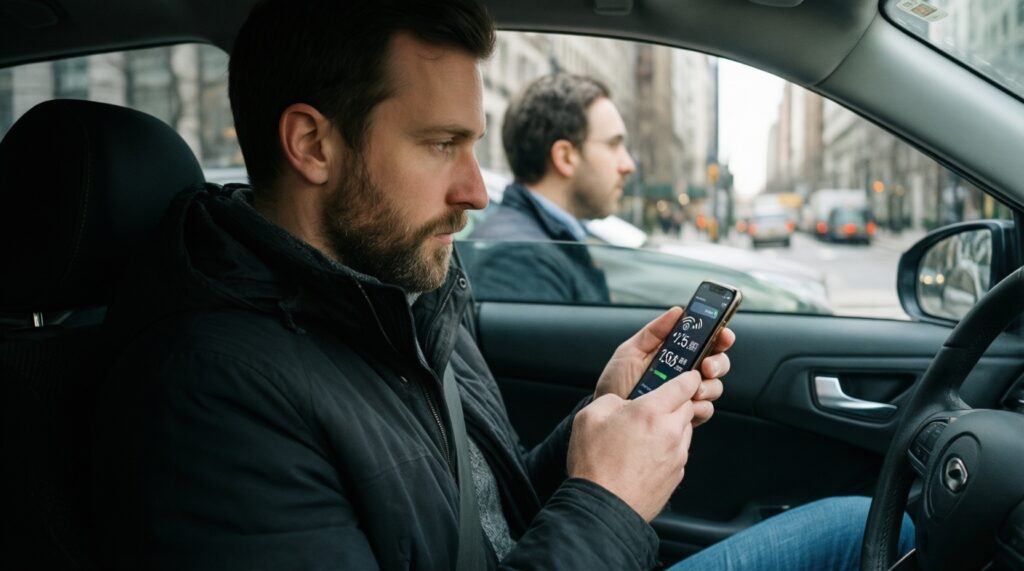
No. In strong coverage 5G can be efficient; in unstable areas it can drain faster due to signal hunting. Test at least one commuting route.
What's the fastest way to evaluate "มือถือแบตอึด เล่นเกม ราคาไม่เกิน" options?
Run a 60 FPS capped gaming loop for 30-60 minutes and compare % drop per hour. Midrange phones often win here if they stay cooler.
How should I interpret "เปรียบเทียบแบตเตอรี่ iPhone vs Samsung" results?
Treat it as a comparison of system defaults and app behavior as much as raw battery. Keep settings identical and note differences you cannot align (refresh strategy, background management).