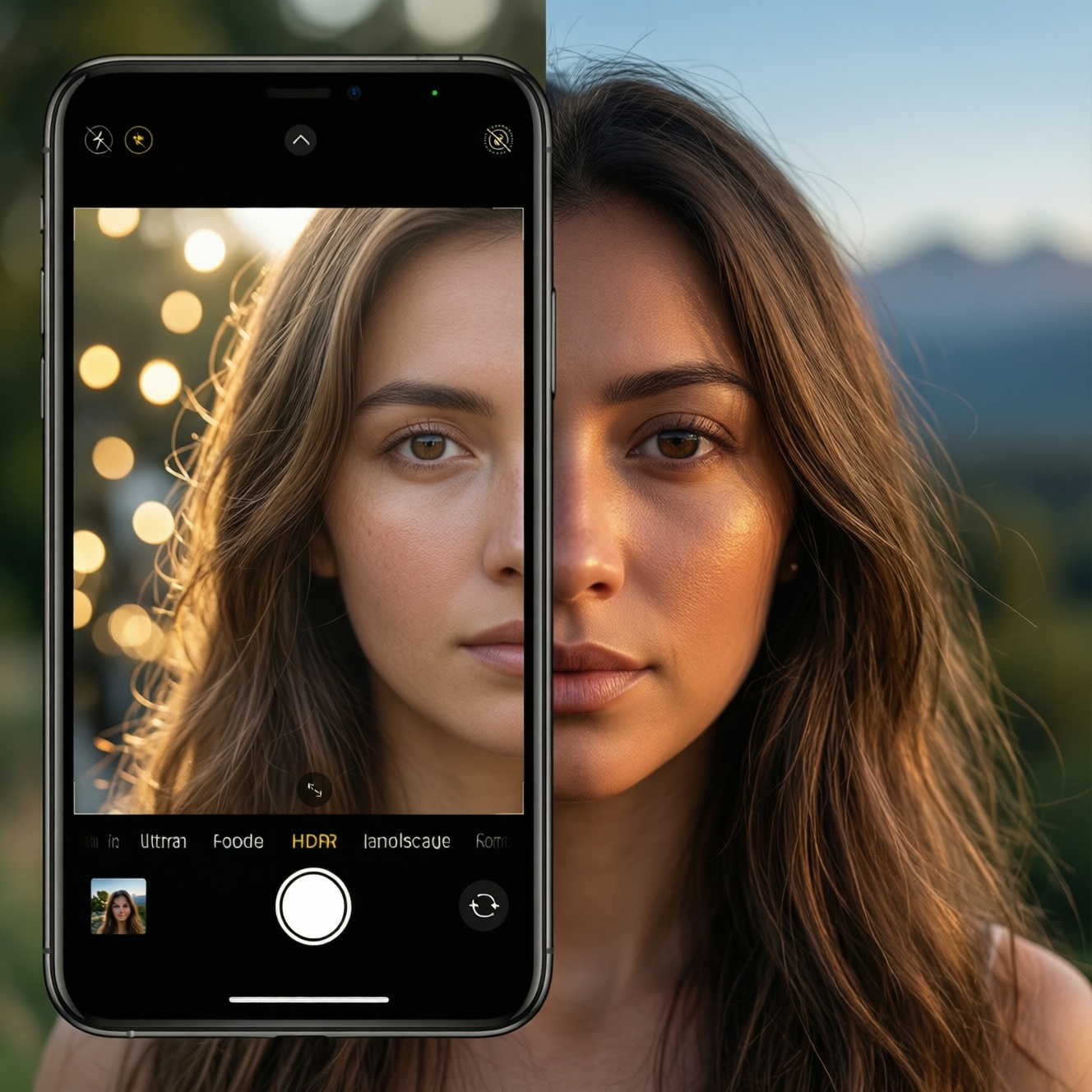
If you're choosing a phone camera for portraits vs landscapes, prioritize different strengths: portraits need stable skin-tone rendering, controlled sharpening, and predictable bokeh; landscapes need wide dynamic range, consistent ultra-wide color, and clean HDR. Use this guide to run a quick comparison of tone, skin processing, DR, and night behavior-then match results to your shooting persona.
Essential Comparison Highlights
- Portrait-first phones win on consistent skin tones, controlled contrast, and fewer "AI face" artifacts.
- Landscape-first phones win on HDR stability, highlight retention, and matching color across lenses (main vs ultra-wide).
- Night performance depends more on motion handling and noise texture than on "brightest" output.
- Computational tuning (HDR/beauty/sharpening) often matters more than sensor size for real-world looks.
- A fast way to decide: test the same scene across main/ultra-wide at noon, golden hour, and night-then judge consistency.
Color Science: Portrait vs Landscape Rendering
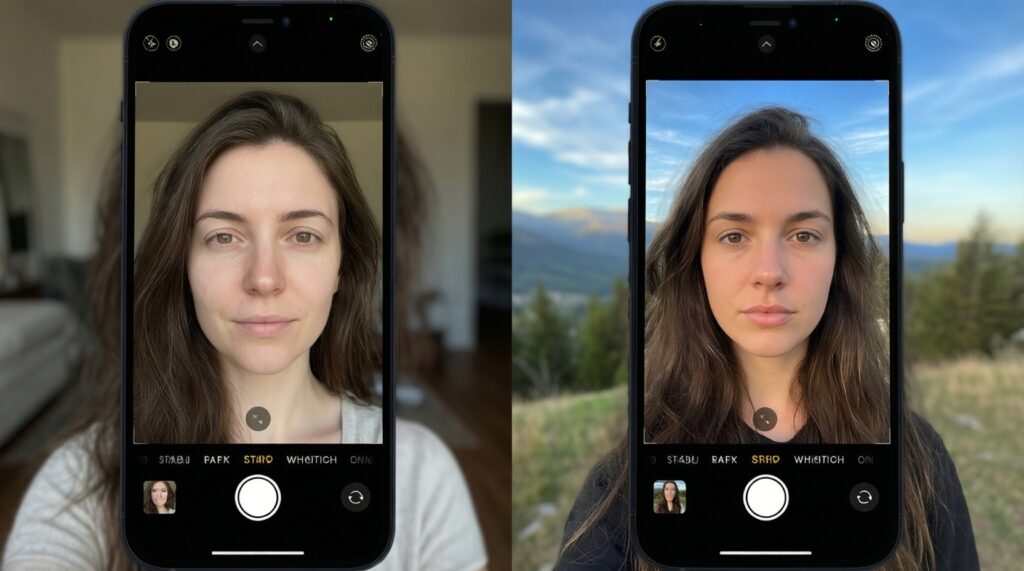
Use these criteria to decide what "good color" means for your style (this directly addresses เปรียบเทียบกล้องมือถือถ่ายคนกับถ่ายวิว and เปรียบเทียบกล้องมือถือโทนสีและผิวหน้ารุ่นไหนดี):
- White balance stability: does the phone keep skin neutral indoors while keeping skies believable outdoors?
- Skin hue bias: common shifts are too yellow, too pink, or "orange tan" under warm light.
- Contrast curve: portrait-friendly curves lift midtones; landscape-friendly curves can deepen shadows for punch.
- Saturation strategy: global saturation vs selective saturation (greens/blues) changes how "travel photos" look.
- Lens-to-lens matching: main vs ultra-wide should keep the same tone; mismatches ruin albums.
- Sharpening style: edge sharpening can help buildings/foliage but can harden pores and facial hair.
- HDR color shifts: some HDR pipelines desaturate faces or turn sunsets unnatural when highlights are compressed.
- Backlit behavior: does the phone keep faces natural in front of bright windows without turning the background gray?
Skin Tone Accuracy and Retouching Tendencies
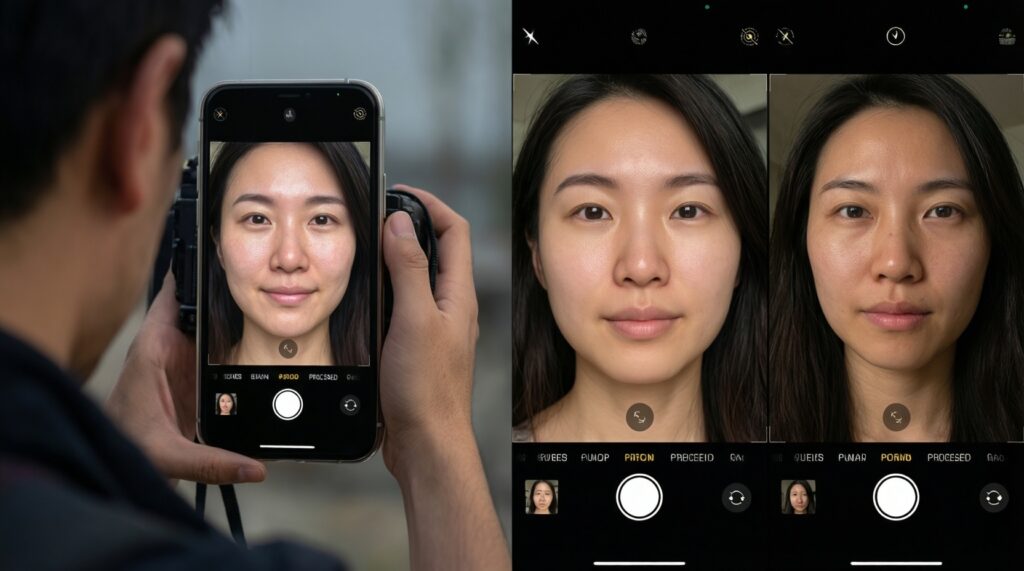
If your key question is มือถือกล้องสวยถ่ายคนผิวสวยรุ่นไหนดี, focus less on "beauty" defaults and more on how easily you can get a natural look repeatedly across lighting. Compare the typical processing styles below.
| Option | Best for | Pros | Cons | Choose it when |
|---|---|---|---|---|
| Natural portrait color science | People-focused shooters who want realistic skin | Stable skin hues; moderate contrast; fewer "plastic skin" artifacts | May look less "pop" on social feeds without editing | You shoot families/clients and need dependable skin under mixed lighting |
| Beauty-first processing | Selfies, casual portraits, quick posting | Smoother skin; brightened faces; forgiving under harsh light | Texture loss; haloing on hair; changing face shape/tones across frames | You prefer flattering output straight from camera and accept less realism |
| Warm, "sunset" tuning | Travel portraits and lifestyle looks | Pleasant warmth; often enhances golden hour | Can push some skin to orange; whites may drift cream/yellow indoors | You shoot mostly outdoors and want a consistent warm mood |
| Cool/neutral, editorial tuning | Intermediate editors using Lightroom/Snapseed | More neutral base; easier to grade; highlights often cleaner | Can feel "flat" or slightly cool without tweaks | You plan to edit and want a flexible file-like look |
| HDR-first people mode | Backlit portraits, bright beaches, window light | Protects highlights; lifts shadows on faces | Sometimes gray backgrounds; skin can lose depth; occasional ghosting | You often shoot faces against bright skies or strong backlight |
| Pro/RAW-friendly pipeline | Creators who want maximum control | Best editing latitude; less baked-in sharpening/NR | Needs editing; larger files; slower workflow | You care about repeatable results and don't mind post-processing |
Quick qualitative "test metrics" checklist (no lab gear needed)
Use this as a practical proxy for color gamut, skin error tendencies, dynamic range behavior, noise, and night clarity-without relying on numbers.
| What to check | How to test in 2 minutes | Good sign for portraits | Good sign for landscapes | Red flag |
|---|---|---|---|---|
| Color richness (gamut feel) | Shoot flowers/food + blue sky | Skin stays believable, not oversaturated | Greens/blues look deep but not neon | Skin turns orange/pink while scenery looks "wow" |
| Skin-tone deviation tendency | Same face under shade + indoor warm light | Similar skin hue across both scenes | N/A | Skin swings warm↔cool dramatically between shots |
| Dynamic range behavior | Backlit subject + bright sky | Face keeps depth; no gray wash | Clouds keep structure; shadows aren't crushed | HDR halos on edges or flat, gray-looking scene |
| Noise texture at high ISO | Indoor low light, no flash, slight movement | Skin keeps natural texture (not wax) | Fine detail remains without watercolor smearing | Over-smoothing + sharpened edges (crispy + muddy) |
| Night clarity (SNR feel) | Street lights + dark areas + signs | Faces not blotchy; minimal color noise | Sign text readable; lights controlled | Bright output but smeared detail and blown lamps |
Dynamic Range: Preserving Highlights and Shadows
If your main ask is มือถือกล้องสวยถ่ายวิวไดนามิกเรนจ์ดีรุ่นไหนดี, judge dynamic range by consistency and natural tonality, not just "everything visible." Use these scenario rules:
- If you shoot beaches or midday cityscapes, then prefer a phone whose HDR keeps cloud texture and doesn't gray-out the scene; enable HDR/Auto HDR but avoid extreme "HDR effect" filters.
- If you shoot portraits against sunsets, then choose a phone that prioritizes face exposure without turning the sky into a flat gradient; use spot/face metering and slightly underexpose the sky.
- If you shoot forests/temples with deep shadows, then pick a phone that lifts shadows without heavy noise blotches; consider RAW for one "hero" frame to recover shadows cleanly.
- If you frequently switch between main and ultra-wide, then choose the phone with matched HDR tone mapping across lenses; otherwise your album will look inconsistent.
- If you see halos on buildings/trees, then reduce HDR strength (if available) or avoid extreme backlight compositions; halos usually come from aggressive local tone mapping.
Low-Light Performance and Night Modes
For มือถือถ่ายกลางคืนดีสุดรุ่นไหนดี, use this fast selection algorithm to avoid being fooled by overly bright night samples.
- Take one handheld night photo with Night mode ON and one with Night mode OFF (auto photo). Compare motion blur on people/cars.
- Zoom in on faces and hair: prefer natural grain over "wax skin" and over-sharpened outlines.
- Check bright lamps/neon: prefer phones that keep lamp shape and signage readable (less blooming).
- Check dark areas (sky, shadows): avoid phones that add strong color blotches or smear fine texture.
- Test ultra-wide at night: many phones look good on main camera but collapse on ultra-wide (noise + mush).
- If available, test night portrait separately: some phones do great night landscapes but struggle with skin under mixed street lighting.
Persona-based settings you can apply immediately
- Portrait-focused (events, friends, family): turn off beauty/retouching by default, keep HDR on auto, use 2x/tele for faces when lighting is good, and slightly reduce exposure to protect highlights on foreheads.
- Landscape-focused (travel, temples, mountains): keep HDR on, enable lens correction if available, tap to expose for highlights (sky/clouds), and use ultra-wide only when its color matches the main camera in your test shots.
- Night shooter (street, markets, nightlife): prioritize faster capture over maximum brightness, avoid heavy night mode for moving subjects, and use main camera (not ultra-wide) unless lighting is strong.
Lens Behavior and Computational Trade-offs
Common mistakes that lead to disappointing results when comparing portrait vs landscape phones:
- Judging only the main camera and ignoring ultra-wide consistency (critical for landscapes).
- Assuming "more megapixels" automatically means better detail; processing often dominates.
- Choosing based on overly bright night samples; brightness can come with smearing and lost texture.
- Confusing aggressive sharpening with real detail; it can make skin look harsh and foliage look crunchy.
- Not checking backlit portraits; some HDR stacks distort faces or create edge halos around hair.
- Relying on digital zoom instead of a real tele lens; portraits can look "flat" and artificial.
- Ignoring shutter behavior: slow capture increases motion blur, hurting people shots at night even if the photo is clean.
- Using default beauty settings during tests; it hides real skin-tone behavior and can mislead comparisons.
Test Protocols and Persona-Based Outcome Summary
For a clean decision, run the same five-scene test (day portrait, backlit portrait, noon landscape, golden hour landscape, street night) on any candidates. In practice: choose a portrait-tuned phone if your priority is repeatable skin tone and controlled texture; choose a landscape-tuned phone if you want stable HDR and lens matching; choose a night-optimized phone if you often shoot moving scenes after dark and need reliable capture speed.
Troubleshooting and Quick Clarifications
Why do some phones make skin look too smooth even with beauty off?
Noise reduction and face detection can still trigger "skin preservation" routines. Try disabling scene optimizer/AI enhancement, or use Pro/RAW for a more natural texture baseline.
My landscapes look great, but ultra-wide colors don't match the main camera-what should I do?
That's a lens-to-lens tuning mismatch. Use the main camera for critical shots, or lock white balance (if supported) to reduce shifts between lenses.
Why does HDR sometimes make scenes look gray and flat?
Some pipelines compress highlights and lift shadows too aggressively. Reduce HDR strength (if available) or slightly underexpose and edit shadows later.
Night mode looks bright but details look smeared-how can I fix it?
Use standard photo mode for moving subjects and reserve night mode for static scenes. Also try shorter night exposure settings if the camera app offers them.
How can I compare phones fairly in a shop or quick meetup?
Use the same subject and lighting, keep default lens (main), and take two shots: one auto and one with tap-to-expose on the same highlight. Consistency across repeats matters more than a single lucky frame.
Is RAW always better for portraits and landscapes?
RAW is better when you plan to edit and want consistent skin and highlight recovery. For quick sharing, a well-tuned JPEG/HEIC pipeline can look better straight out of camera.