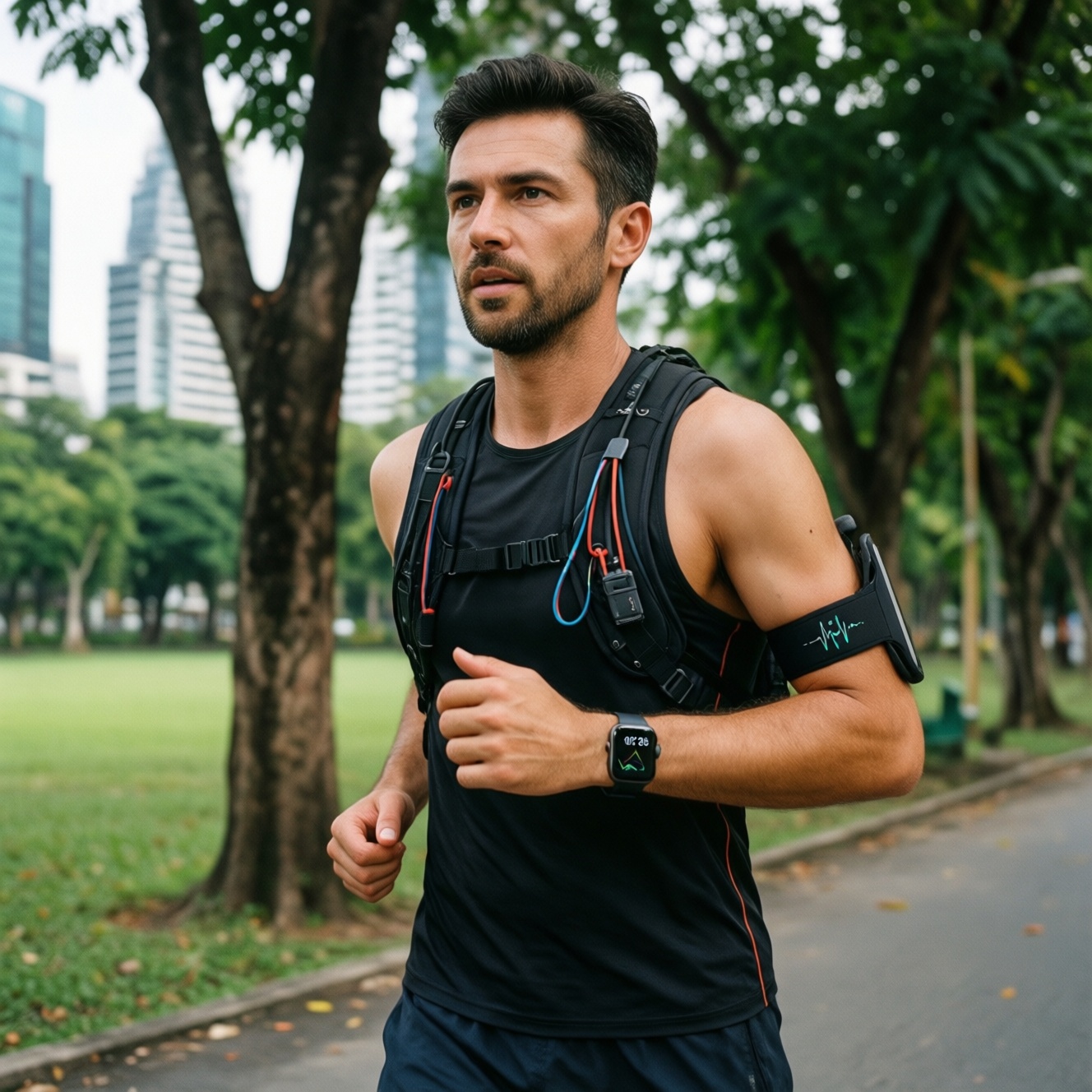
If you're choosing a workout smartwatch mainly for measurement quality, treat wrist HR and built-in GPS as "good enough" for steady runs, but not as ground truth for intervals, strength training, dense-city routes, or cycling. For the most reliable numbers, pair a watch with a chest strap for HR and prioritize dual-band GNSS for GPS consistency in Thailand's urban and tree-covered areas.
Snapshot: HR and GPS accuracy - quick verdicts
- Wrist optical HR is typically most dependable during steady running; it is least dependable during rapid intensity changes and heavy wrist flexion.
- For "รีวิวสมาร์ทวอทช์วัดชีพจรแม่นยำ", the biggest upgrade is a chest strap, not a different watch model.
- GPS quality varies more by chipset (single vs dual-band), antenna design, and firmware than by price alone-relevant to "สมาร์ทวอทช์ GPS แม่นยำ รุ่นไหนดี".
- In Bangkok-style "urban canyon" routes, dual-band GNSS and multi-constellation modes reduce pace spikes and corner-cutting.
- Most "wrong distance" complaints come from settings (satellite mode, recording interval) and wear/fit, not broken hardware.
- If budget is tight ("ซื้อสมาร์ทวอทช์ออกกำลังกาย ราคาถูก"), spend on a chest strap first, then upgrade the watch later.
Test methodology, reference equipment and data collection protocol
Use this protocol to compare options consistently (and to sanity-check marketing claims):
- Reference for HR: use an ECG-based chest strap as the baseline for beat-to-beat response; treat wrist HR as the device under test.
- Reference for GPS route: use a known-good dual-band GNSS sports watch or a dedicated GNSS logger; alternatively, run the same route multiple times and compare self-consistency.
- Repeatability: test the same route/session at least twice per device after a cold start and a warm start to expose acquisition differences.
- Route mix: include open-sky (park), dense-city (high-rises), and tree cover (canal/green corridor) because Thailand often combines all three.
- Workout mix: steady run, interval run, cycling (road or indoor), and strength training to capture motion/physiology edge cases.
- Wearing controls: standardize wrist (left/right), strap tightness, sensor position (above wrist bone), and skin conditions (sweat, sunscreen).
- Device settings: lock satellite mode (GPS-only vs multi-constellation vs dual-band), recording interval (smart vs every-second), and power modes.
- Firmware/app versioning: record firmware/build number; update before testing and avoid mixing results across major updates.
Heart-rate performance across activities: running, cycling, strength and intervals
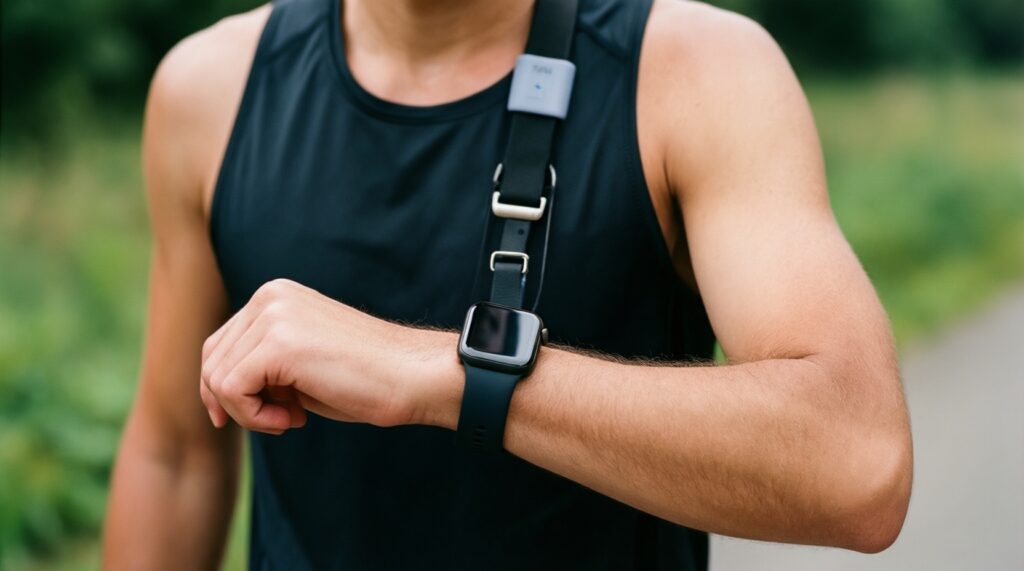
Below are practical "options" you can actually choose between when asking "สมาร์ทวอทช์ออกกำลังกาย รุ่นไหนดี" for HR accuracy. The key difference is whether you rely on wrist optics alone or add a chest strap.
| Variant | Who it fits | Pros | Cons | When to pick |
|---|---|---|---|---|
| Wrist-only smartwatch (optical HR) | Casual runners, general fitness, step/cardio tracking | Convenient; no extra gear; decent for steady-state runs | Lag and spikes during intervals; weaker for cycling/strength (grip + wrist flex) | Mostly steady running, walking, light cardio; you value simplicity over lab-grade HR |
| Smartwatch + chest strap (BLE/ANT+) | Data-driven athletes, interval runners, anyone following HR zones strictly | Fast response to intensity changes; stable during strength and cycling | Extra item to wear/charge; strap fit and electrode moisture matter | Intervals, tempo, HRV-style training, or when wrist HR repeatedly misreads |
| Sports watch with strong optical HR algorithm (training-focused) | Runners who want better wrist HR without a strap | Often better smoothing and motion handling; better training metrics ecosystem | Still limited by optics/skin; can struggle with rapid transitions | You want improved wrist-only behavior for running and are okay with occasional misses in HIIT |
| Arm-band optical HR sensor + watch | Gym-focused users who hate chest straps | Typically more stable than wrist during lifting; less affected by wrist angle | Another device; placement and compression affect readings | Strength training and mixed circuits where wrist HR goes erratic |
| Indoor cycling + chest strap (watch only as display) | Cyclists using trainers/spin bikes | Stable HR; avoids wrist vibration issues; works even with stationary sessions | Requires strap; depends on bike console compatibility for power/cadence | Your main sessions are indoor cycling or you rely on structured zones |
Practical pass/fail thresholds (no lab numbers needed): for steady runs, wrist HR is acceptable if it tracks effort changes smoothly within a few breaths; for intervals, it's unacceptable if peaks arrive late, or if recovery HR "sticks" high/low compared with perceived exertion and a strap baseline.
GPS performance: route fidelity, distance error and pace drift
Use these scenario rules when deciding "สมาร์ทวอทช์ GPS แม่นยำ รุ่นไหนดี" for your typical routes:
- If you run among high-rises (Bangkok CBD) and see pace spikes, then choose a watch with dual-band GNSS and enable multi-constellation; also prefer "every-second" recording for workouts.
- If you run under tree cover or along canals/parks with mixed sky view, then prioritize models known for strong antenna design and stable track smoothing; avoid aggressive battery saver GPS modes.
- If you care about lap pace for intervals on roads, then use autolap cautiously (it can drift with GPS); consider manual laps or track mode where available.
- If you cycle with a handlebar mount available, then a dedicated bike computer or mounted phone can hold GPS more consistently than a wrist device due to antenna orientation and reduced arm swing.
- If you mainly train on a track, then select a device with a track/run calibration mode; otherwise expect corner-cutting and variable lane distance.
How sensors, placement and firmware affect measurement quality
- Decide your "truth source" first: if HR zones drive your training plan, commit to a chest strap (or arm-band) as primary HR.
- Fit the watch correctly: wear it above the wrist bone, snug enough not to slide during arm swing, but not so tight it restricts blood flow.
- Warm-up for optics: do a short easy warm-up before intervals; optical HR often stabilizes after blood flow increases.
- Lock workout settings: use a consistent GPS mode and recording interval; avoid "ultra battery" modes for key sessions.
- Control skin factors: heavy sweat + sunscreen can cause light scattering; wipe sensor and skin, and keep the sensor window clean.
- Update firmware deliberately: update, then re-test one known route and one interval session; keep notes because algorithms can change.
- Validate occasionally: compare against strap HR and a repeatable route; if drift appears after an update, rollback isn't always possible-adjust settings and placement first.
Head-to-head comparison table: smartwatches vs chest straps and dedicated GPS units
Common buying mistakes (and what to do instead), especially when reading "เปรียบเทียบ Garmin กับ Apple Watch ออกกำลังกาย" style comparisons:
- Assuming "more expensive = more accurate": accuracy is dominated by sensor physics, antenna design, and firmware tuning-verify with your routes and workouts.
- Comparing wrist HR to a gym machine HR: many gym handles are noisy; compare to a chest strap when judging "รีวิวสมาร์ทวอทช์วัดชีพจรแม่นยำ".
- Testing GPS on one short route once: you need repeats and mixed environments (open sky + city + trees) to see failure modes.
- Using power-saving GPS for quality-focused sessions: saver modes trade fidelity for battery, causing pace drift and corner-cutting.
- Ignoring wear position and band choice: loose bands or wearing on the wrist bone causes HR dropouts; nylon/loop bands can stabilize fit for some users.
- Expecting perfect interval HR from wrist optics: optics lag is normal; add a strap when intervals matter.
- Over-trusting "instant pace": instant pace is jittery even on good devices; use lap pace, rolling pace, or pace targets with smoothing.
- Choosing only by ecosystem wars: OS features matter, but for training outcomes the combo "watch + strap" usually beats brand-only debates.
Recommendations mapped to user personas and training goals
Best fit depends on how you train: for a casual runner asking "สมาร์ทวอทช์ออกกำลังกาย รุ่นไหนดี", a wrist-only smartwatch is typically sufficient if your sessions are mostly steady. For a triathlete or serious runner, a training-focused watch with dual-band GNSS plus a chest strap is the most reliable stack. For a gym-focused user, consider an arm-band HR or chest strap to avoid wrist flex errors. For a data-driven athlete-including those who want to "ซื้อสมาร์ทวอทช์ออกกำลังกาย ราคาถูก"-allocate budget to a chest strap first, then upgrade the watch for GPS and software features.
Technical concerns, common failure modes and quick fixes
Why does wrist HR jump or drop during intervals?
Optical sensors lag when intensity changes quickly and can misread when the watch shifts. Tighten the fit, move it above the wrist bone, and use a chest strap for interval days.
Why is my GPS distance longer/shorter than friends'?
Different satellite modes, recording intervals, and route-side choices change totals. Match settings (GNSS mode + recording) and compare on the same side-by-side route.
Why does pace look wildly unstable in the city?
High-rises reflect signals and cause position jumps. Enable dual-band GNSS if available, avoid battery-saver GPS, and rely on lap/rolling pace instead of instant pace.
My watch is accurate on runs but poor on cycling-why?
Wrist vibration, grip tension, and reduced arm swing can degrade optical HR and sometimes GPS antenna orientation. Use a chest strap for HR and consider a handlebar-mounted solution for GPS consistency.
Do firmware updates really change HR/GPS accuracy?
Yes-vendors adjust filtering, satellite selection logic, and HR algorithms. After updating, re-test one known route and one standard workout before trusting new personal records.
How can I make wrist HR more reliable for strength training?
Wear the watch higher on the forearm with a snug band, and avoid extreme wrist flex where possible. If readings still drift, switch to an arm-band or chest strap for lifting sessions.
What should I check first if HR is flatlining or stuck?
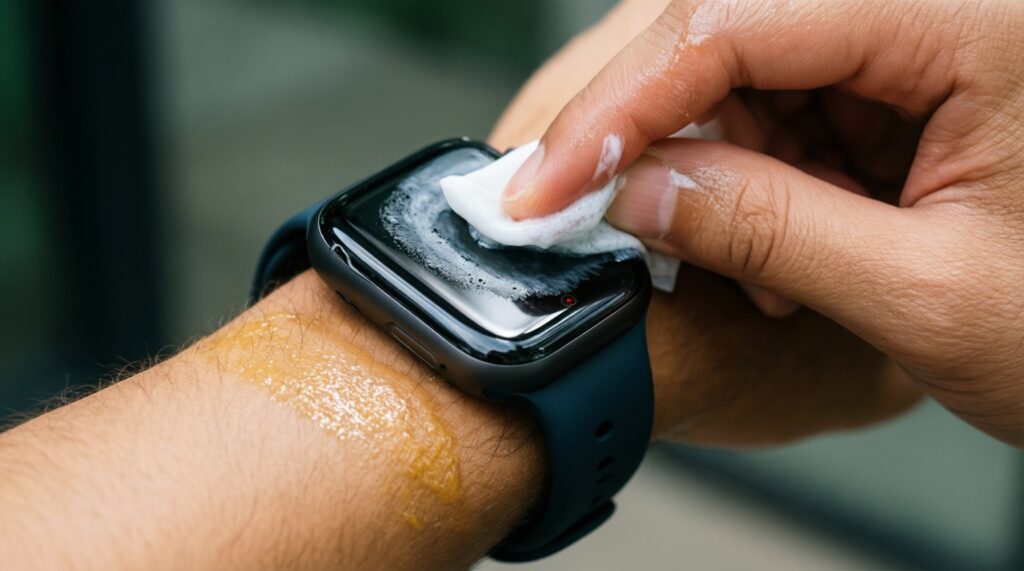
Clean the sensor window, dry/wipe sweat and sunscreen, and re-seat the band for firm contact. Then restart the watch and re-pair external sensors if you use them.