For sustained gaming, flagships usually deliver higher peak FPS, but they are not automatically steadier: the "nicer" choice is the phone that holds clocks under heat without aggressive throttling. Mid‑range models can feel more consistent at sensible settings, especially if you prioritize comfort and battery. Choose by your game load, session length, and heat tolerance.
Thermal and frame‑rate snapshot
- "นิ่งกว่า" comes from stable sustained performance, not from max benchmark scores.
- Flagships tend to win for high/ultra settings and heavy shaders, but can show sharper throttle waves if cooling saturates.
- Mid‑range can be the มือถือรุ่นกลางเล่นเกมคุ้มค่า path when you cap FPS and avoid ultra textures.
- To get มือถือเล่นเกมเฟรมเรตนิ่ง, prioritize thermal headroom: frame pacing, not just average FPS.
- To get มือถือเล่นเกมไม่ร้อน, manage brightness, network, and charging habits as much as chipset choice.
How SoC power and cooling architecture shape sustained gaming
Use these criteria to decide whether a flagship or mid‑range device will be steadier for your sessions in Thailand's warm ambient conditions.
- Sustained clocks vs burst performance: how quickly the SoC drops frequency after the first minutes.
- Thermal solution design: vapor chamber size/layout, graphite layering, and where heat spreads (center vs top).
- Power limits behavior: gradual downclocking (smooth) vs hard caps (stutter spikes).
- GPU driver maturity: affects frame pacing, shader compilation stutter, and stability across game updates.
- Display pipeline: refresh rate modes, VRR behavior (if available), and touch sampling consistency.
- Memory subsystem: RAM bandwidth/latency and storage speed that influence asset streaming hitching.
- Game mode controls: ability to lock performance, disable thermal "comfort" limits, or cap FPS reliably.
- Network and modem heat: 5G + weak signal can add heat and instability in long matches.
- Charging + passthrough options: playing while charging is often the fastest route to throttling.
Actionable takeaway: If your priority is steady competitive play, favor devices that throttle smoothly and keep frame pacing tight rather than those that just peak higher.
Testing protocol: metrics, tools, and reproducibility
This protocol makes a fair เปรียบเทียบมือถือเรือธงกับรุ่นกลางเล่นเกม by controlling for settings and measuring the same stability signals each run.
What to measure (practical metrics)
- Frame-time consistency: look for spikes and oscillation patterns (micro-stutter), not just "average FPS".
- Stability over time: does performance drift after 10-20 minutes and then settle, or keep cycling?
- Surface hot spots: where fingers rest (camera island, mid-back, side rails) matters for comfort.
- Input feel: touch latency changes when clocks drop or when screen dims under heat.
- Battery behavior: drain pattern and whether charging triggers extra thermal limiting.
Reproducible setup checklist
- Fix ambient conditions (same room, no direct sunlight).
- Same brightness mode and audio output method each run.
- Same network conditions (prefer stable Wi‑Fi; avoid weak 5G signal tests unless that is your real use).
- Same in-game scene/route (training room, replay, or identical scripted path).
- Same performance mode (or all defaults) for both flagship and mid‑range.
Comparison options for how to run the test
| Variant | Who it fits | Pros | Cons | When to choose |
|---|---|---|---|---|
| 30‑minute ranked-match simulation (fixed map route) | Competitive players chasing consistency | Shows real throttling waves and frame pacing issues | Hard to fully standardize if online events vary | When you care about stability under pressure |
| 15‑minute training-room loop (offline) | Intermediate testers comparing devices | Highly repeatable; isolates device behavior | May under-represent modem heat and network spikes | When you want clean baseline comparisons |
| Thermal ramp test (play while charging) | Players who plug in during sessions | Quickly reveals worst-case throttling | Not representative if you never charge while playing | When "charging + gaming" is your normal routine |
| Max-settings stress (uncapped FPS if available) | Power users testing headroom | Exposes cooling saturation and power limits | Can mislead: great peaks, poor comfort | When deciding if a flagship cooling design is truly effective |
| Balanced-settings cap (e.g., 60 FPS cap, medium/high mix) | Casual-to-serious daily players | Often the most stable; best comfort-per-watt | May hide differences in peak capability | When you want "set and forget" steadiness |
Actionable takeaway: For "which is steadier," prioritize the 30‑minute simulation and the balanced cap run; the stress test is for headroom, not comfort.
Flagship phones: throttling patterns, heat maps, and frame stability
For มือถือเรือธงเล่นเกม, expect higher ceilings and faster shader work, but watch for how the device behaves once the cooling system saturates.
Typical throttle patterns you'll see
| Flagship behavior | What it feels like in-game | Risk to "steady FPS" | How to mitigate |
|---|---|---|---|
| Fast peak then step-down | Very smooth start, then a noticeable settle | Medium | Warm-up 5-10 minutes before ranked; avoid ultra textures if heat ramps |
| Oscillating boost (wave throttling) | Short stutters every few minutes | High | Cap FPS; reduce one heavy setting (shadows/AA) instead of lowering everything |
| Comfort-first thermal policy | Lower but stable performance; cooler feel | Low | Use performance mode only when needed; keep brightness controlled |
Scenario recommendations (if..., then...)
- If you play competitive shooters/MOBA and notice micro-stutter, then cap FPS and prioritize stable frame-time; a flagship with "wave throttling" can feel worse than a tuned mid‑range.
- If you play open-world titles at high settings, then a flagship is usually the safer bet, but only if the chassis stays comfortable where your fingers rest.
- If your sessions are long and you live in warm rooms, then favor flagships known for gradual throttling over those that chase aggressive boosts.
- If you often play on 5G in weak-signal areas, then consider Wi‑Fi when possible; modem heat can destabilize even strong flagships.
- If you use a controller and don't touch the hot spot much, then a hotter-running flagship can still be "better" for you because comfort is less constrained.
Persona fit (flagship)
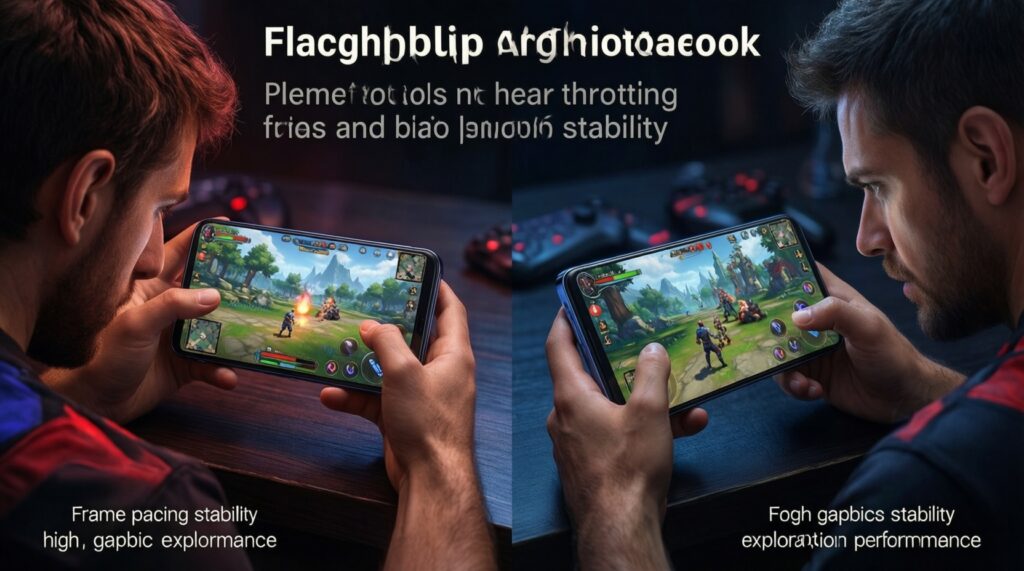
- Competitive "ranked grinder": choose flagship only if it maintains stable frame pacing under heat; otherwise you'll feel throttling as aim inconsistency.
- Graphics-first explorer: flagship is the most forgiving for high settings and dense scenes.
Actionable takeaway: A flagship wins when it stays predictable after it heats up; test for throttle waves, not launch-day smoothness.
Mid‑range phones: bottlenecks, adaptive clocks, and steadiness
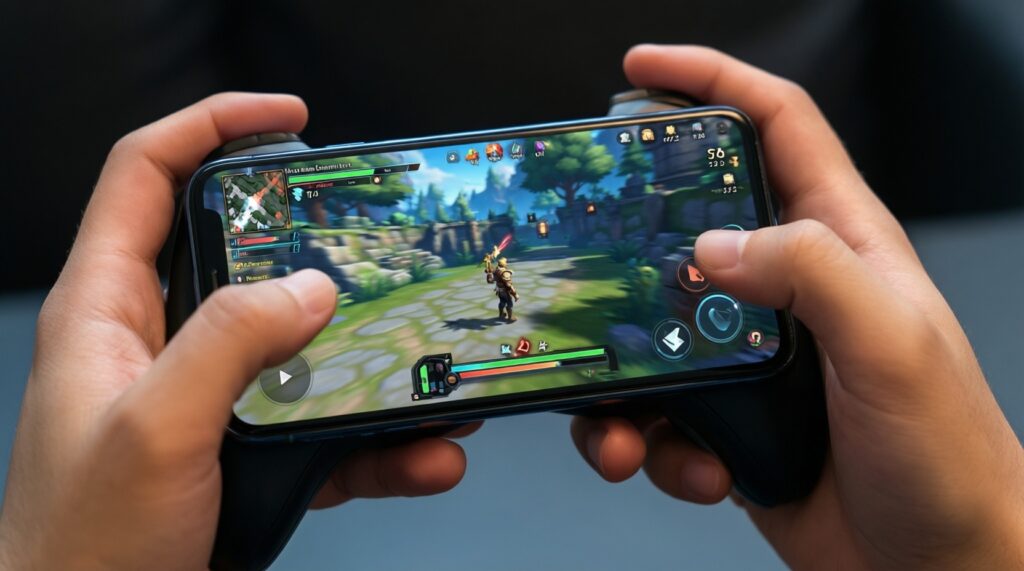
Mid‑range devices can deliver surprisingly consistent play when their limits are respected. The question is whether the bottleneck shows up as lower FPS (acceptable) or uneven pacing (annoying).
Common mid‑range bottlenecks and how they present
| Likely bottleneck | Symptom | Steadiness impact | Best fix |
|---|---|---|---|
| GPU throughput | Can't hold high settings; dips in effects-heavy fights | Medium | Lower shadows/effects first; keep resolution sensible |
| Thermal headroom (smaller cooling) | Gradual slowdown during long sessions | Medium | Use FPS cap; avoid playing while charging |
| Memory/storage streaming | Hitches when loading new areas | High | Reduce texture quality; keep background apps minimal |
Fast selection algorithm for a steadier mid‑range
- Pick your target FPS first (cap if the game offers it); don't shop around "up to" numbers.
- Ensure the device offers a consistent performance mode (or at least doesn't auto-switch aggressively).
- Prefer a chassis that spreads heat (comfort) rather than concentrating it under your index fingers.
- Check that your main game runs well at balanced settings; mid‑range stability often comes from tuning, not brute force.
- Verify RAM headroom for your usage style (streaming, Discord, screen recording can trigger hitches).
- Decide your charging habit: if you game while plugged in, treat it as a thermal stress requirement.
- Confirm long-session comfort: if it becomes unpleasant to hold, steadiness won't matter.
Persona fit (mid‑range)
- Casual commuter: mid‑range often feels best when capped and tuned; it's the typical มือถือรุ่นกลางเล่นเกมคุ้มค่า route.
- Budget-optimized competitor: mid‑range can be "นิ่ง" if you target stable 60 FPS and avoid ultra effects.
Actionable takeaway: Mid‑range wins on perceived consistency when you lock a realistic FPS target and avoid settings that force frequent clock swings.
Battery, thermals and real‑world session trade‑offs
Thermals and frame stability are often decided by usage habits. These mistakes are why people fail to get มือถือเล่นเกมไม่ร้อน or มือถือเล่นเกมเฟรมเรตนิ่ง even with capable hardware.
| Choice/behavior | Typical effect | Better practice |
|---|---|---|
| Playing while fast-charging | Rapid heat rise; earlier throttling | Charge to a comfortable level first, then play unplugged if possible |
| Max brightness + auto HDR-like enhancements | Extra heat and power draw, especially outdoors | Use fixed, moderate brightness; disable unnecessary visual boosts |
| Weak-signal 5G gaming | Modem heat + unstable latency | Prefer stable Wi‑Fi or strong-signal areas during ranked |
| Using ultra textures by default | Memory pressure; streaming hitches; heat | Start at high/medium textures, raise only if stable over time |
Common selection mistakes to avoid
- Buying based on peak benchmark scores instead of sustained stability.
- Testing only the first 3-5 minutes, then assuming it stays that way.
- Lowering every setting at once (hard to identify which one caused throttling).
- Ignoring where the phone gets hot (comfort is grip-dependent).
- Assuming "120/144 Hz screen" guarantees smoother gameplay without stable frame-times.
- Running screen recording/stream overlays without accounting for extra load and heat.
- Leaving performance modes on permanently, increasing average heat for no benefit in light games.
- Using thick cases that trap heat during long sessions.
Actionable takeaway: Your steadiness ceiling is often set by charging, brightness, network, and one or two heavy graphics options-not by the "tier" label alone.
Mapping results to genres, settings and peripheral use
Best fit tends to look like this: for competitive titles where consistency matters most, pick the device (flagship or mid‑range) that holds stable frame pacing at your chosen cap; for graphically heavy open-world games at high settings, a well-cooled flagship is usually the safer choice; for everyday play and value, a tuned mid‑range is often the most comfortable and เปรียบเทียบมือถือเรือธงกับรุ่นกลางเล่นเกม may favor mid‑range at balanced settings.
Gamers' technical questions addressed
Is a flagship always steadier than mid‑range for gaming?
No. A flagship can show throttle waves if its boost behavior outpaces cooling, while a mid‑range can feel steadier at capped FPS and balanced settings.
What matters more for steady FPS: average FPS or frame-time stability?
Frame-time stability. Consistent frame times feel smooth even at lower FPS, while spikes feel like stutter even if the average looks high.
Why does my phone stutter more after 10-20 minutes?
That's typical thermal saturation: clocks drop or oscillate to control heat. Test longer sessions and prefer settings that reduce sustained GPU load.
Does playing on 5G make phones hotter and less stable?
It can, especially in weak-signal areas where the modem works harder. For competitive sessions, stable Wi‑Fi often improves both heat and latency consistency.
Should I cap FPS if I want มือถือเล่นเกมเฟรมเรตนิ่ง?
Yes, in many games. A sensible cap reduces thermal swings, improves pacing, and can make mid‑range devices feel more consistent.
Why does the phone feel hot but FPS still looks okay?
Surface temperature and performance aren't perfectly linked. Heat spread and hot-spot location can hurt comfort even before the device throttles noticeably.
Is it safe to game while charging if I want stable performance?
It's a worst-case thermal scenario and often triggers earlier throttling. If you must, use lower settings and avoid fast charging where possible.