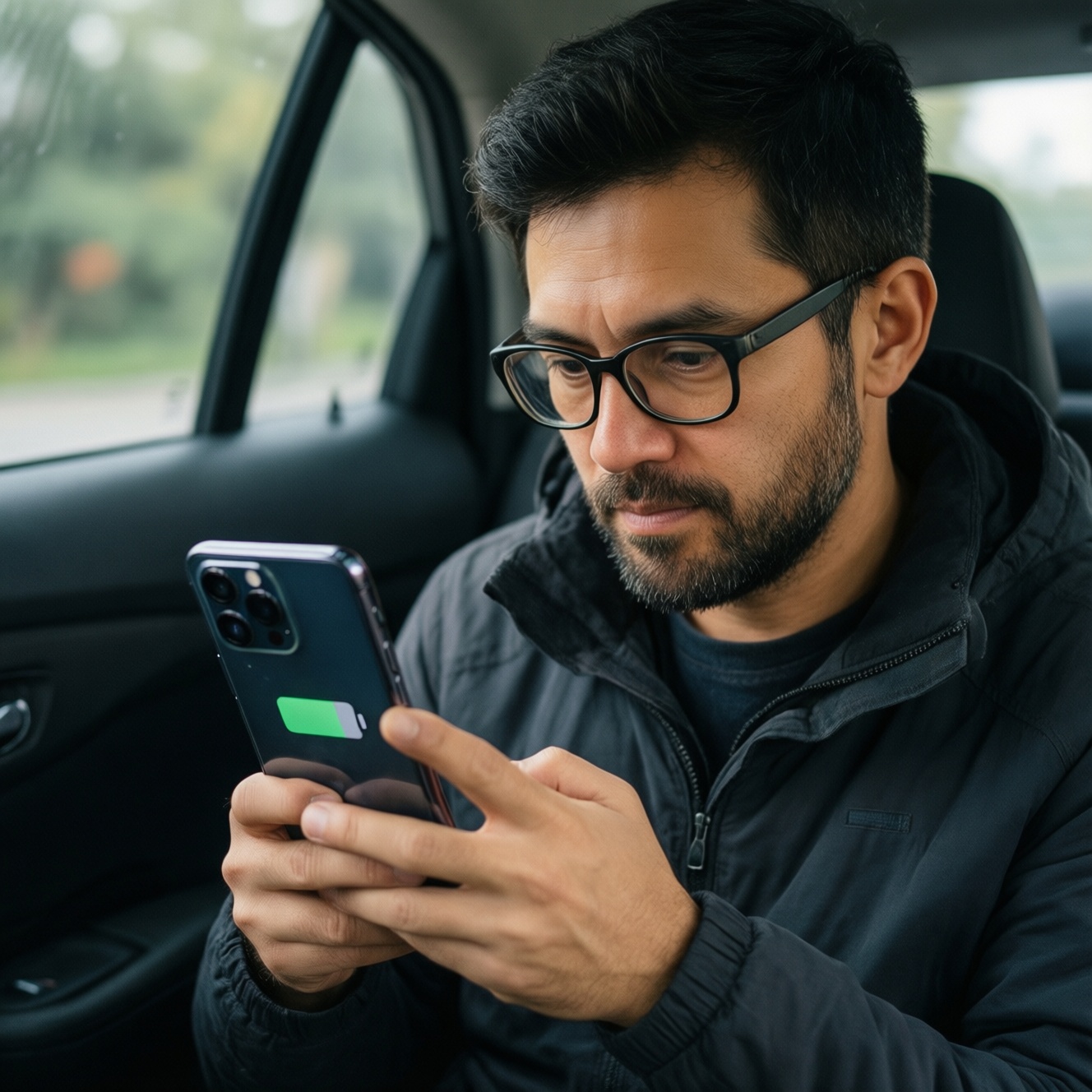
OLED, AMOLED, and LCD differ mainly in how they create light: OLED/AMOLED are self-emissive (per-pixel), while LCD uses a backlight. For real use in Thailand-harsh sun, long reading, and color-critical work-pick based on measurable targets (sustained brightness, reflectance, PWM behavior, calibration controls) rather than the label alone.
At-a-glance comparison: OLED, AMOLED and LCD under real conditions
- Sunlight readability: OLED/AMOLED can look punchy, but real outdoor clarity depends on sustained high brightness and anti-reflective coating; LCD can stay consistent if the backlight holds up.
- Eye comfort: Panel type doesn't guarantee comfort; low-frequency PWM and aggressive auto-brightness are common triggers.
- Color stability: OLED/AMOLED often ship oversaturated; well-tuned LCD can be easier to keep neutral. Calibration and color modes matter more than "OLED vs LCD".
- Dark UI power: OLED/AMOLED typically save power in dark themes; LCD power is more constant at a given brightness.
- Risk profile: OLED/AMOLED carry burn-in and tint uniformity risk; LCD more often shows backlight bleed/IPS glow and lower contrast.
- Best approach: Decide by use-case (sun, reading, editing) and then verify with a few checks (brightness behavior, flicker, color mode, uniformity).
Bright sunlight performance: visibility, reflections and readability
If your main pain is outdoor visibility (common in Thailand), treat this as: symptom/need → measurement → recommendation. Use these criteria before concluding "จอ OLED vs AMOLED vs LCD ต่างกันยังไง".
- Need: Read text under noon sun → Measure: sustained high-brightness behavior (not just a peak claim) → Pick: the panel that stays bright without rapid dimming.
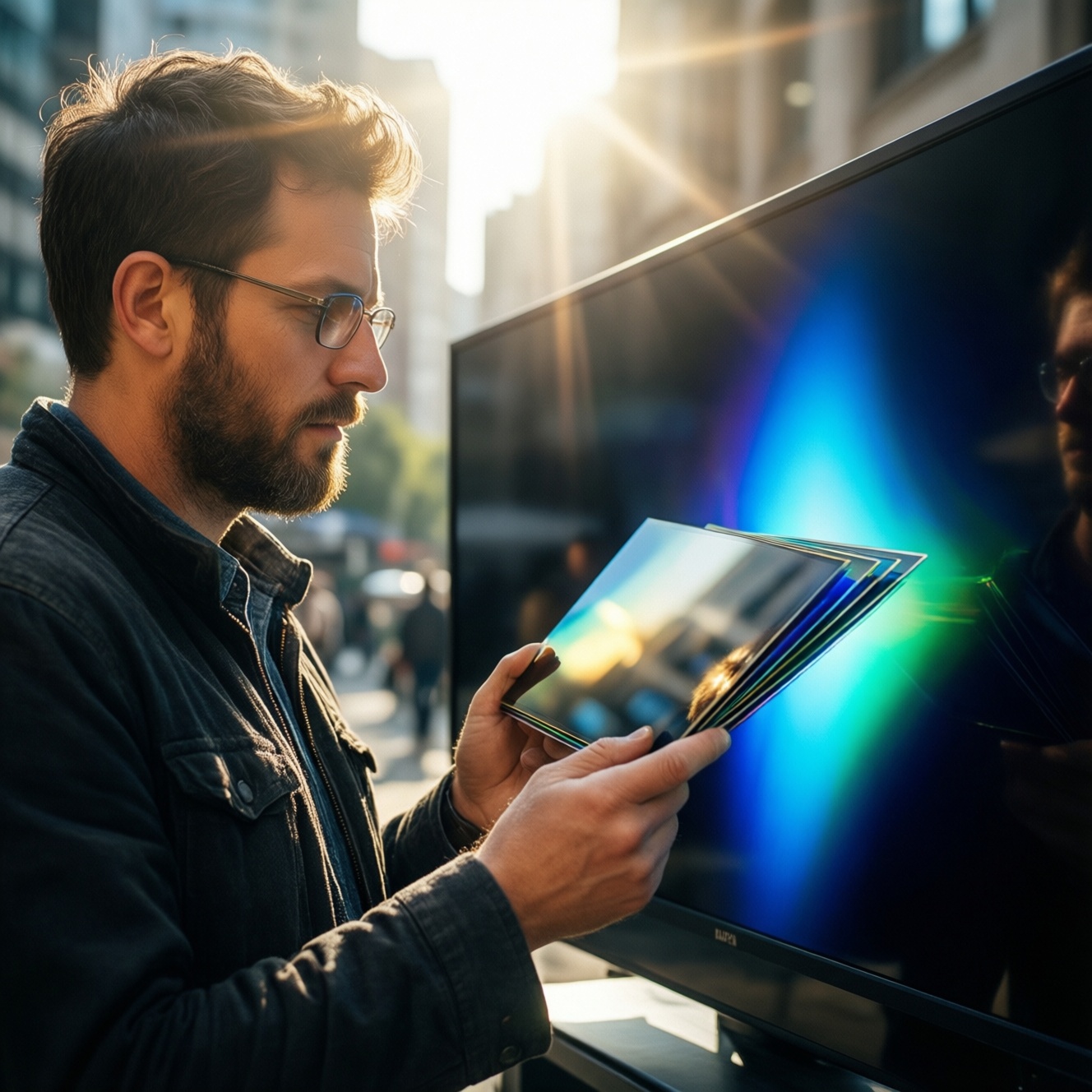
- Need: Fewer mirror-like reflections → Measure: coating (matte/anti-reflective), glass quality, and perceived reflections under a phone flashlight test → Pick: better coating even if it's "just LCD".
- Need: Stable brightness while scrolling maps → Measure: auto-brightness oscillation (does it pump up/down?) → Pick: smoother auto-brightness tuning over panel type.
- Need: Dark text on white background outdoors → Measure: white luminance at high APL (full-screen white) → Pick: panels that don't heavily limit full-screen brightness.
- Need: Wide viewing angle when sharing screen → Measure: contrast loss and color shift at 30-45° → Pick: OLED/AMOLED often keep contrast, but check tint shift.
- Need: Less glare in cafés/cars → Measure: perceived reflectance with overhead lights → Pick: lower reflectance wins; this can outweigh OLED contrast.
- Need: Outdoor color doesn't "wash out" → Measure: readability of mid-tones in sun (photos, UI icons) → Pick: the one with better tone mapping at high brightness.
Action: When asking "จอ AMOLED หรือ OLED ดีสำหรับใช้งานกลางแดด", prioritize sustained brightness + low reflections over the marketing name.
Eye comfort: PWM, blue light, brightness flicker and long sessions
For "จอภาพถนอมสายตา OLED LCD รุ่นไหนดี", focus on flicker behavior and controllable settings. Use this decision framing: symptom → quick test → what to choose.
- Headache/eye strain at low brightness → test by lowering brightness at night and waving the screen (or using a slow-motion camera) to spot flicker bands → favor panels/devices with high-frequency or DC-like dimming behavior.
- Dry eyes from overly bright whites → test with a white page + auto-brightness off → favor good low-brightness uniformity and usable warm/reading modes.
- Sleep disruption → check if the device offers a proper night shift/low-blue setting with adjustable schedule and intensity → panel type is secondary to software control.
| Variant | Who it fits | Pros | Cons | When to choose |
|---|---|---|---|---|
| OLED (non-branded / general OLED panels) | People who want deep blacks for movies, dark-mode users | High contrast; per-pixel black; great for dark UI power saving | Potential PWM sensitivity; burn-in risk; uniformity can vary | When you mostly watch content at night and can keep brightness moderate |
| AMOLED (OLED with active-matrix driving, common in phones) | Mobile-heavy users, social/content creators, outdoor commuters | Fast response; vivid look; strong perceived contrast outdoors if reflections are controlled | Often ships oversaturated; PWM/dimming behavior differs by model; burn-in risk remains | When you want punchy visuals and have strong brightness controls + good coating |
| IPS LCD (quality panel) | Long reading/editing sessions, office work, mixed brightness environments | Typically stable whites; good viewing angles; calibration-friendly on many monitors | Lower contrast; IPS glow/backlight bleed possible; blacks look gray in dark rooms | When comfort and neutral color matter more than perfect blacks |
| VA LCD | Home use, movies with some ambient light, budget contrast seekers | Better native contrast than IPS; decent for films | Viewing-angle shift; black smear in some cases; uniformity varies | When you want deeper blacks than IPS without OLED burn-in concerns |
| Mini-LED LCD (local dimming) | Bright-room users who also want higher contrast for HDR-like content | High brightness potential; improved contrast vs standard LCD | Blooming/halos; more complex behavior; can be pricey | When you need strong brightness for Thailand daylight and better contrast than IPS |
One-line recommendation: If you're flicker-sensitive, don't assume "LCD = safe" or "OLED = bad"-verify dimming behavior on the exact device/monitor.
Color behavior: accuracy, saturation, and cases of color shift
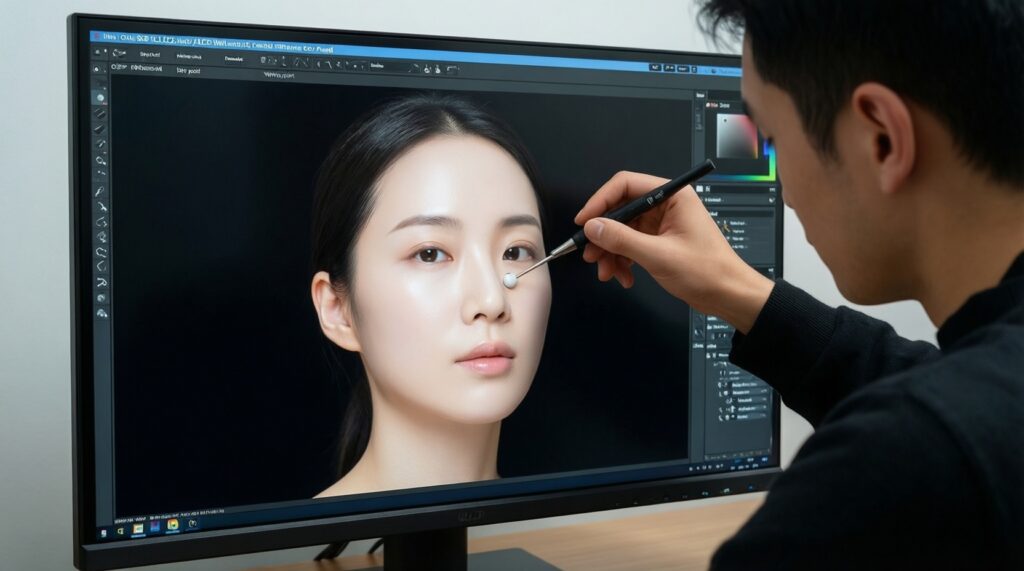
For "จอภาพสีตรงไม่เพี้ยน OLED LCD แนะนำ", treat color as a workflow requirement. Use these scenario rules:
- If you edit photos/video for consistent output, then pick a display with an sRGB/Rec.709 mode, manual white point control, and the ability to disable "Vivid" enhancements.
- If skin tones look too red/orange on your phone, then switch from Vivid to Natural/sRGB; if the mode is missing, LCD monitors with proper sRGB clamps can be easier to keep neutral.
- If whites look pink/green when you tilt the screen, then check off-axis tint shift; choose the panel with the least shift at typical viewing angles (especially for tablets/laptops used on a desk).
- If dark scenes crush shadow detail, then adjust gamma/black level; OLED can hide near-black steps depending on tuning, while LCD may preserve steps but look less deep.
- If you must match prints, then prioritize calibration support (hardware LUT on monitors, stable color modes) over panel type branding.
Power and thermal behavior across typical tasks
- Start with your dominant UI: mostly dark-mode → lean OLED/AMOLED; mostly white docs/spreadsheets → LCD can be more predictable.
- Check sustained brightness need: frequent outdoor use → prefer panels that don't quickly step down brightness from heat/power limits.
- Estimate heat sensitivity: gaming/navigation in sun → pick devices known to keep brightness stable; heat can force dimming on any panel.
- Decide on HDR-like usage: if you value highlights in bright rooms, Mini-LED LCD can be a practical compromise.
- Lock your settings: disable "auto vivid" and aggressive adaptive contrast if you want consistent power and color.
- Test your worst case: 10-15 minutes of your heaviest app in your brightest environment; keep what remains readable and comfortable.
Longevity and failure modes: burn-in, uniformity and aging
- Assuming OLED/AMOLED is always better for everything, then using static UI (status bars, navigation icons) at high brightness for hours.
- Ignoring panel uniformity checks: gray background banding/tint can be more annoying than specs suggest.
- Buying based on peak brightness marketing and not checking sustained full-screen brightness behavior.
- Keeping "Vivid" mode on and then blaming the panel for inaccurate colors.
- Running maximum brightness indoors, increasing both eye strain and long-term stress on the panel.
- Not considering the environment: glossy glass + strong reflections can ruin outdoor performance even on a great OLED/AMOLED.
- Overlooking LCD-specific issues: IPS glow, backlight bleed, and edge-uniformity can affect night viewing and editing.
- Skipping warranty/pixel policy checks (dead pixels, uniformity tolerance) on monitors where service matters.
Decision path: which panel to pick for your primary use case
- If your #1 problem is harsh sun → choose the device with the best anti-reflective behavior and sustained brightness; panel type is secondary (this answers "จอ AMOLED หรือ OLED ดีสำหรับใช้งานกลางแดด").
- If your #1 problem is eye strain at night → choose the model with the least visible flicker at low brightness and strong reading/night controls (use this when deciding "จอภาพถนอมสายตา OLED LCD รุ่นไหนดี").
- If your #1 problem is color accuracy → choose the display with real sRGB/Rec.709 modes and controllable white point; verify with reference images (applies to "จอภาพสีตรงไม่เพี้ยน OLED LCD แนะนำ").
- If you hate burn-in risk → lean toward LCD (IPS/VA/Mini-LED) and accept weaker blacks.
- If you mainly watch movies in dark rooms → OLED/AMOLED is typically the most satisfying for contrast, assuming you manage static UI and brightness.
In practice for Thailand: best for outdoor commuting is whichever device sustains brightness with low reflections (often a well-tuned AMOLED, sometimes a strong LCD); best for long reading/editing is usually an IPS LCD or a low-flicker OLED with excellent dimming controls; best for color-critical work is the panel with trustworthy sRGB/Rec.709 modes and consistent uniformity-brand labels alone won't decide "ซื้อจอภาพ OLED หรือ LCD ดี".
Practical clarifications and quick fixes
Is AMOLED different from OLED?
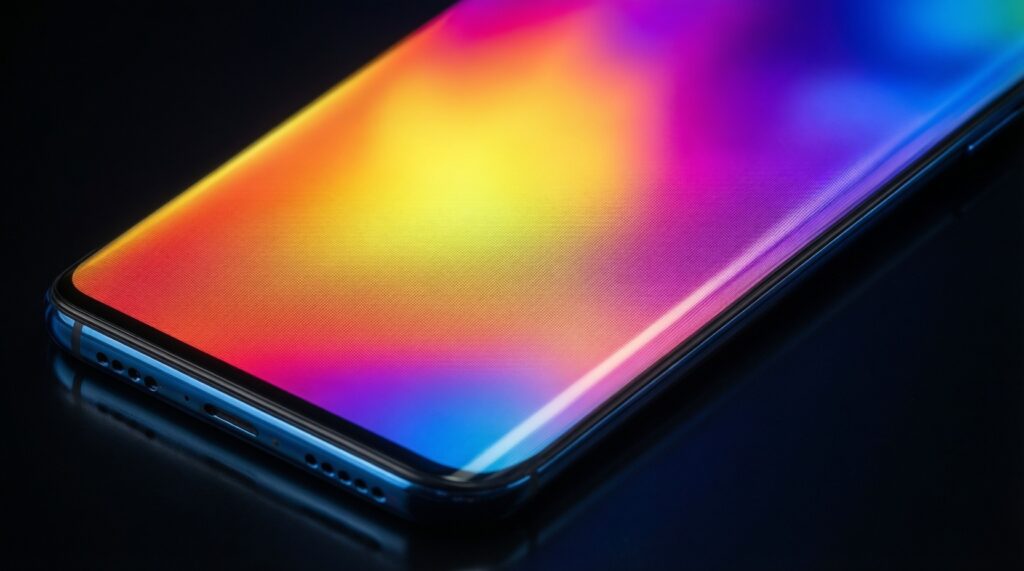
AMOLED is a type of OLED with active-matrix driving; in buying decisions, treat it as OLED but judge the exact model's brightness, coating, and dimming behavior.
Why does my OLED/AMOLED look great at night but mediocre in sun?
Outdoor readability is dominated by reflections and sustained brightness limits; deep blacks don't help if the screen turns into a mirror.
Which is easier on the eyes: OLED or LCD?
It depends on flicker/dimming and your sensitivity. Test low-brightness behavior and use consistent lighting plus warm/reading modes.
How do I reduce "oversaturated" colors on AMOLED?
Switch from Vivid to Natural/sRGB if available, and disable adaptive color enhancements. If the device lacks proper modes, consider a monitor with an sRGB clamp.
Is burn-in guaranteed on OLED/AMOLED?
No, but the risk increases with static UI at high brightness over long periods. Use lower brightness, vary content, and enable built-in protection features when available.
Why do whites look pink/green when I tilt the screen?
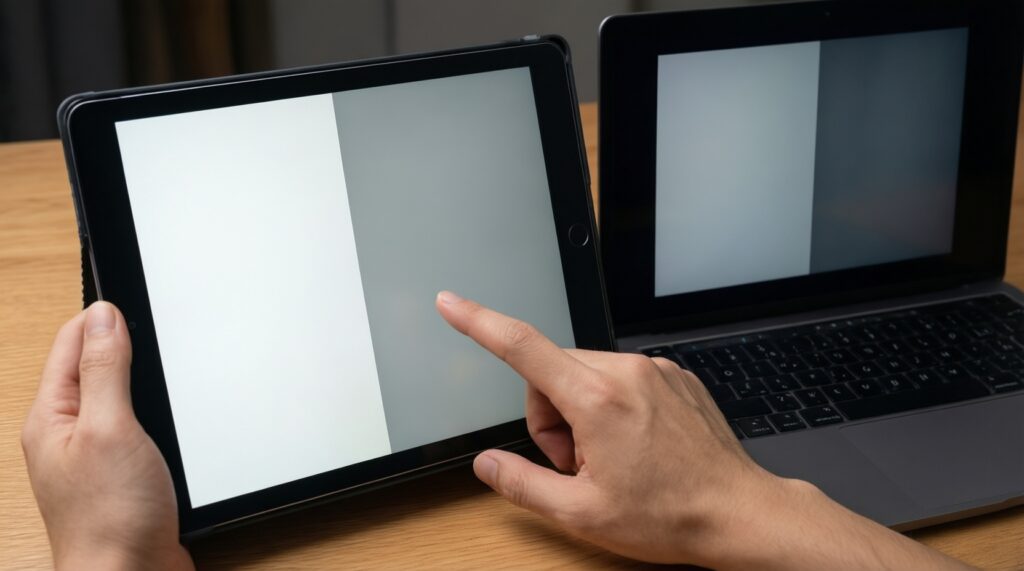
That's viewing-angle tint shift and/or uniformity variation. Compare the same white/gray screen at typical angles before buying, especially for tablets and laptops.