If you want one "best" phone display profile for Thailand, prioritize an OLED/AMOLED panel that can sustain high brightness outdoors, keeps low reflectivity, offers fast touch sampling, and avoids aggressive low-frequency PWM (or provides true DC dimming/high-frequency dimming). This combination most reliably improves sunlight readability, color work, gaming feel, and long-session eye comfort.
At-a-Glance Verdict
- Outdoor commuters: choose high sustained brightness + strong anti-reflection, not just peak nits in ads.
- Photographers/designers: favor accurate color modes (sRGB/Display P3) and low ΔE tuning over "vivid" presets.
- Gamers: prioritize low touch latency, stable frame pacing, and consistent touch tracking at the edges.
- Sensitive eyes: avoid low-frequency PWM at the brightness you actually use; seek DC dimming or very high-frequency dimming with stable gamma.
- Remote workers: pick a panel that stays readable at mid brightness, has good white point control, and doesn't crush text contrast at night.
Outdoor Brightness and Reflectivity: Measured Performance
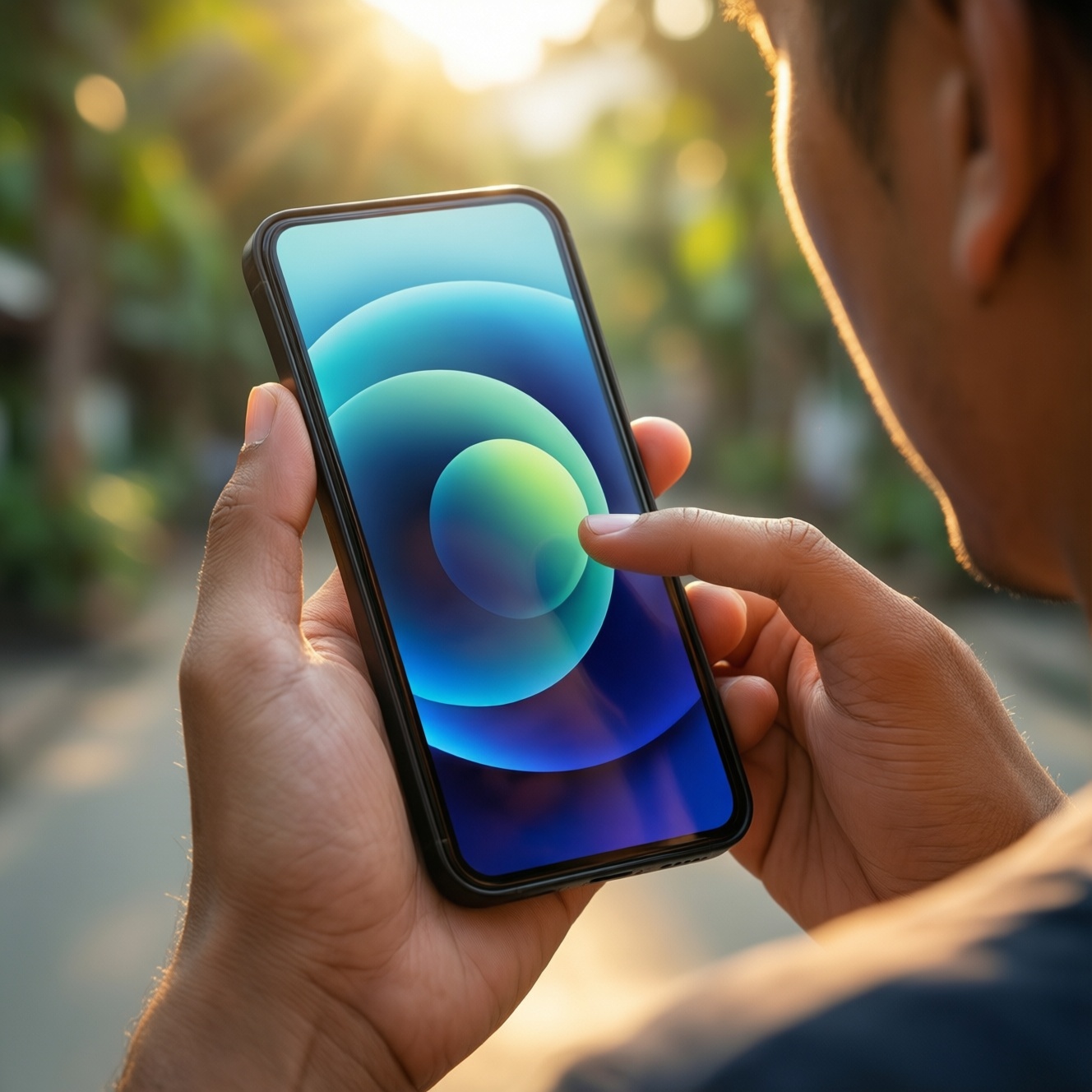
The query "รีวิวจอมือถือ สู้แสงแดด ความสว่าง nits" usually focuses on peak numbers, but real usability outdoors depends on sustained brightness, reflectivity, and tone mapping. Use these criteria to judge any model or review.
- Sustained brightness (not peak): look for reports showing brightness holds under heat and long camera use, not a short burst.
- High-APL behavior: check whether a bright web page (mostly white) visibly dims after a few seconds.
- Anti-reflective stack quality: lower reflectivity often beats higher nits when sunlight hits at an angle.
- Polarizer effectiveness: improves black level and legibility in harsh light; weak polarizers look "washed out" outdoors.
- Automatic brightness tuning: a good light sensor curve matters; some phones under-boost brightness outdoors to save power.
- Tone mapping outdoors: highlights should remain readable without turning shadows into gray mush.
- Screen protector penalty: glossy protectors add reflections; matte reduces glare but can soften text and colors.
- Viewing angles in sun: check for color shift (green/pink tint) when tilting-common on some OLED stacks.
- Persona guidance: Outdoor commuter-opt for strong anti-reflection + stable brightness. Photographer-avoid panels that shift white point under sun mode. Gamer-ensure outdoor mode doesn't add touch delay or aggressive color oversaturation.
Color Gamut, Accuracy and Calibration Notes
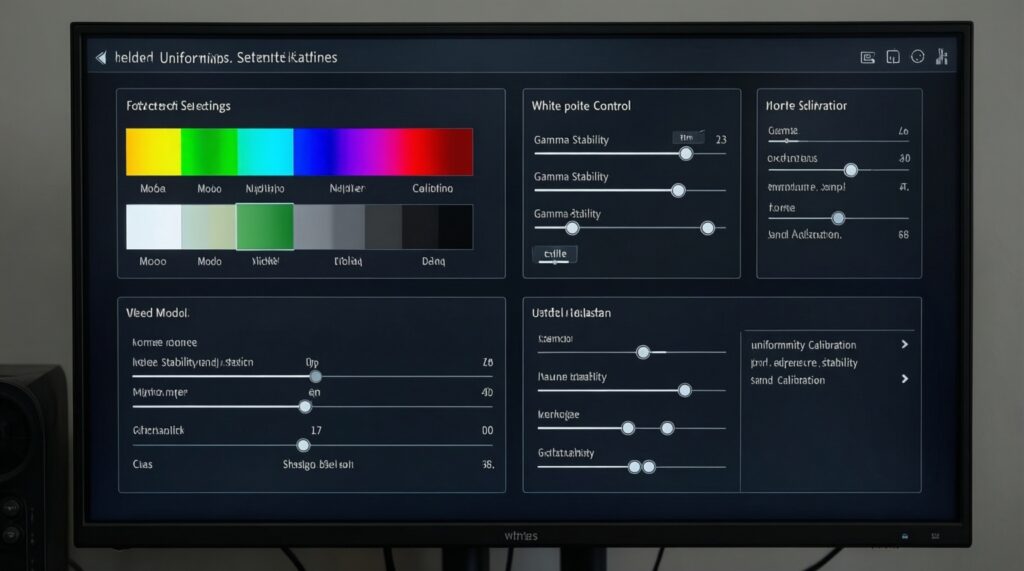
If you're comparing "มือถือจอสวย สีตรง AMOLED vs IPS รุ่นไหนดี", treat "beautiful" and "accurate" as different goals. Accuracy is mainly about having the right color mode (sRGB/Display P3), stable white point, and low error (ΔE) after calibration-not the most saturated preset.
What to target (without guessing brand-specific numbers)
- Color modes: must include at least one accurate mode (sRGB for web/UI, Display P3 for HDR content).
- White point control: a toggle or slider that keeps whites neutral (no persistent blue/green tint).
- Gamma stability: avoid "crushed" shadows at low brightness and "raised blacks" at night.
- Uniformity: watch for pink/green banding on gray backgrounds (common OLED issue).
- Calibration potential: support for per-mode tuning is a plus; global "vivid" often breaks skin tones.
Display approach comparison (choose the profile that matches your priorities)
| Variant | Who it fits | Pros | Cons | When to choose |
|---|---|---|---|---|
| LTPO AMOLED (flagship-class) | All-rounders; gamers + outdoor users | Often best mix of HDR, deep blacks, and adaptive refresh for smoothness | Can still use PWM at low brightness; uniformity can vary | If you want one "do-everything" screen and can validate PWM behavior at your typical brightness |
| High-brightness AMOLED (non-LTPO) | Outdoor commuters; video watchers | Strong contrast; vivid HDR; typically better perceived brightness than LCD at same nits | May throttle brightness; "vivid" modes can oversaturate skin tones | If you value punchy media and outdoor readability, and you can select an accurate color mode when needed |
| AMOLED with DC dimming option | Sensitive eyes; night readers | Can reduce flicker risk at low brightness if implemented well | May introduce color shift or crushed shadows when DC dimming is enabled | If you're specifically shopping "ซื้อโทรศัพท์จอถนอมสายตา ลดแสงสีฟ้า DC dimming รุ่นไหนดี" and can confirm image quality remains acceptable |
| AMOLED with very high-frequency PWM | Sensitive eyes who still want OLED look | Can be more comfortable than low-frequency PWM while preserving OLED contrast | Still PWM; comfort varies per person and brightness level | If you want OLED contrast but need a better flicker profile than typical midrange OLED |
| High-quality IPS LCD | Remote workers; budget buyers prioritizing stable whites | No OLED black crush; typically stable text rendering; often less PWM-related risk (model-dependent) | Lower contrast; blacks look gray in dark rooms; HDR impact is limited | If your day is documents, chat, and browsing, and you dislike OLED low-brightness behavior |
| Standard IPS LCD (cost-focused) | Basic users; backup phone | Predictable behavior; usually acceptable for messaging and calls | Weak outdoor readability; limited gamut; may show backlight bleed | If price dominates and you can live with modest sunlight performance |
How to read common "numbers" in reviews (targets, not brand claims)
| Metric | What it means | Good target to look for | Who benefits most | Typical trade-off |
|---|---|---|---|---|
| Brightness (nits) + ambient lux context | Legibility in sunlight depends on both screen output and how bright the environment is | High sustained nits reported under bright conditions; not just a momentary peak | Outdoor commuter | Heat/power limits can dim the screen during navigation or camera use |
| ΔE (color error) | How close colors are to a reference; lower is more accurate | Low ΔE in an "accurate" mode (sRGB/P3), not in "vivid" | Photographer/designer | Accurate modes can look less "exciting" than vivid presets |
| Touch latency (ms) | Delay between touch and on-screen response | Lower ms and consistent results across apps and refresh rates | Gamer | Some "game modes" reduce latency but oversharpen or distort colors |
| PWM frequency / modulation depth (%) | Flicker pattern used to dim OLED; comfort depends on frequency and depth | Higher frequency and/or lower modulation depth at your usual brightness | Sensitive eyes | DC dimming alternatives can shift colors or gamma |
| Eye mode effects | Blue-light reduction and color temperature changes | Eye mode that preserves contrast and doesn't turn whites muddy | Remote worker, night reader | Too-warm filters can hurt color judgment and perceived sharpness |
- Persona guidance: Photographer-pick accuracy and uniformity first. Gamer-ensure the best touch feel doesn't force a wildly inaccurate color mode. Remote worker-prioritize neutral whites and legible text at moderate brightness.
Touch Responsiveness and Multitouch Behavior
The phrase "มือถือจอทัชลื่น เล่นเกม ตอบสนองไว รุ่นไหนดี" is mostly about feel, but you can evaluate it systematically: sampling rate consistency, latency stability, palm rejection, edge tracking, and whether the screen loses tracking during fast swipes.
- If you play FPS/MOBA, then prioritize consistent low touch latency across the refresh range (e.g., 60/90/120Hz), not just a peak "touch sampling" claim.
- If you use a thick screen protector, then test edge swipes and long drags; some panels miss micro-movements or feel "sticky" with certain protectors.
- If you type fast for work, then prefer a panel with stable palm rejection and no phantom touches when charging (charger noise can worsen touch behavior on some devices).
- If you use multi-finger gestures (pinch-zoom in maps/editing), then verify multitouch doesn't drop points during rotation/zoom under warm conditions.
- If you game in humid outdoor settings, then check wet-finger handling; some screens over-trigger or under-register in moisture.
- Persona guidance: Gamer-consistency beats headline sampling rates. Photographer-ensure pinch/rotate is stable in your editing apps. Remote worker-avoid touch jitter and accidental touches during calls/charging.
PWM Behaviour, Flicker Measurements and Thresholds
People searching "มือถือจอไม่มี PWM ถนอมสายตา รุ่นไหนดี" are usually trying to avoid discomfort at low brightness. The practical goal is: minimize visible/physiological flicker at the brightness levels you actually use (often indoors at night), and verify that any "DC dimming" doesn't ruin colors.
- Identify your real usage brightness: outdoors (high), indoor day (mid), night (low). PWM issues most often show up at low brightness.
- In reviews, look specifically for PWM frequency and modulation depth (or flicker percentage) measured at multiple brightness steps.
- Prefer either no PWM in the low range, or very high-frequency PWM with reduced modulation depth at low brightness.
- If the phone offers DC dimming, check two things: (a) whether it works across most brightness levels, (b) whether it introduces tint shifts or crushed blacks.
- Test yourself: use a dark room, low brightness, gray background, then compare eye comfort after 15-30 minutes versus another device.
- Don't ignore software: some "anti-flicker" toggles only change refresh rate, not PWM behavior.
- If you're highly sensitive, consider a strong IPS LCD candidate as a baseline comparison, even if you plan to buy OLED.
Eye-Comfort Modes, Blue-Light Filtering and Long-Term Strain
For "ซื้อโทรศัพท์จอถนอมสายตา ลดแสงสีฟ้า DC dimming รุ่นไหนดี", the trap is assuming any "eye comfort" toggle equals less strain. Common mistakes that lead to poor comfort or worse usability:
- Choosing the warmest blue-light filter and ending up with low contrast and muddy whites, which increases squinting.
- Enabling DC dimming and ignoring the side effect: color tint shifts that make you raise brightness to compensate.
- Using maximum refresh rate at night with poor dimming behavior; higher refresh doesn't automatically mean better comfort.
- Judging comfort only at 100% brightness (where PWM may be minimal) and not testing at the low brightness you use before sleep.
- Leaving auto-brightness off; manual brightness often stays too bright indoors, causing fatigue.
- Ignoring text clarity: subpixel layout and sharpening can make small fonts look harsh even when brightness is correct.
- Stacking a glossy protector that increases reflections, forcing higher brightness outdoors and more strain.
- Confusing "night mode" (warm color) with "flicker reduction" (PWM behavior); they solve different problems.
- Persona guidance: Sensitive eyes-test at low brightness on gray backgrounds. Remote worker-opt for neutral whites + stable contrast for long documents. Outdoor commuter-reduce reflections first (protector choice matters), then chase nits.
Use-Case Comparisons: Gaming, Photo Editing and Office Productivity
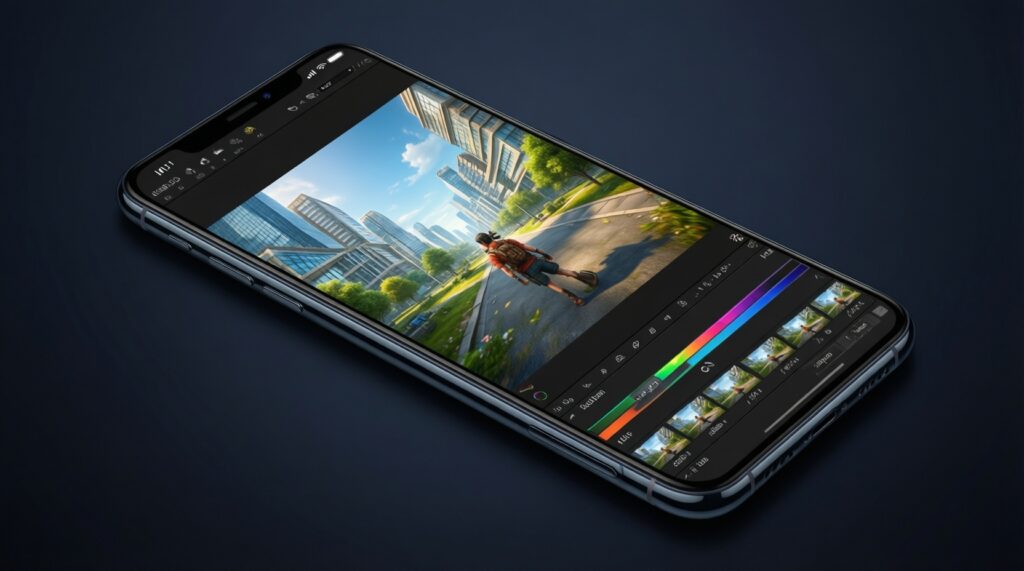
Best fit for gaming is typically an LTPO AMOLED (or high-quality AMOLED) that keeps low touch latency and stable tracking without forcing extreme "game color" modes; best fit for photo/video color work is a display with a reliable sRGB/P3 accurate mode and good uniformity; best fit for office productivity is whichever stays readable at moderate brightness with neutral whites-often a well-tuned AMOLED, but a strong IPS LCD can be a safer pick for flicker-sensitive users.
Practical Concerns Answered Concisely
Is peak brightness (nits) enough to judge sunlight readability?
No. Sustained brightness, reflectivity, and how the phone handles bright full-screen content matter more than a short peak figure.
AMOLED vs IPS: which gives more accurate colors?
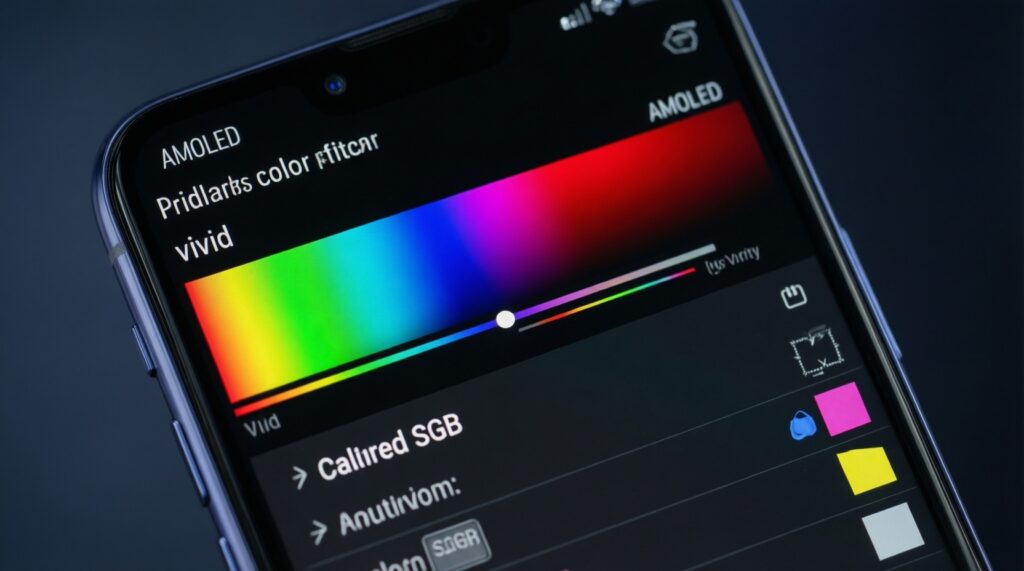
Either can be accurate if it has a proper sRGB/P3 mode and good calibration. Many AMOLED phones ship with vivid defaults, so you must check for an accurate mode rather than judging the default look.
Does "high touch sampling rate" guarantee better gaming?
Not by itself. Consistently low touch latency and stable tracking under heat, charging, and screen protectors are more important than a headline sampling number.
How can I quickly screen for PWM risk before buying?
Look for reviews that measure PWM frequency and modulation depth at low brightness. Then test in a dark room at low brightness on a gray screen for comfort after sustained use.
Does DC dimming always mean better eye comfort?
No. DC dimming can reduce flicker but may shift colors or crush shadows, which can cause you to raise brightness and lose the benefit.
Which settings typically improve comfort without ruining accuracy?
Moderate blue-light reduction, neutral white point, and appropriate brightness/auto-brightness usually help. Avoid extreme warmth if you do color-sensitive work.