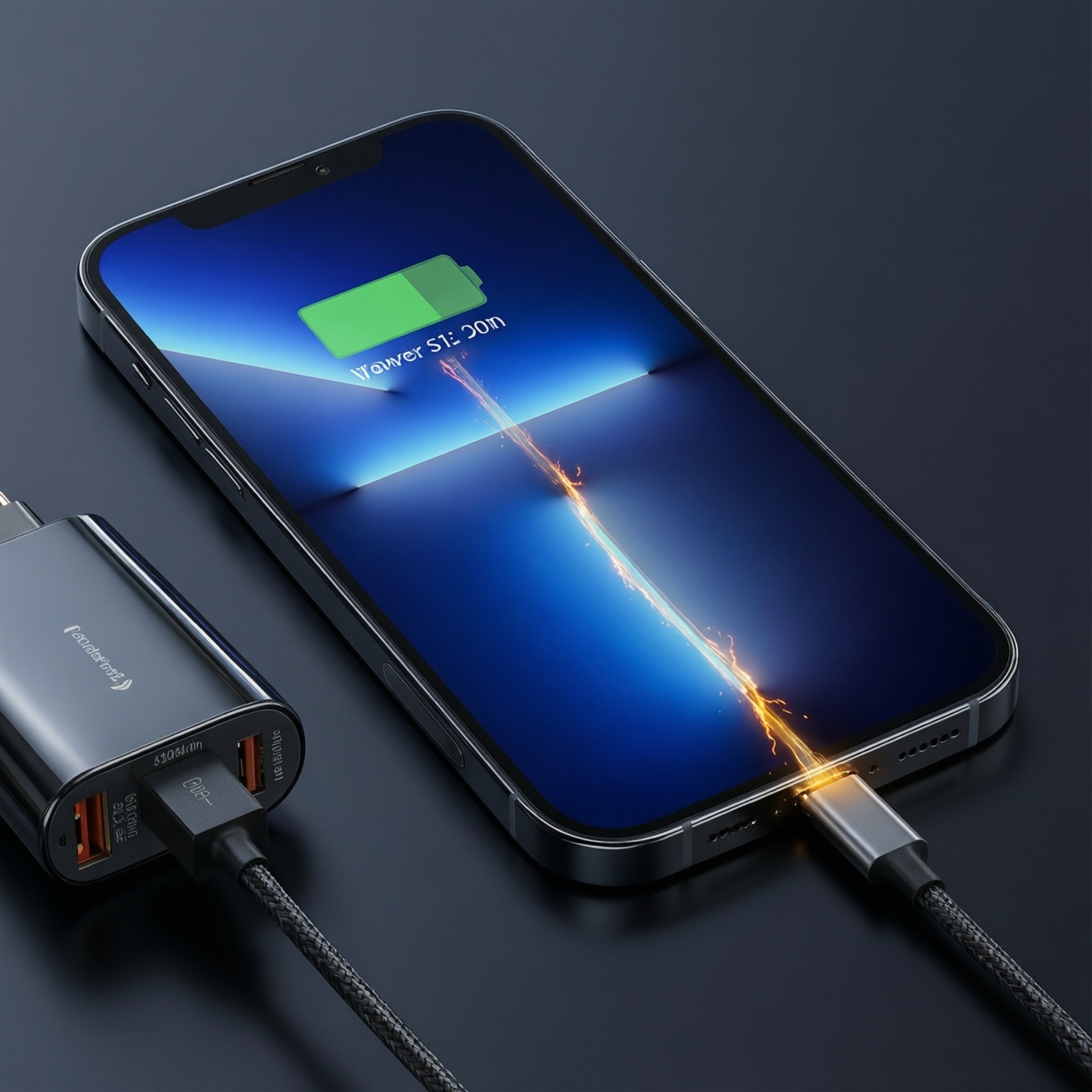
Advertised fast-charging speeds rarely match what you measure end-to-end, because peak watts happen only briefly under specific conditions (cool device, low battery %, compatible protocol, correct cable). Real outcomes depend on the charge curve, thermal throttling, and battery protection logic-so "full in X minutes" is usually a best-case slice, not a daily expectation.
At-a-glance conclusions on advertised vs measured charging performance
- "Wattage on the box" describes a short peak; the 80→100% phase is where time expands due to tapering and heat limits.
- Protocol matching (USB-C PD/PPS, proprietary modes) matters as much as charger wattage.
- Cable choice can silently cap power; prioritize a verified สายชาร์จเร็ว USB-C PD ของแท้ over generic "fast charge" cables.
- Heat is the main reason measured performance drops; once the phone warms, it often steps down power automatically.
- Battery-friendly habits focus on avoiding sustained high temperature and long periods at 100%, not avoiding fast charging entirely.
- For Thailand travel and daily carry, one good GaN PD/PPS charger plus a quality cable covers most devices; the right pick depends on your use-case and risk tolerance.
How manufacturers specify charging speeds: metrics, marketing claims and hidden conditions
Use these criteria to interpret advertised speed claims and compare options without getting misled by peak numbers:
- Protocol support: USB-C Power Delivery (PD), PD with PPS, and any proprietary fast-charge mode your device uses.
- Peak vs sustained power: whether the charger can hold near-peak output without overheating or voltage droop.
- Device-side limits: the phone decides the actual draw; a "120W phone" may pull far less when warm or above ~50-70%.
- Charge curve transparency: whether the brand quotes "0→50%" or implies "0→100%"; these are not equivalent.
- Test conditions hidden in fine print: ambient temperature, screen on/off, network load, and whether cooling accessories were used.
- Cable rating and e-marker: many higher-power profiles require a proper USB-C cable with correct identification; otherwise power can fall back.
- Charger port sharing behavior: multi-port chargers often reduce output when two devices are connected.
- Thermal design of the device: thin phones throttle sooner than larger devices with better heat spreading.
- Battery protection features: "optimized charging," "learned schedule," and "charge to 80%" modes can change measured time.
Measuring real-world charge time: reproducible test protocol and key variables

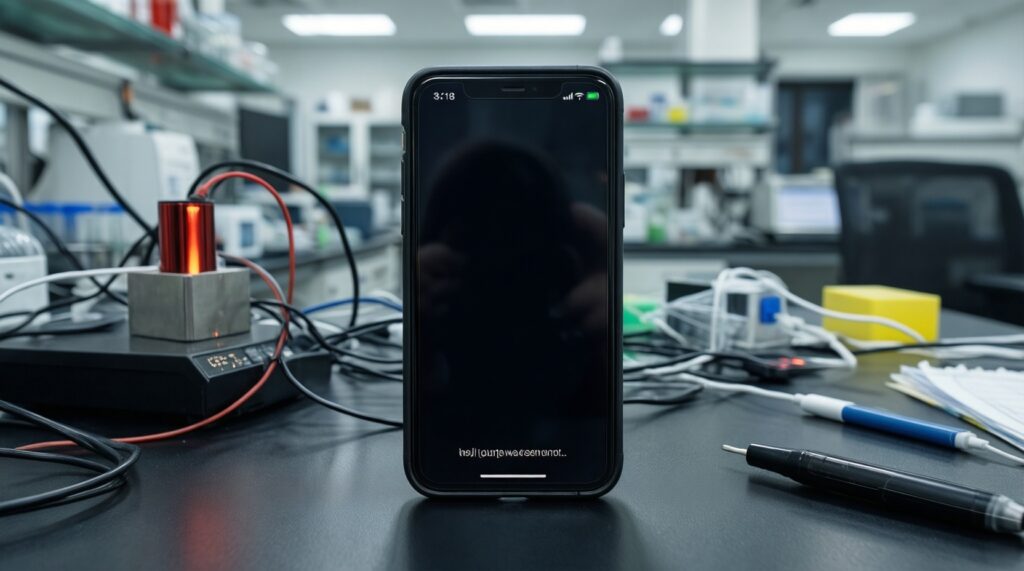
To compare "advertised vs measured" fairly, keep the test repeatable and log the same checkpoints each run.
Simple repeatable protocol (practical, not lab-grade)
- Set ambient conditions: stable indoor temperature, no direct sun, remove thick cases for consistency.
- Start at a known battery state of charge (SoC): let the phone rest a few minutes after reaching the starting %.
- Lock variables: airplane mode (or fixed network), screen off, same apps/background load each run.
- Use a known charger + cable combo; avoid mixing cables between runs.
- Record checkpoints: time to 50%, 80%, and "full" (when it stops increasing), plus whether the device feels warm and where.
- Repeat at least twice; if the second run is slower, heat soak or throttling is affecting results.
Key variables that explain most gaps
- Ambient temperature: warmer rooms push earlier throttling.
- Starting SoC: the lower you start, the more time you spend in the "fast" region.
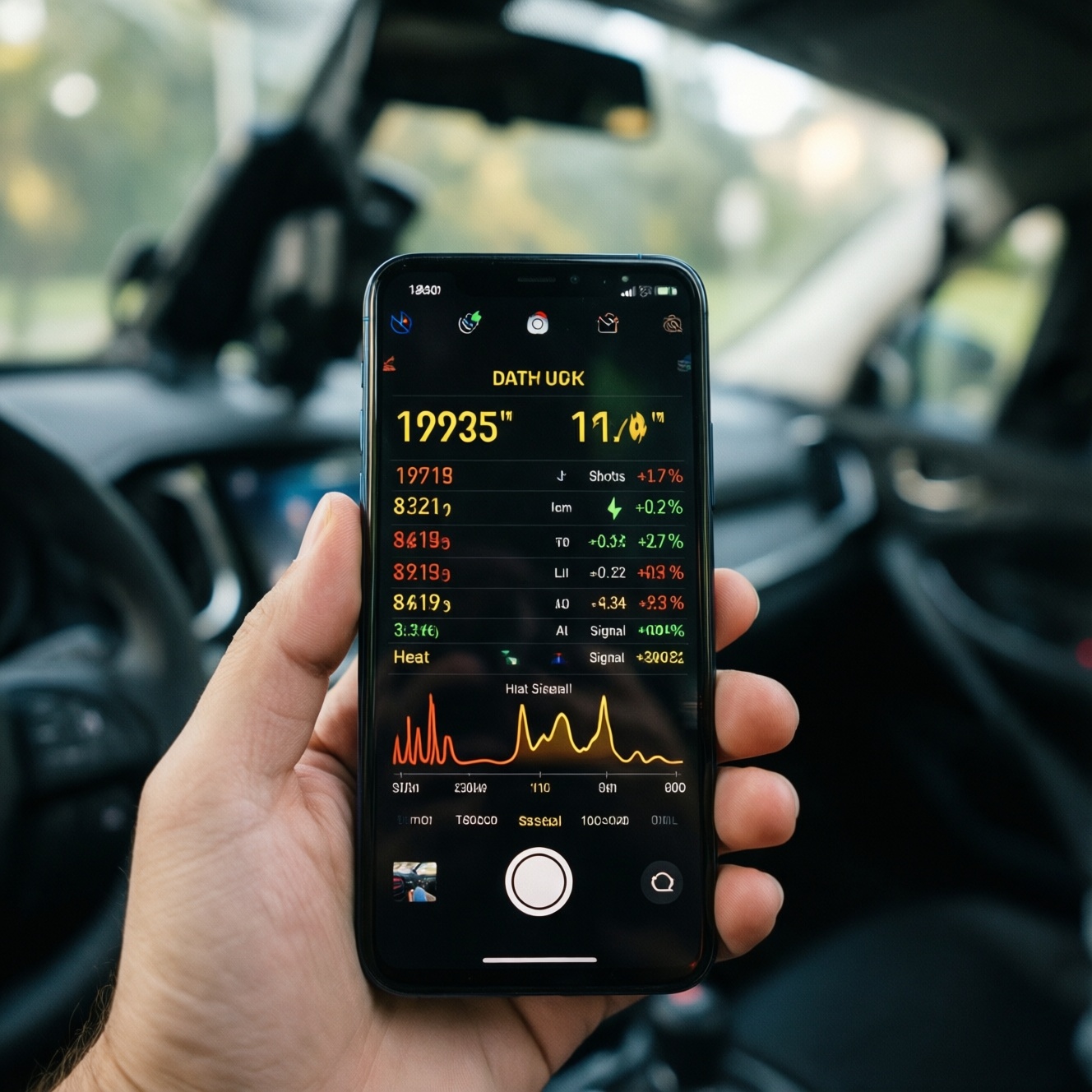
- Device temperature before plug-in: gaming, navigation, or camera use just before charging reduces power quickly.
- Protocol negotiation: PD vs PPS vs proprietary; wrong pairing can cut power dramatically.
- Port selection: on multi-port chargers, the "main" USB-C port may behave differently than the secondary port.
Comparison of charging setups and what they look like in practice
| Option | Who it fits | Pros | Cons | When to choose |
|---|---|---|---|---|
| OEM charger + OEM cable Advertised: closest match to marketing claims Measured: usually best chance of hitting short peak |
Users who want "as-designed" behavior and minimal troubleshooting | Highest compatibility; fewer negotiation issues; often best thermals for that device | Less flexible for other devices; sometimes bulky or region-specific plugs | If you care most about predictable results and warranty-safe behavior |
| GaN PD/PPS charger (single-port) Advertised: high peak W Measured: strong mid-charge; may taper earlier if phone heats |
People shopping ที่ชาร์จเร็ว GaN ซื้อที่ไหนดี for one charger that works across devices | Portable; efficient; broad USB-C ecosystem support | May not trigger proprietary "super fast" modes; quality varies widely | If you charge phones + tablets and want one compact travel brick for Thailand outlets |
| Multi-port GaN charger (shared power) Advertised: total W across ports Measured: per-port output often drops when you plug a second device |
Desk setups charging phone + laptop + earbuds | One wall plug; flexible | Harder to predict; phone may slow when laptop draws power | If you accept variable speed in exchange for fewer adapters |
| Car charger (PD/PPS) Advertised: peak W at port Measured: can be inconsistent depending on car voltage stability and heat |
Commuters needing top-ups between stops | Convenient; useful for navigation-heavy days | Cabin heat + phone heat can force throttling; cable strain risk | If you need short bursts, not a full 0→100% cycle |
| 100W-class power bank (USB-C PD/PPS) Advertised: high W output Measured: may reduce output as it warms or as its own battery depletes |
Travelers comparing พาวเวอร์แบงค์ชาร์จเร็ว 100W ยี่ห้อไหนดี for phones and laptops | Freedom from wall power; can support higher-power devices | Heavy; output behavior varies by model; may not sustain peak | If you need reliable power on trains/airports and accept size/weight |
| 65W charger paired with unknown cable Advertised: 65W on the box Measured: frequently capped by cable or protocol mismatch |
Buyers focused on หัวชาร์จ 65W ราคา and trying to save money | Widely available; can still be fine for mid-speed charging | Most common cause of disappointing real-world speeds; potential heat at connectors | Only if you confirm PD/PPS support and pair it with a verified cable |
Annotated "advertised vs measured" checkpoints (what typically changes)
| Checkpoint / indicator | What ads imply | What you usually measure | Why it differs | What to do |
|---|---|---|---|---|
| 0→50% | Fastest phase, used in "X minutes" claims | Often close to the best-case if the phone is cool | Peak power happens at low SoC and cool temps | Top up early (low %) rather than waiting until you're already hot/low-power mode |
| 50→80% | Still "fast" in marketing language | Moderate, with noticeable step-downs | Rising battery voltage and temperature trigger tapering | If you need speed, stop around 70-85% for daily use |
| 80→100% | Often not emphasized | Slowest phase; time expands | Protection logic reduces current to limit heat and stress | Use "optimized charging" or charge to 80% when practical |
| Peak watts | Shown as the headline spec | Brief peak, then lower sustained power | Thermal throttling + charge curve shape | Compare ecosystems (PD/PPS match) more than headline W |
| Temperature feel / hotspots | Rarely discussed | Hotspot near camera/SoC area; warmth near USB-C port during high current | Heat sources: power management IC, battery, and connector losses | Reduce case insulation, avoid charging under pillows, and prefer PPS where supported |
Thermal profile of fast charging: observed temperatures, hotspots and thresholds
Use scenario rules that prevent heat-driven slowdowns and reduce stress without giving up convenience:
- If the phone was just used for gaming/navigation and feels warm, then let it cool for a short break before plugging in; you'll often get a higher sustained rate than charging immediately while hot.
- If you must charge during heavy use (hotspot + screen on), then choose a moderate-power profile (or disable the highest fast-charge mode) to avoid rapid throttling and repeated power oscillation.
- If you're in a hot environment (Thailand afternoon, car dashboard), then move the phone out of sunlight and remove thick cases; heat management beats buying a higher-watt charger.
- If the USB-C connector area gets unusually hot, then swap to a shorter, certified cable and inspect for debris; connector loss and poor cables are common heat sources.
- If you need a quick top-up before leaving, then aim for the fast region (roughly low-to-mid %) instead of chasing 100%; you'll minimize time spent in the hottest, slowest taper phase.
Battery degradation and fast charge: mechanisms, evidence and expected timelines
Fast charging can accelerate wear mainly through sustained heat and high-voltage time near 100%. Use this quick selection checklist to balance speed and battery care.
- Identify your priority today: speed now (urgent) vs longevity (routine).
- Check whether your device supports USB-C PD/PPS; if yes, prefer PPS-capable chargers for smoother regulation.
- Decide your daily target: choose a partial charge (commonly 70-85%) for routine days; reserve 100% for travel days.
- Prevent heat traps: remove insulating cases when fast-charging and avoid charging on soft surfaces.
- Use a verified cable first: prioritize a สายชาร์จเร็ว USB-C PD ของแท้ to reduce losses and port heating.
- For overnight charging, enable the device's optimized/scheduled charging if available.
- When buying accessories, choose reputable brands and correct specs over chasing the lowest หัวชาร์จ 65W ราคา.
Reading the charge curve: peak watts, tapering, and what 'full' actually means
- Assuming "max watts = constant watts": the phone will step down as SoC and temperature rise.
- Comparing two chargers by headline wattage only: protocol match (PD/PPS) often beats extra watts you cannot access.
- Ignoring cable capabilities: the wrong cable can force a fallback profile even with a great charger.
- Thinking 0→100% is a single speed: the last segment is intentionally slow for protection.
- Testing with the screen on and calling it "real-world" without controlling variables: it's real, but not comparable unless you hold the workload constant.
- Charging while the phone is hot, then blaming the charger: the device is protecting itself; cool the phone and retest.
- Misreading "full": some phones show 100% before true termination; the last balancing phase can continue at low power.
- Using multi-port chargers without understanding sharing: plugging in a laptop can reduce phone speed mid-session.
- Equating "fast charge" icons across brands: icons aren't standardized and may hide very different actual power levels.
Decision tree for choosing a charging strategy by device, use-case and risk tolerance
- Step 1 - Device age:
- New/healthy battery: continue to Step 2.
- Older battery / noticeable heat or rapid drain: lean toward moderate charging and partial charges; continue to Step 2.
- Step 2 - Daily need:
- Mostly desk/home: prioritize battery-friendly routine (partial charge, optimized charging).
- Commute + unpredictable days: prioritize fast top-ups in the low-to-mid % range.
- Travel days: prioritize flexibility (multi-device charger or high-output power bank) over absolute peak speed.
- Step 3 - Safety and predictability priority:
- Highest predictability: OEM charger/cable or a reputable PD/PPS single-port charger with a verified cable.
- Maximum convenience: multi-port GaN charger, accept variable speed when multiple devices are connected.
- Step 4 - Accessory choice:
- If you're asking "ที่ชาร์จเร็ว GaN ซื้อที่ไหนดี": pick a reputable GaN PD/PPS charger (single-port if you want stable speed).
- If you're optimizing "หัวชาร์จ 65W ราคา": confirm PD/PPS and buy the cable first; otherwise you may never see the benefit.
- If you're deciding "พาวเวอร์แบงค์ชาร์จเร็ว 100W ยี่ห้อไหนดี": choose one with PD/PPS and realistic thermal handling; expect output to vary with heat and remaining capacity.
Best fit for most Thailand users charging one phone daily is a reputable single-port GaN USB-C PD/PPS charger plus a verified cable. Best fit for multi-device desks is a quality multi-port GaN charger if you accept speed variability. Best fit for travel is a PD/PPS charger plus a capable power bank; pick based on whether you value lighter carry or sustained output.
Short practical answers to frequent charging dilemmas
Why does my phone never reach the advertised wattage?
Because the phone controls the draw and only allows peak power briefly at low battery and low temperature. If the protocol (PD/PPS or proprietary mode) isn't matched, it will fall back to a slower profile.
Is a higher-watt charger always faster?
No. Once the phone hits its own limit or heats up, extra charger wattage won't be used. Protocol match and thermal conditions matter more than the headline number.
Which matters more: charger or cable?
Both, but the cable is the easiest hidden bottleneck. If you want consistent results, start with a verified สายชาร์จเร็ว USB-C PD ของแท้ and then choose a PD/PPS charger.
What's the most battery-friendly daily habit without being inconvenient?
Use optimized charging if available and avoid sitting at 100% for long periods. For routine days, stop around the mid-to-high range instead of topping off to full.
My phone gets hot while fast-charging-what should I change first?
Remove thick cases, move out of sun, and reduce usage during charging. If heat is concentrated at the connector, swap the cable and clean the port gently.
How do I choose between a 65W charger and a 100W power bank?
A wall charger is more consistent for speed; a power bank is for mobility and may vary with its own heat and state of charge. If you're comparing พาวเวอร์แบงค์ชาร์จเร็ว 100W ยี่ห้อไหนดี, prioritize PD/PPS support and build quality over headline watts.
When people ask about มือถือชาร์จเร็ว รุ่นไหนดี, what should they look for?
Look for broad standards support (USB-C PD with PPS), good thermal behavior under load, and clear battery health features like optimized charging. Peak-watt marketing alone won't predict daily charge time.