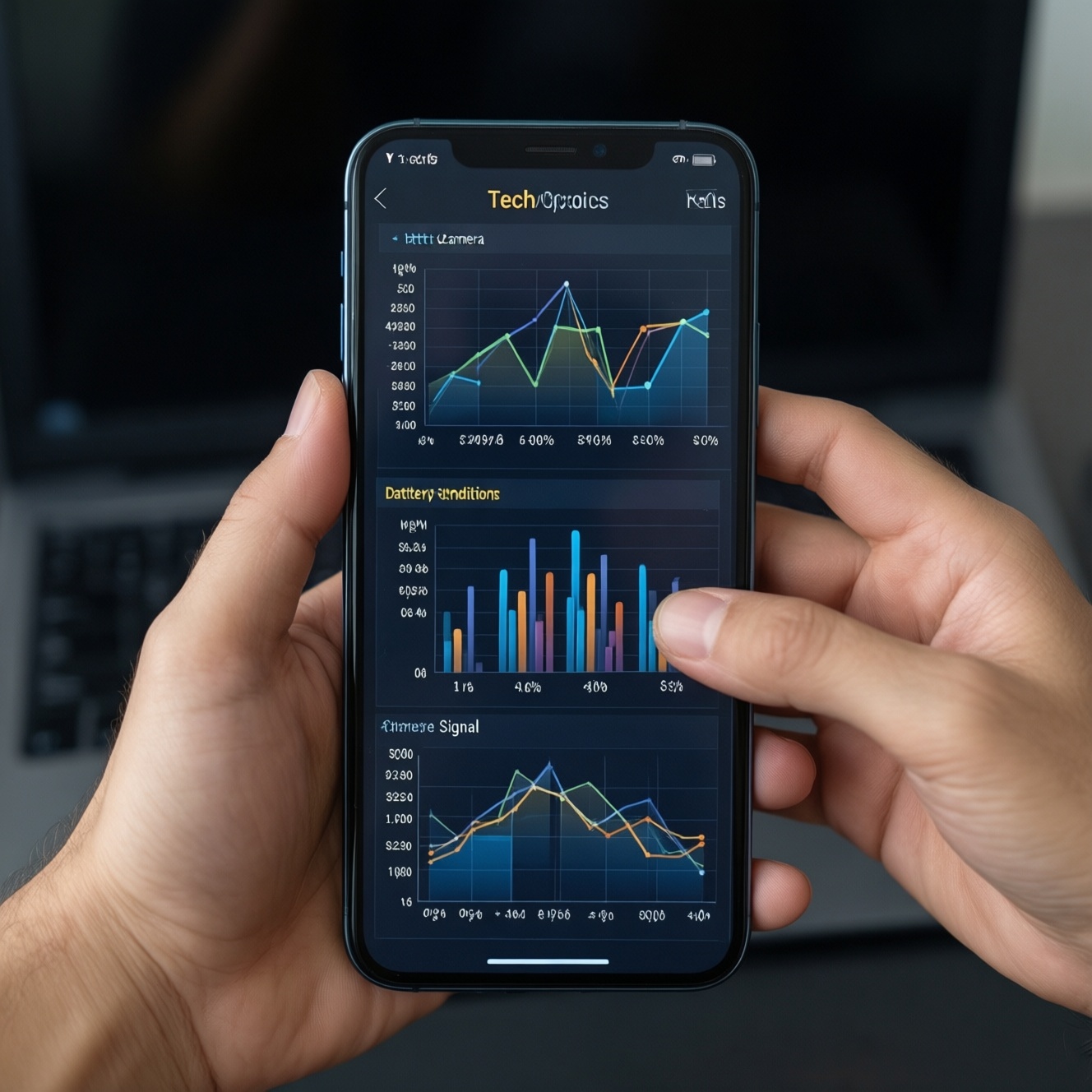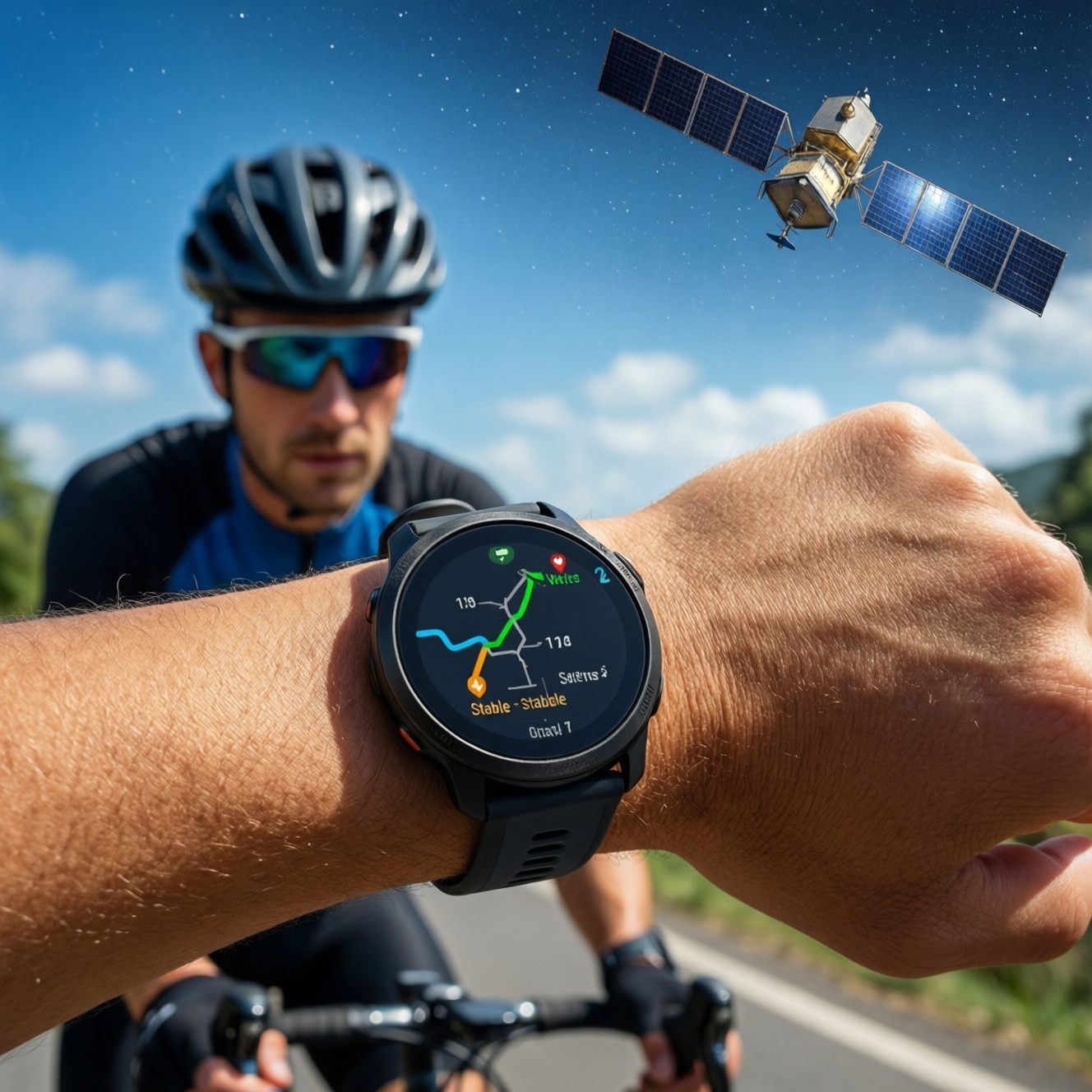
If you want "real GPS" with stable tracks and pace you can trust for running and cycling, prioritize multi-band GNSS (or at least strong single-band tuning), fast satellite reacquisition, and sensible smoothing for instant pace. Then match battery and update rate to your longest sessions. This guide compares practical setups and explains what to check before buying.
Performance snapshot for runners and cyclists
- "Real GPS" is a mix of chipset + antenna design + firmware filters; budget watches can still perform well if tuned properly.
- Pace accuracy depends as much on algorithms and sampling behavior as on GNSS type; instant pace and lap pace can behave very differently.
- Signal stability drops most in dense cities and tree cover; your watch choice should reflect where you train, not only spec sheets.
- Battery claims are hard to compare across brands; focus on GNSS mode choices and how often you record points.
- For cycling, mounts, screen readability, and sensor ecosystem often matter more than a tiny GPS advantage.
- If you're searching "นาฬิกาออกกำลังกาย GPS แม่นยำ", evaluate repeatable tests (same route, same settings) instead of brand marketing.
GPS hardware vs firmware: what matters on budget models
For a budget-first pick, use these criteria in order. Each one can make a bigger difference than the brand name when you're asking "นาฬิกาวิ่ง GPS รุ่นไหนดี" for real-world training.
- GNSS mode options: Look for multi-band (dual-frequency) or at minimum multi-constellation (GPS + others) with manual selection per sport.
- Antenna placement and case design: Watches with better antenna layout tend to hold signal in turns and under trees, even with similar chipsets.
- Satellite reacquisition behavior: After tunnels, underpasses, or sharp turns, good firmware recovers quickly without "teleporting" your track.
- Instant pace smoothing controls: The best budget devices let you choose responsiveness (more stable) vs reactivity (more jumpy but immediate).
- Recording/sampling behavior: Prefer devices that let you choose every-second recording (or equivalent) for intervals and pace work.
- Sensor fusion: Support for footpods (running) and speed sensors (cycling) can stabilize pace/speed when GNSS is weak.
- Sport profiles and data fields: If you can't display the right pace/speed metrics clearly, "accuracy" won't help during workouts.
- Firmware update cadence: Budget models can improve dramatically with updates; check whether the brand consistently refines GNSS and pace logic.
Pace accuracy deep dive: sensors, sampling and algorithm effects
"นาฬิกาวิ่ง วัดเพซแม่นยำ" is rarely about one sensor. Pace is computed from position fixes over time, then filtered. Some watches prioritize stability (less jitter), others prioritize quick response (better for short reps). Consider these setups as "variants" you can intentionally choose.
| Variant | Who it fits | Pros | Cons | When to choose |
|---|---|---|---|---|
| Budget single-band GNSS watch (GPS + multi-constellation) | Newer intermediates, steady runs, casual rides in open areas | Lower cost; typically "good enough" on open roads; simpler settings | More drift in cities/forests; instant pace can fluctuate; turns may cut corners | If most sessions are on open roads and you'd rather spend on shoes/sensors than GNSS upgrades |
| Budget multi-band GNSS watch (dual-frequency) | Runners doing workouts in mixed conditions; cyclists riding near buildings/trees | More stable tracks in tough reception; better cornering; less pace jitter in cluttered areas | Often higher battery draw; not all brands implement pace smoothing well | If you train in Bangkok-style urban canyons or tree cover and want a budget-first accuracy upgrade |
| Midrange multi-band watch with stronger firmware tuning | Structured training (intervals/tempo), frequent travel, mixed terrain | Typically best balance of responsiveness vs stability; better workout handling; faster recovery after signal loss | Costs more; improvements can be incremental if you mostly run in open sky | If pace-based training is central and you don't want to manage external sensors |
| Watch + running footpod (sensor fusion) | Track sessions, intervals, shaded routes, treadmill runners | Very stable pace/effort feel; less affected by GNSS dropouts; great for short reps | Extra cost; needs calibration; another battery/device to manage | If your top priority is pace stability during intervals, regardless of GNSS conditions |
| Watch + bike speed sensor (and cadence) | Cyclists who care about speed consistency and clean ride files | Speed becomes stable even when GNSS wobbles; better for stop-start traffic and shaded roads | Requires sensor installation; not useful for running | If you're deciding "นาฬิกาปั่นจักรยาน GPS รุ่นไหนดี" mainly for consistent speed and laps on the bike |
| Bike computer for cycling + watch for running | People serious about both sports, especially longer rides | Best cycling usability (screen, mounts, fields); watch stays light for runs; flexible ecosystem | Two devices; higher total spend; duplicated features | If cycling navigation/data visibility matters more than having one device for everything |
Signal stability in real conditions: urban canyons, forests and open roads
Use these scenario rules to decide what matters most. Each includes a budget-first path and a premium-leaning path, because "best" depends on where the signal fails for you.
- If you run between tall buildings or elevated roads, then prioritize multi-band GNSS and conservative pace smoothing.
- Budget-first: choose a budget multi-band watch and accept shorter battery in that mode.
- Premium-leaning: choose a midrange multi-band model known for strong firmware tuning and faster reacquisition.
- If you run or ride under tree cover (parks, plantations, trail edges), then prioritize antenna quality and sensor fusion options.
- Budget-first: pair a single-band watch with a footpod (running) or speed sensor (cycling) to stabilize pace/speed when GNSS degrades.
- Premium-leaning: multi-band plus sensor fusion for the cleanest pace and track consistency.
- If you mostly train on open roads or seaside paths, then single-band can be sufficient; focus on usability and battery.
- Budget-first: pick a reliable single-band model with every-second recording and clear data fields.
- Premium-leaning: upgrade only if you want better workout handling or mapping, not because open-sky GNSS is "bad".
- If your route has tunnels, underpasses, or frequent stop-start traffic, then prioritize reacquisition and stable speed sources.
- Budget-first: add a bike speed sensor for cycling and use lap pace (not instant pace) for running workouts.
- Premium-leaning: choose a watch with proven track recovery behavior and configurable filtering.
- If you run tight loops (small parks) or do lots of sharp turns, then prioritize better cornering and higher-quality filtering.
- Budget-first: multi-band is often the simplest upgrade; otherwise use a calibrated footpod for pace-based intervals.
- Premium-leaning: a better-tuned multi-band watch reduces "corner cutting" and stabilizes lap splits.
Battery, weight and update frequency: real trade-offs for long sessions
- Write down your longest weekly session (long run, long ride, brick) and require enough battery in your preferred GNSS mode.
- Decide your default GNSS mode: use multi-band only when you need it (city/trees); use standard GNSS for open-sky days.
- Prefer every-second recording for intervals and accurate lap behavior; use less frequent recording only when battery is the priority.
- Set a weight comfort limit: lighter is usually better for running; for cycling, screen size/readability can justify extra weight.
- Check update controls: auto-pause, data smoothing, and per-sport GNSS settings should be easy to access on the watch.
- Verify firmware support culture: pick brands that regularly refine GNSS/pace algorithms, not just add new watch faces.
Mapping, mounts and cycling-specific metrics: practical differences from running
These are the mistakes that most often lead to disappointment when people search "เปรียบเทียบนาฬิกาวิ่ง Garmin Coros Polar รุ่นไหนดี" and then buy based on one headline feature.
- Buying for maps when you mainly need pacing: on-wrist maps can be helpful, but they don't automatically improve pace stability or workout execution.
- Ignoring mounting for cycling: a wrist watch on the handlebar may solve readability, but not every watch works well with a secure mount or quick-release.
- Assuming wrist-based speed is enough on the bike: stop-start traffic and shade can make GNSS speed noisy; a speed sensor often improves usability more than a "better GPS".
- Overvaluing instant pace for intervals: for running workouts, lap pace (or average lap pace) can be a more actionable metric than twitchy instant pace.
- Forgetting sensor ecosystem compatibility: ensure support for external HR straps, footpods, speed/cadence sensors, and power meters if you plan to grow.
- Choosing a small screen for cycling data density: cycling benefits from larger fonts, more fields, and better sunlight visibility than typical running screens.
- Not checking per-sport settings: you want different GNSS/smoothing choices for running vs cycling, not a single global "GPS on/off".
- Confusing track quality with training quality: a prettier map doesn't always mean better splits; prioritize repeatable lap behavior and consistent pace reporting.
Value-driven selection: how to pick the best budget watch for run/ride
Best for most budget buyers who run and ride in open areas: a reliable single-band GNSS watch with every-second recording and strong sport profiles. Best for mixed reception (city + trees) without going premium: a budget multi-band model, optionally paired with a footpod (running) or speed sensor (cycling). Best "one-and-done" for pace-based training: a midrange multi-band watch with mature smoothing and fast reacquisition.
Common troubleshooting and concise clarifications
Why does my instant pace jump even when GPS is "locked"?
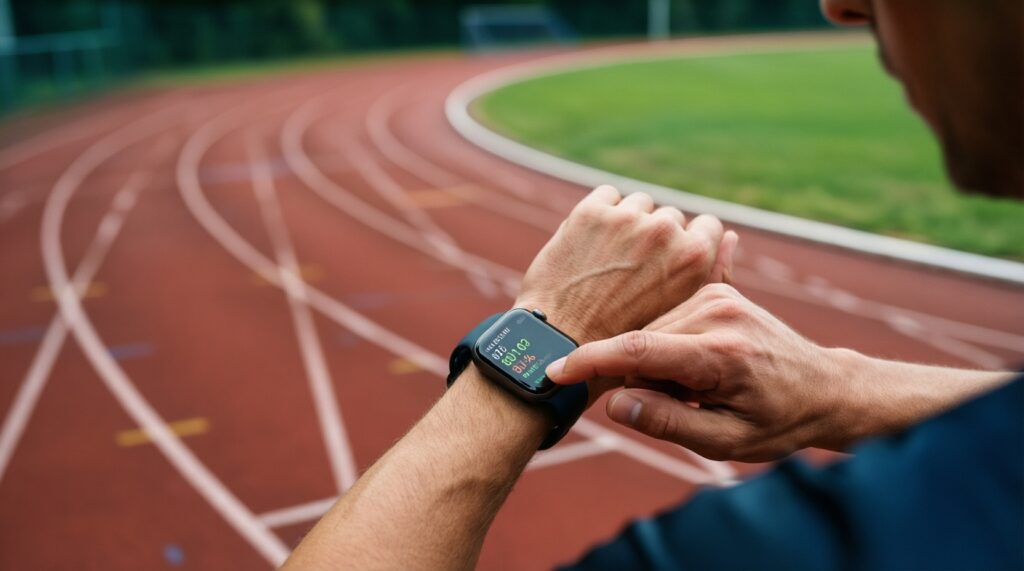
Instant pace is calculated from short time windows and can be noisy, especially with turns or partial obstructions. Use lap pace for intervals, and enable a less reactive smoothing option if your watch offers it.
Is multi-band GNSS always better for running pace?
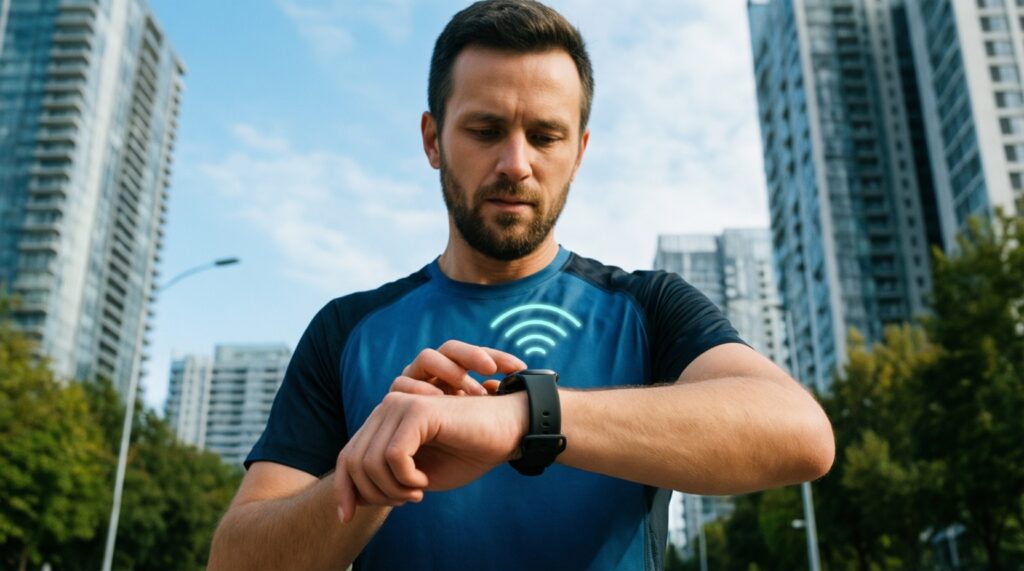
It's usually more stable in difficult reception, but firmware filtering and sampling matter too. In open sky, the difference may be small compared with good workout screens and lap handling.
Should I use smart recording to save battery?
Use it only when battery is the main constraint and you're not doing pace-critical intervals. For workouts and accurate splits, every-second recording is typically the safer choice.
How can I test GPS stability without special tools?
Run or ride the same route twice with the same settings, then compare lap consistency and where the track drifts (corners, underpasses, tree sections). Consistency across repeats is more useful than one "perfect" file.
Will a footpod make treadmill pace accurate?
Often yes, because treadmill distance and wrist motion can disagree. You'll still need calibration, and you should keep the pod firmware updated.
For cycling, should I buy a watch or a bike computer first?
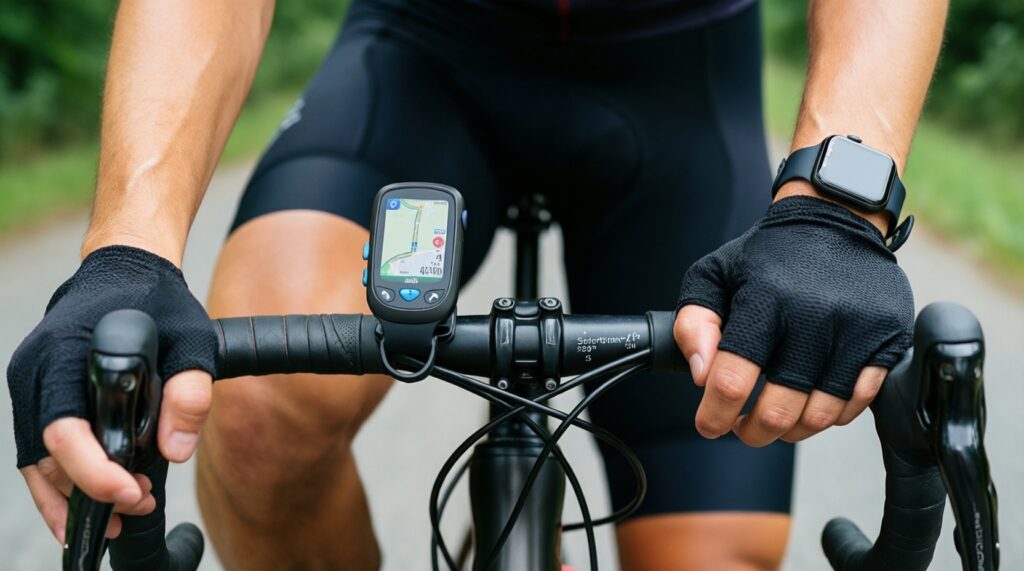
If you care about readability, navigation, and lots of fields, a bike computer is usually the better first purchase. If you want one device for both sports and your rides are straightforward, a watch can be enough-especially with a speed sensor.