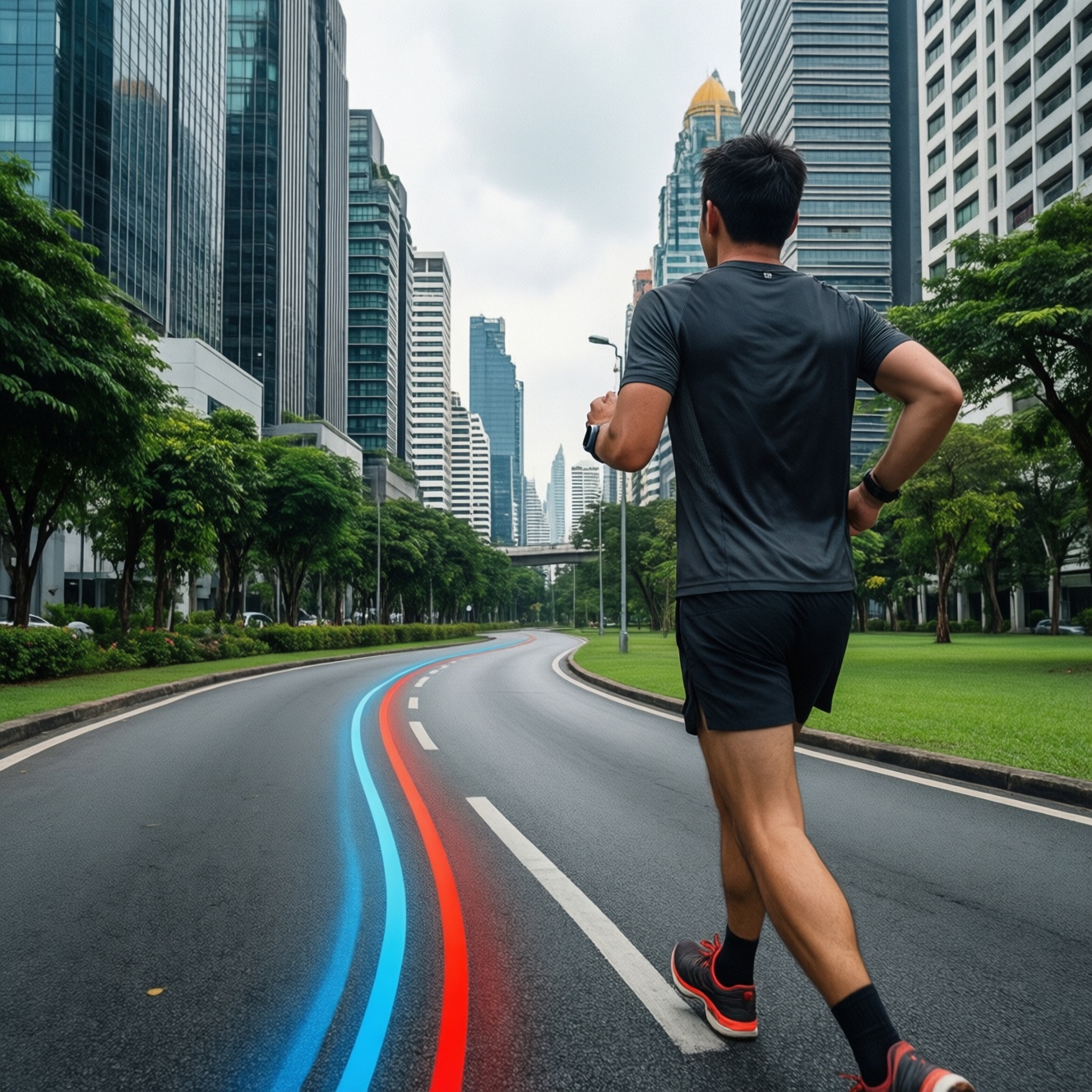
If your GPS track "bends" in Bangkok streets but looks clean in a park, the watch isn't necessarily bad: urban canyons amplify multipath reflections and short signal dropouts. To pick the best option, prioritize multi-band GNSS, stable 1 Hz recording, strong antenna placement, and repeatable tests for your own routes (running vs cycling).
Quick Comparison Snapshot
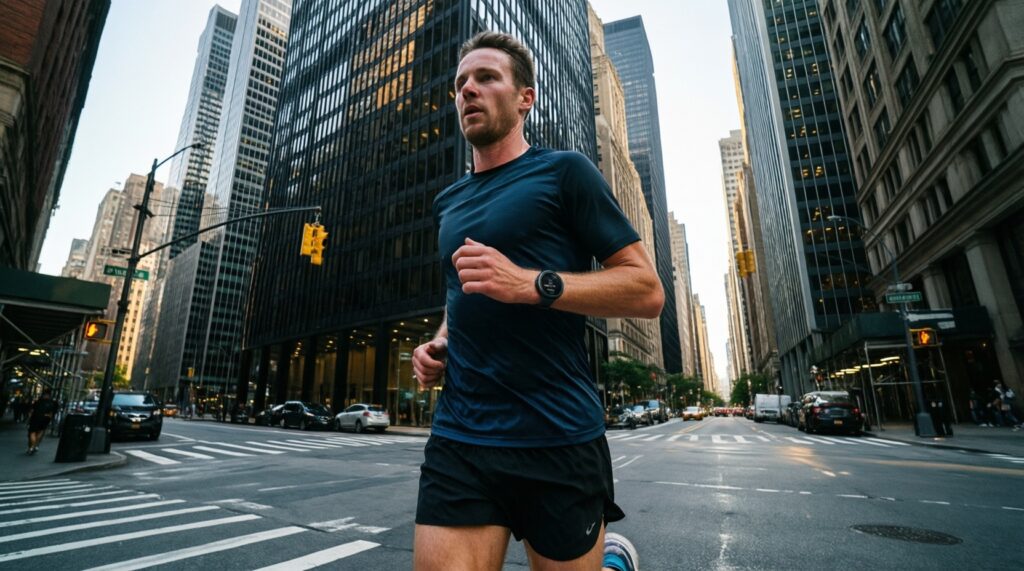
- In dense city blocks, multi-band GNSS and good antenna placement matter more than brand.
- In open parks, most modern watches look similar; differences show up in cornering and start/stop transitions.
- For "นาฬิกา GPS วิ่ง แม่นยำ ในเมือง", test with fixed laps and compare corner cut-ins and parallel-road snaps.
- For "สมาร์ตวอทช์ GPS ปั่นจักรยาน แม่นยำ", mounting and speed amplify errors; use a bar/handlebar mount when possible.
- Use consistent settings (GNSS mode, 1 Hz logging, auto-pause off) before you "เปรียบเทียบสมาร์ตวอทช์ GPS วิ่ง ปั่นจักรยาน".
- "สมาร์ตวอทช์ GPS วิ่ง รุ่นไหนดี" depends on your persona: road runner, park runner, urban cyclist, or commuter.
How GPS Performs in Urban Canyons versus Parks
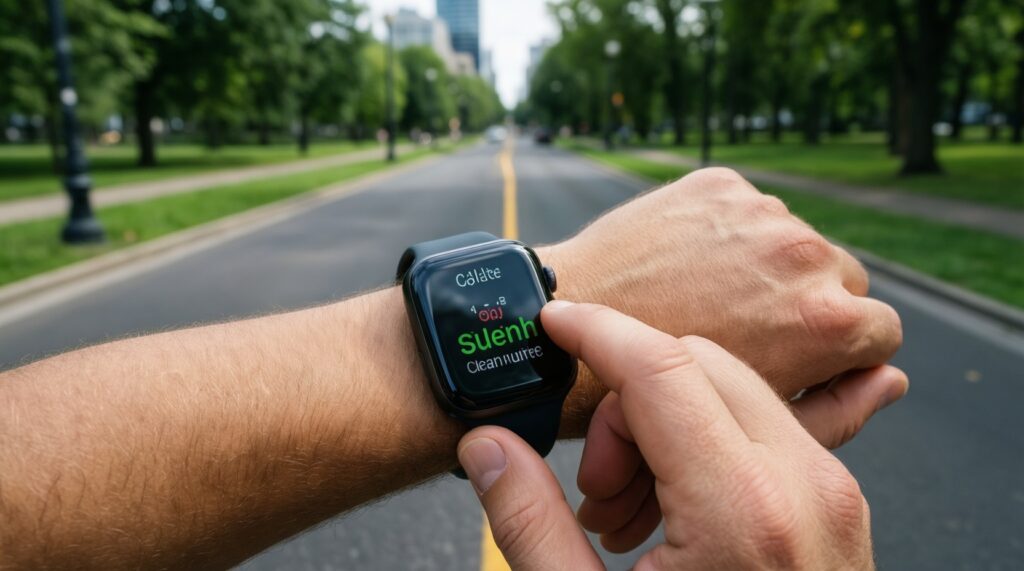
Use these criteria to judge whether a smartwatch will keep routes clean in the city and stable in parks:
- GNSS mode options: single-band vs multi-band (dual-frequency) and availability of multiple constellations.
- Time-to-first-fix behavior: consistency after leaving buildings, elevators, MRT/BTS stations, or parking structures.
- Multipath handling: tendency to "bounce" off buildings, producing zigzags and sudden lateral jumps.
- Cornering fidelity: how tightly it follows sharp turns on sidewalks, park loops, and U-turns.
- Parallel-road snapping: whether it locks to the wrong road/footpath when two routes run close together.
- Short dropout recovery: whether it reconnects smoothly after 2-10 s occlusions (underpasses, tree cover, flyovers).
- Sampling and recording stability: true 1 Hz point density vs aggressive smoothing that hides problems but distorts distance.
- Mounting sensitivity: wrist position, sleeve coverage, bike position, and vibration effects.
- Sensor fusion behavior: whether the watch blends accelerometer/gyro intelligently or "guesses" speed/distance poorly when GPS degrades.
Reproducible Test Protocols for Running and Cycling
Pick one protocol and run it unchanged across watches. This makes your comparison meaningful even without lab gear.
| Variant | Who it fits | Pros | Cons | When to choose |
|---|---|---|---|---|
| Urban Loop (1-2 km, 4-8 repeats) | Bangkok road runners; commuters testing sidewalks/sois | Highlights multipath, cornering, parallel-road snaps; easy to repeat | Traffic lights and crowding add pace variability | When you care about "นาฬิกา GPS วิ่ง แม่นยำ ในเมือง" more than park performance |
| Park Loop (fixed loop, 20-40 min steady) | Park runners (Lumphini/Benjakitti style loops) | Low multipath; shows smoothing, cadence-distance stability | May hide city-specific issues | When your training is mostly open-sky running and you want consistency |
| Corner Stress Test (short route with many 90° turns) | Runners weaving through blocks; cyclists in dense areas | Reveals corner cut-ins, overshoot, and "S" artifacts | Harder to keep speed steady | When your routes include frequent turns (markets, campuses, CBD) |
| Parallel Paths Test (two close tracks, out-and-back) | Commuters and cyclists near service roads/expressways | Finds mis-snapping to the wrong lane/road | Requires a location with genuinely parallel options | When your track often jumps between frontage road and main road |
| Bike Vibration Test (same road, wrist vs handlebar) | Urban cyclists; bike commuters | Isolates mounting effects; directly relevant to "สมาร์ตวอทช์ GPS ปั่นจักรยาน แม่นยำ" | Needs a stable mount; wind/traffic affects speed | When choosing how to "ซื้อสมาร์ตวอทช์ GPS สำหรับวิ่ง และปั่นจักรยาน" and how you'll mount it |
| Start/Stop Transition Test (repeated pauses) | Runners at crossings; commuters with frequent stops | Shows reacquisition quality and distance inflation/deflation | Auto-pause settings can skew results if inconsistent | When your workouts include many stops (crosswalks, station exits) |
Standardize these settings before every run/ride
- Set the same GNSS mode on each device (e.g., Multi-band if available; otherwise "All systems").
- Use the same recording behavior: prefer 1 Hz / "Every second" where offered.
- Turn off auto-pause for testing (or keep it identical on all devices).
- Start the activity outside with open sky; wait for stable GPS lock before moving.
- Export GPX/FIT and compare overlays on the same map layer.
Benchmarked Smartwatch Models: Real-world Profiles
Below are practical profiles of "popular" model families seen in Thailand. Treat them as decision guides, not lab rankings. If you're trying to "เปรียบเทียบสมาร์ตวอทช์ GPS วิ่ง ปั่นจักรยาน", match the profile to your route and mounting style.
If you run in Bangkok CBD streets most days, then prioritize multi-band sports watches
Look at dedicated running platforms that offer multi-band GNSS and configurable recording (common across higher-tier Garmin Forerunner/Fēnix/Epix lines, COROS Apex/Vertix class, Suunto Vertical/Race class). This is the most direct path to cleaner tracks in urban canyons.
If you mostly run in parks and want a simple choice, then focus on comfort and stable 1 Hz logging
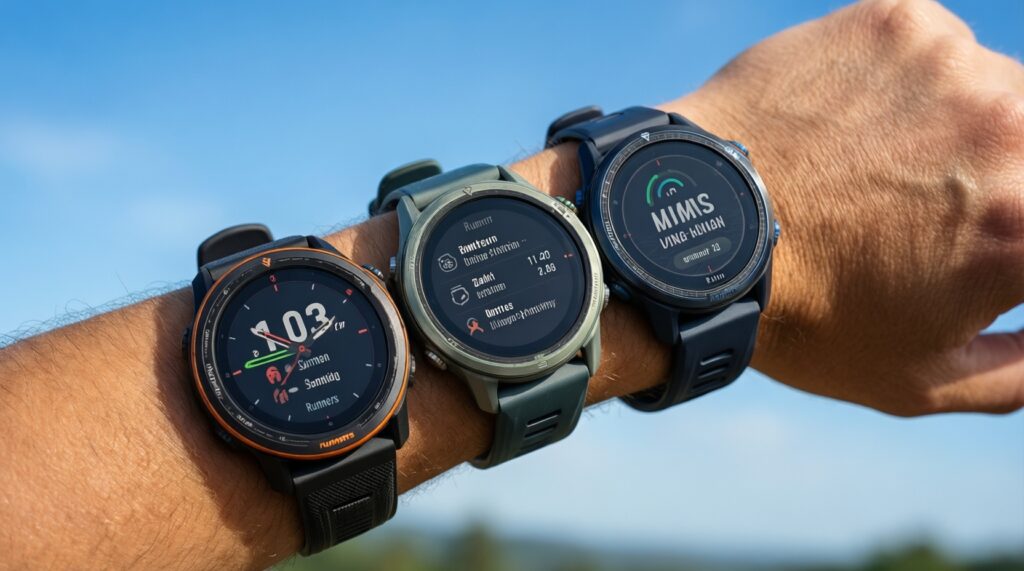
Mid-range running watches (e.g., Garmin Forerunner mid-series, COROS Pace class, Polar Pacer/Vantage class) typically do well in open sky; your deciding factors become fit, UI, and whether the device preserves detail on corners without over-smoothing.
If you cycle in the city and care about lane-level stability, then plan your mounting strategy first
An Apple Watch or Galaxy Watch can be fine for casual rides, but wrist mounting plus vibration and body shielding can worsen line wiggle. If you want more consistent cycling traces, choose a watch that supports handlebar mounting accessories or pair with a bike computer/sensor ecosystem.
If you commute by bike and need reliable stop-and-go tracking, then prioritize reacquisition and workflow
Pick the device you'll actually start quickly every day: fast activity access, predictable GPS lock, and export that fits your apps. For many, that means choosing between a sports-first watch (less friction in workout modes) vs a smartwatch-first device (better notifications, but sometimes less control over GPS settings).
If you do both running and cycling and want one device, then choose based on controls and data portability
The "best" one-watch solution is usually the platform that lets you keep identical GNSS and recording settings across run/ride profiles, and makes GPX/FIT exports easy for your own comparisons-this is the hidden win when deciding "ซื้อสมาร์ตวอทช์ GPS สำหรับวิ่ง และปั่นจักรยาน".
Quantifying Route Deviations: Accuracy, Drift and Outliers
- Overlay tracks from at least two repeats of the same route; look for consistent offsets vs random jumps.
- Count outliers: mark any obvious lateral jump or wrong-road snap; fewer events usually beats slightly smoother lines.
- Check corner behavior: corners should be tight and repeatable, not rounded differently each lap.
- Inspect stop points (traffic lights): the track should "cluster" rather than scribble around the stop area.
- Compare out-and-back symmetry: the return path should mirror the outbound path on the same side of the road.
- Separate GPS error from pace noise: if your pace varies wildly, repeat at steadier effort before judging the device.
- Decide by your failure mode: choose the watch that avoids your worst problem (snaps, drifts, or dropouts), not the one that looks prettiest once.
Power, Sampling Rate and Their Effects on Tracking
- Choosing battery modes that reduce GPS quality: "Ultra/Endurance" profiles often lower sampling or increase smoothing, masking detail and shifting distance.
- Mixing GNSS modes between tests: comparing single-band on one watch to multi-band on another invalidates your conclusion.
- Relying on auto-pause during benchmarking: it can create gaps and odd spikes that look like GPS errors.
- Starting inside buildings: beginning an activity in a condo lobby or under a roof increases early-track drift.
- Wearing position inconsistently: switching wrists, covering the watch with a jacket, or tucking hands in pockets changes signal quality.
- Assuming more smoothing equals more accuracy: a smooth line can still be offset; prioritize repeatability and correct road/path selection.
- Ignoring cycling vibration: on rough roads, wrist-based GNSS can look worse than the same device mounted more stably.
- Over-trusting map-matching in apps: some platforms "snap" to roads after upload; judge raw tracks (GPX/FIT) when possible.
Mitigations and Practical Settings for Cleaner Routes
For Bangkok street running and dense cycling routes, the best fit is usually a multi-band-capable sports watch with true 1 Hz recording and consistent lock behavior; for park-first runners, a comfortable mid-range running watch with stable "every-second" logging is often enough; for urban cyclists/commuters, the best results often come from combining sensible GNSS settings with better mounting (more stable position, less body shielding) rather than chasing specs alone.
Typical Concerns from Runners, Cyclists and Commuters
Why does my route zigzag between buildings but looks fine in a park?
Buildings cause multipath reflections and short signal occlusions, so the watch "guesses" position and can jump sideways. Open parks reduce reflections, so most devices track more cleanly.
Is multi-band GNSS always the best setting?
It's often the safest choice in dense city areas, but it can consume more power. If your routes are mostly open sky, "All systems" may be sufficient.
Should I use "Smart recording" or "Every second" for testing?
Use "Every second" (1 Hz) when you want to compare devices; it makes cornering and dropouts visible. Smart recording can hide artifacts and change distance subtly.
Why does cycling GPS look worse than running on the same watch?
Higher speed amplifies small position errors, and vibration plus wrist angle can worsen reception. A more stable mount and consistent GNSS mode usually helps.
Can my phone in my pocket be more accurate than my watch?
Sometimes, depending on chipset and placement, but phones also suffer in urban canyons and may be power-managed aggressively. The best approach is to test both on the same loop with identical conditions.
How many runs/rides do I need before deciding which watch is best?
At least two repeats of the same route per device is a practical minimum. If results conflict, add a third run and prioritize the device with fewer obvious outliers.
What's the fastest way to answer "สมาร์ตวอทช์ GPS วิ่ง รุ่นไหนดี" for my routine?
Pick one urban loop and one park loop, lock the same GNSS and 1 Hz settings, then choose the watch that stays on the correct side of the road and repeats the same line across laps.